

One of our OSDonate Pro customers asked how they could display the “Amount” label and the donation field on the same line. They preferred a cleaner, more compact layout and felt that the stacked version took up too much space on their page.
This is actually a very common request from users who want their donation forms to feel more modern and easier to scan. The good news is that Joomla’s template override system makes this change quick and safe to implement. In this post, I’ll show you exactly how we helped them achieve the new layout step by step.
OSDonate comes with a simple layout: the “Amount” field sits right under the label.
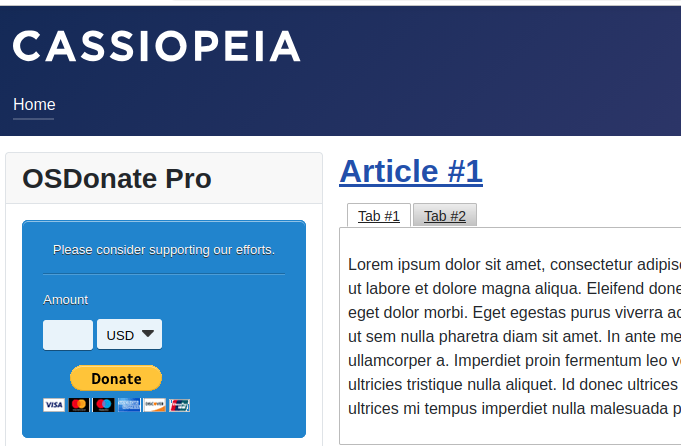
But what if you want both on one line?
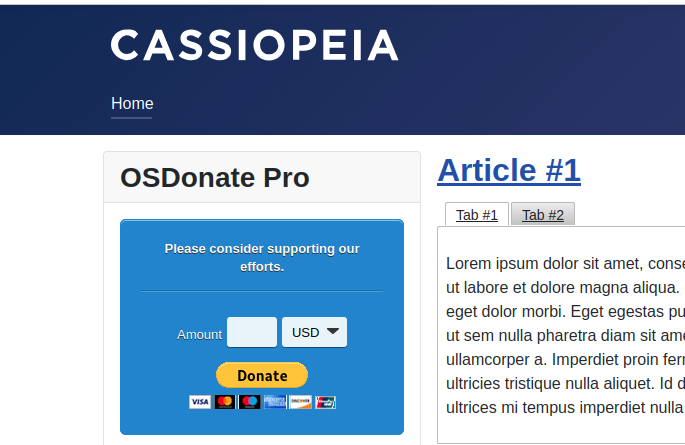
You can do this with a Joomla template override. It only takes a few minutes. Let’s make that happen.
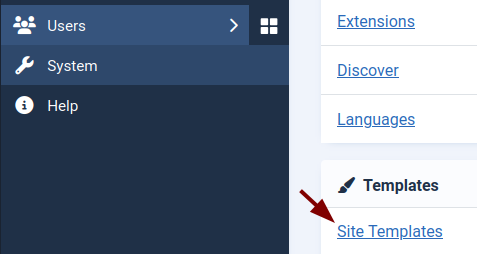
The first thing you need to do is open your Joomla admin panel and go to the System section. Inside that menu, you’ll find Site Templates. This is where Joomla stores all template files and override options, so it’s the perfect starting point.
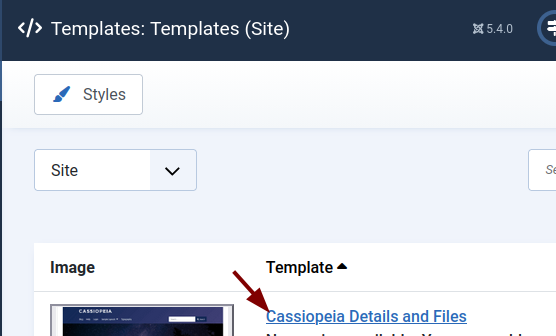
Once you're inside the site templates screen, you’ll see a list of the templates installed on your site. Look for the template your website is currently using. When you find it, click its Details and Files link. This takes you to an area where you can edit template files and also create overrides safely.
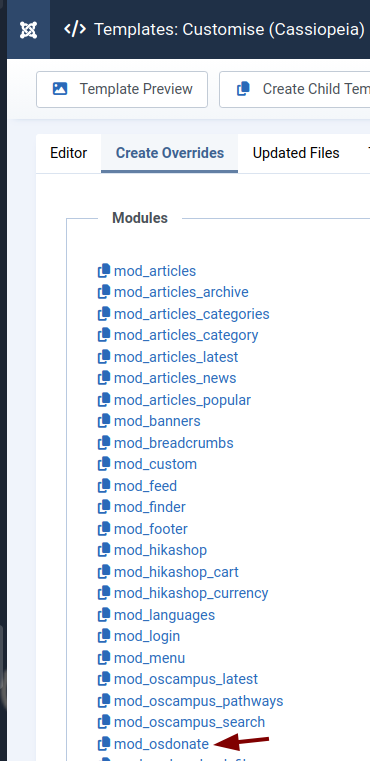
Next, find the Create Overrides tab. This section allows Joomla to automatically copy layout files into your template so you can customize them without touching the original files. Look for mod_osdonate in the list.
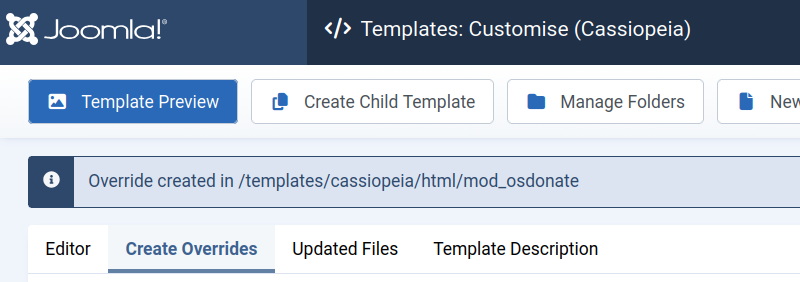
Once you click it, Joomla will generate the override and confirm that it was created successfully.
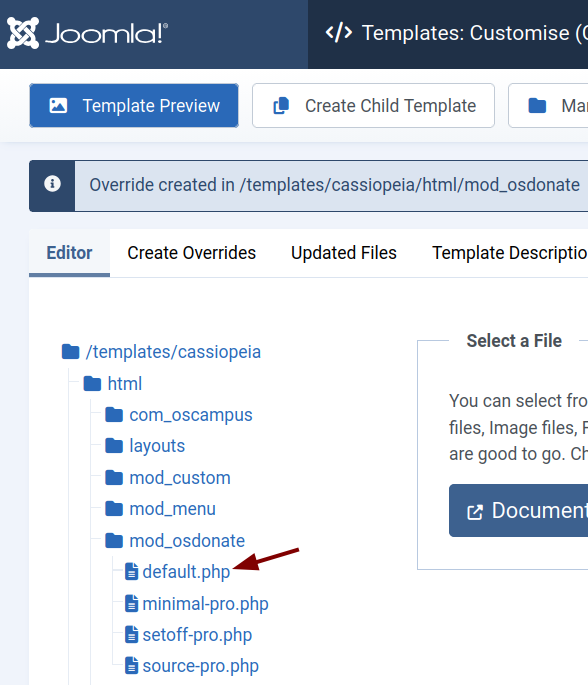
After the override is ready, switch to the Editor tab. Here, you’ll find a folder named html, and inside it, a folder called mod_osdonate. Open that folder and select the default.php file. This file contains the markup that controls how the OSDonate module is displayed.
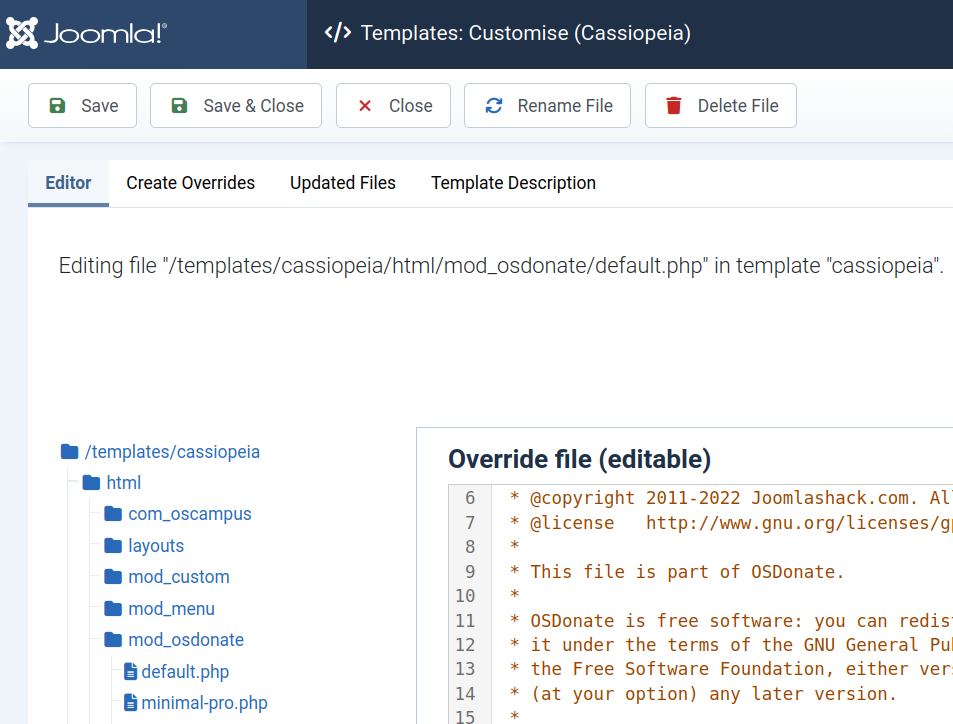
At this point, you’ll want to clear out all the existing code in the file. Don’t worry — this doesn’t break anything. You’re working inside an override, so only your template sees these changes. The original module code remains untouched.
Click here to open the default-osdonate.php file. It contains the updated layout we want to use. Copy the code.
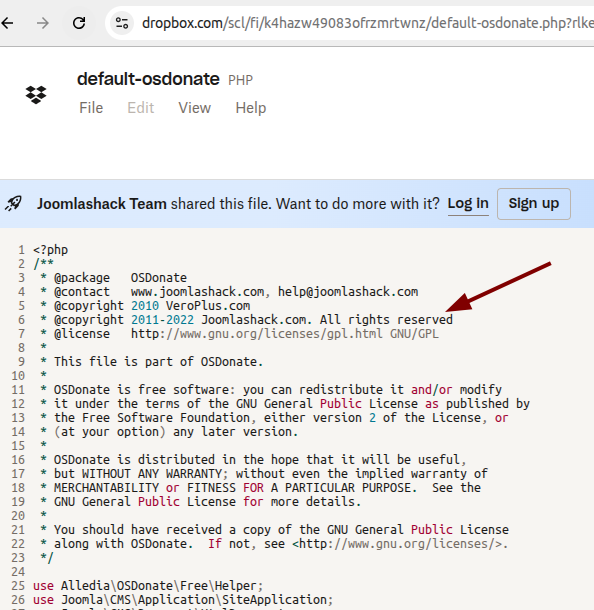
Then go back to Joomla and paste the code into the default.php file you emptied earlier.
Once you’ve pasted the new code, click Save & Close to save your changes. That’s all you need to do on the backend. The last step is to visit the front end of your site and refresh the page where your OSDonate module appears. You should now see the new inline layout in place.
What's Next?
Save $1,000's when you sign up for Joomlashack's Everything Club.
You will get your hands on our extensive range of over 20 extensions, plus legendary support!