
This tutorial will show you how to make custom image based modules in Fireworks using masking techniques aimed at the Luhs template design. Navigate to your downloaded package to the Graphic Source Files folder and open custom_module_graphic.png in Fireworks.
If you would like to see a video of this tutorial as well you can download the QuickTime movie here.

Small 640x480 (1.5 mb)
Large H.264 1080 (13.5 mb)
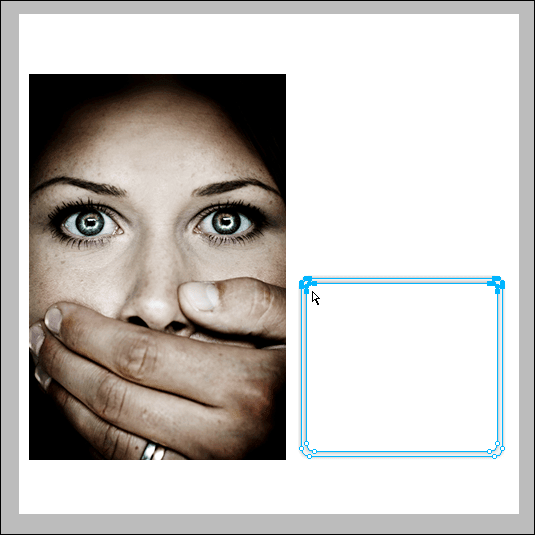
You will see a screen similar to this one.
(click for larger)

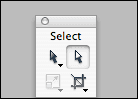
Choose the SubSelect tool.
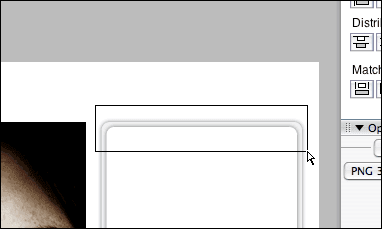
Draw a box over the shape just large enough to select the corner nodes as shown below.
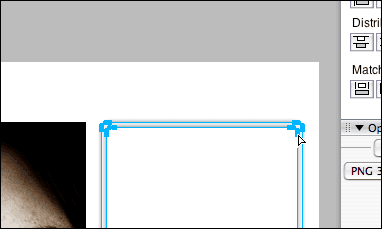
The corner nodes are sub-selected.
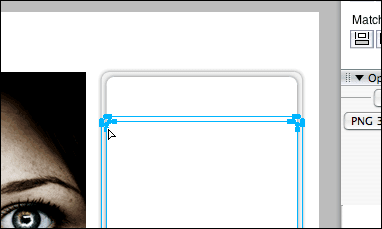
Hold down Shift to keep the mouse straight or use the arrow keys to resize the shape vertically.
The shape is resized.
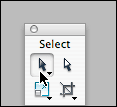
Choose the select tool.
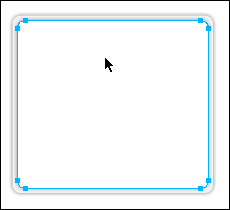
and select the top shape.
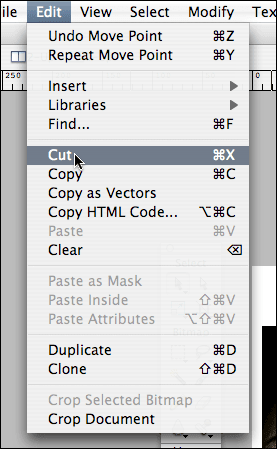
Choose Edit > Cut.
The shape is loaded onto the clipboard.
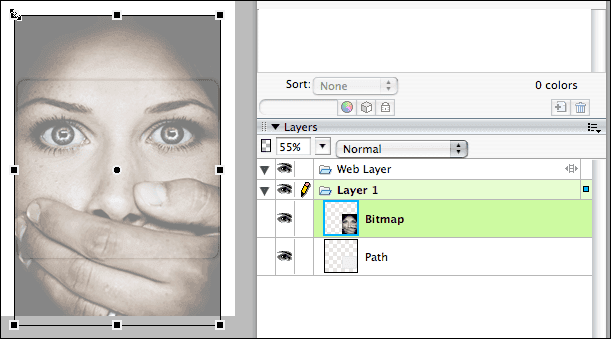
Select the image and resize it. (Cmd+T)
You can temporarily lower the opacity in the layers palette to see the underlying shape.
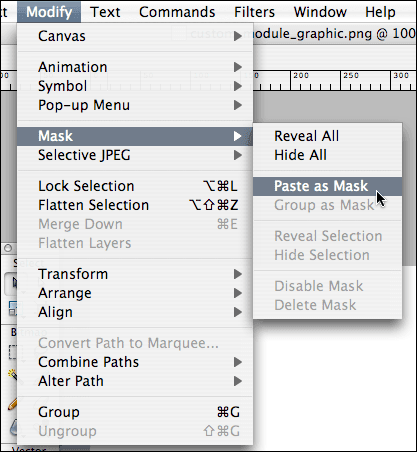
Once resized, choose Modify > Mask > Paste as Mask.
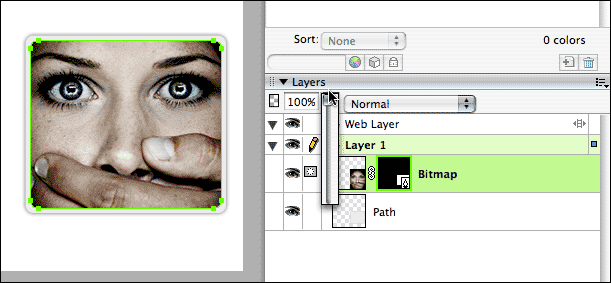
You can return the opacity back up.
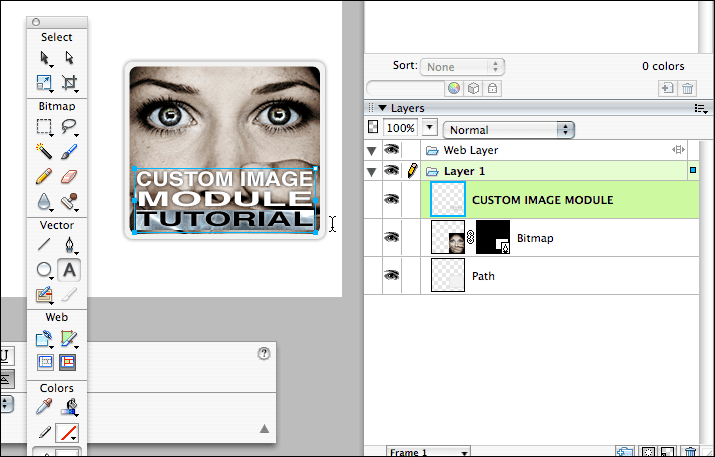
Use the text tool to add some graphic text to the image.
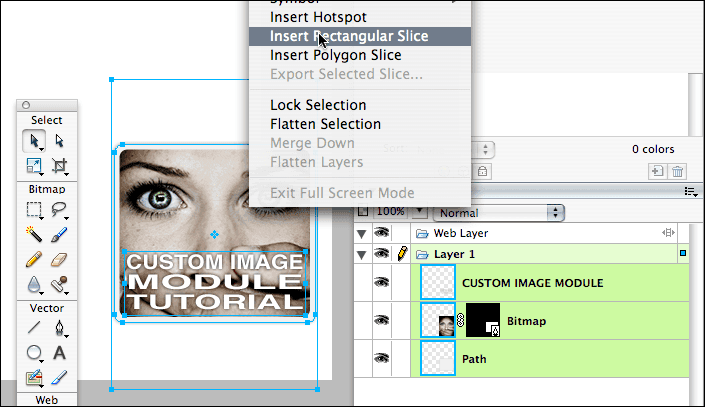
Select all by choosing (Cmd+A) , then right click the graphic and choose "Insert Rectangular Slice"
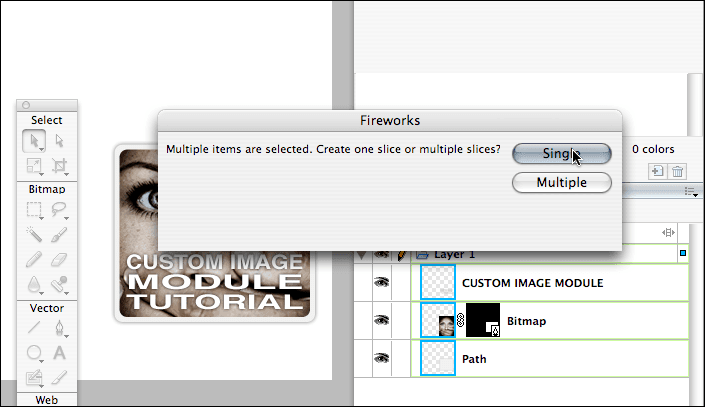
Whwn the popup appears asking you to choose Single or Multiple slices, choose "Single".
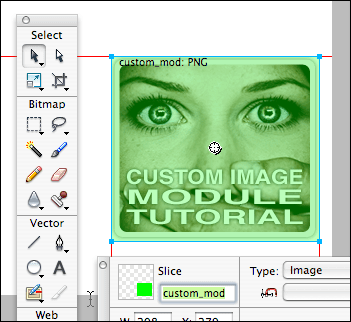
Name the slice in the properties palette to "custom_mod"
*If not shown choose Window > Properties to show the palette.
The last step is to export the image to a place on your local computer by choosing File > Export.
Choose "Images Only" and make sure the name of the file is "custom_mod.png"
To convert to a module just log in to your Joomla admin console and choose New.
Paste the code below into the editor ( in html edit mode) with these settings and save.
Show Title = No
Published = Yes
<div align="center"><img style="margin: 0px;" width="194" height="173" src="https://yourdomain.com/path/to/images/stories/custom_mod.png" alt="Alt Description" title="My Description" /></div>
Important. Modules in the Lush Template right hand position must be no larger than 194px wide!