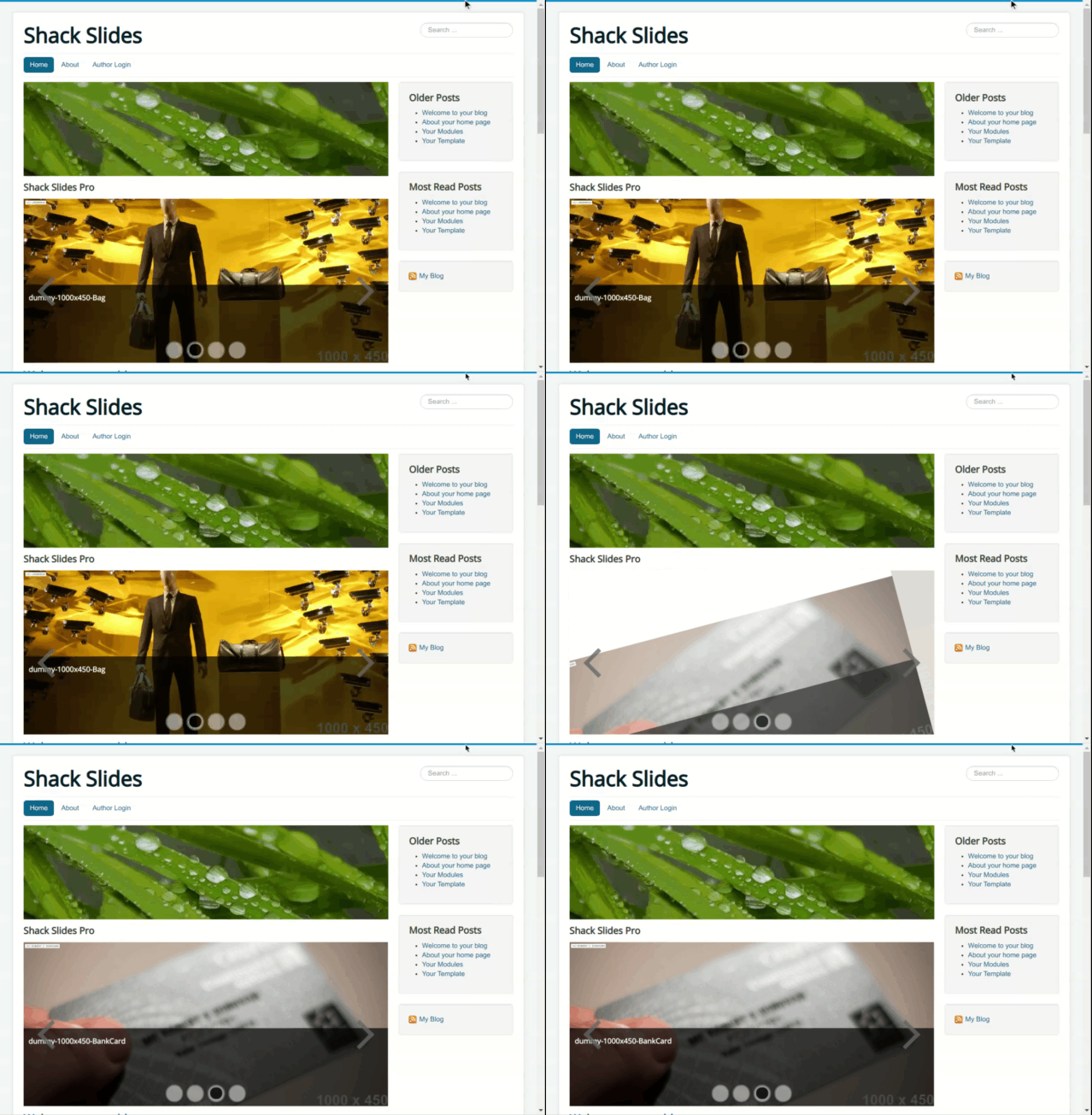
You have twenty-four effects available for your Joomla slideshow in Shack Slides. In this document, we'll show you an example of each effect.
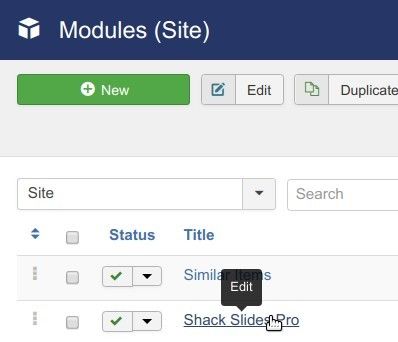
- Go to Extensions > Modules.
- Find your Shack Slides module. Click on the title to open it up.
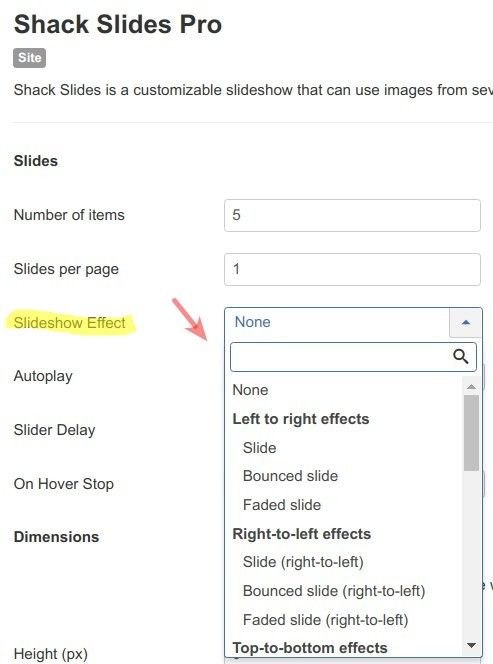
- You will see the "Modules: Shack Slides Pro" screen. Under the "Module" tab, find the "Slideshow effect" option. Here you can choose your preferred slideshow effect. If you don't want any dynamic effects for your slideshow, select "None".
Left-to-right effects
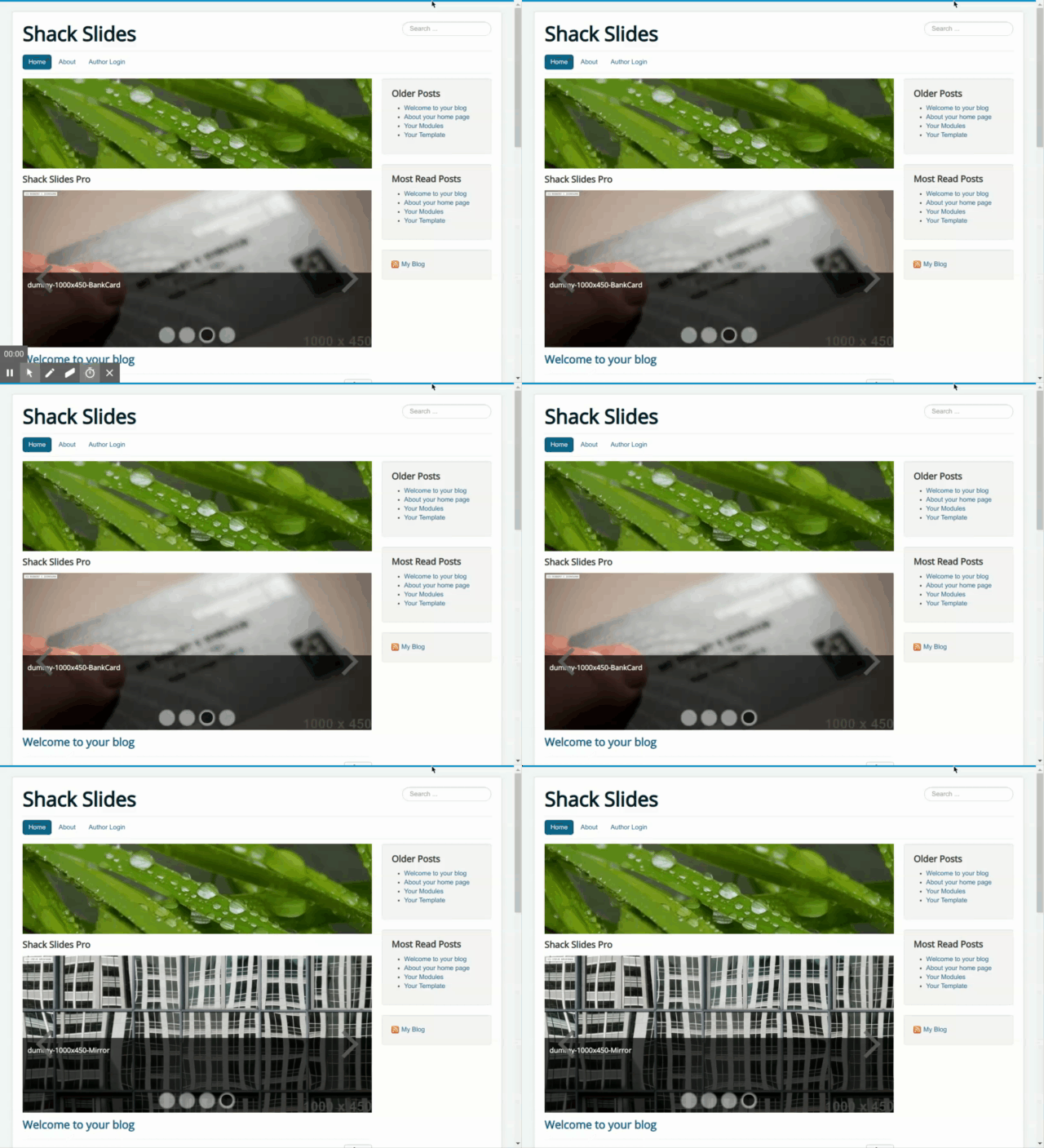
Slide
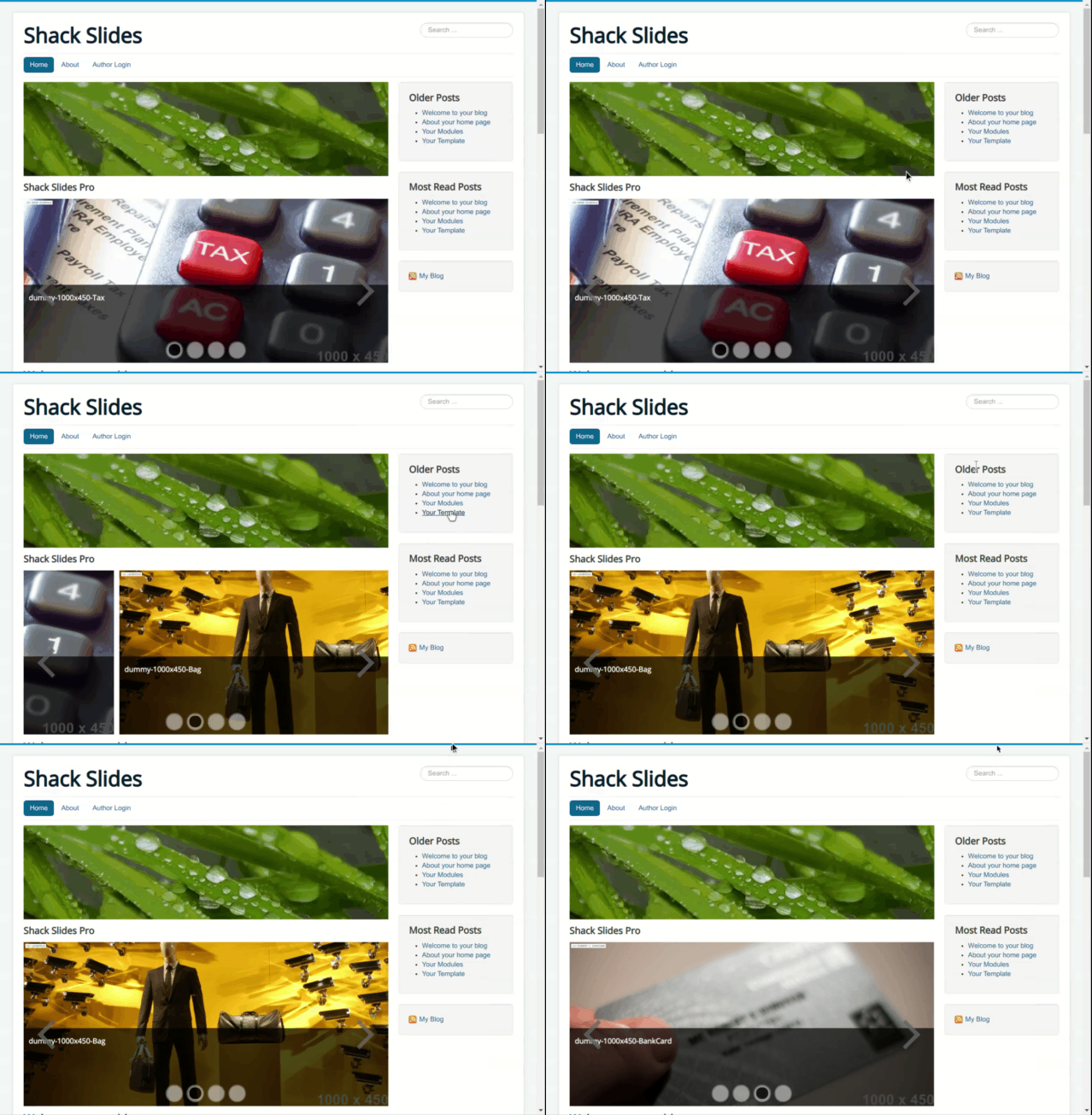
Bounced slide

Faded slide
Right-to-left effects
Slide (right-to-left)
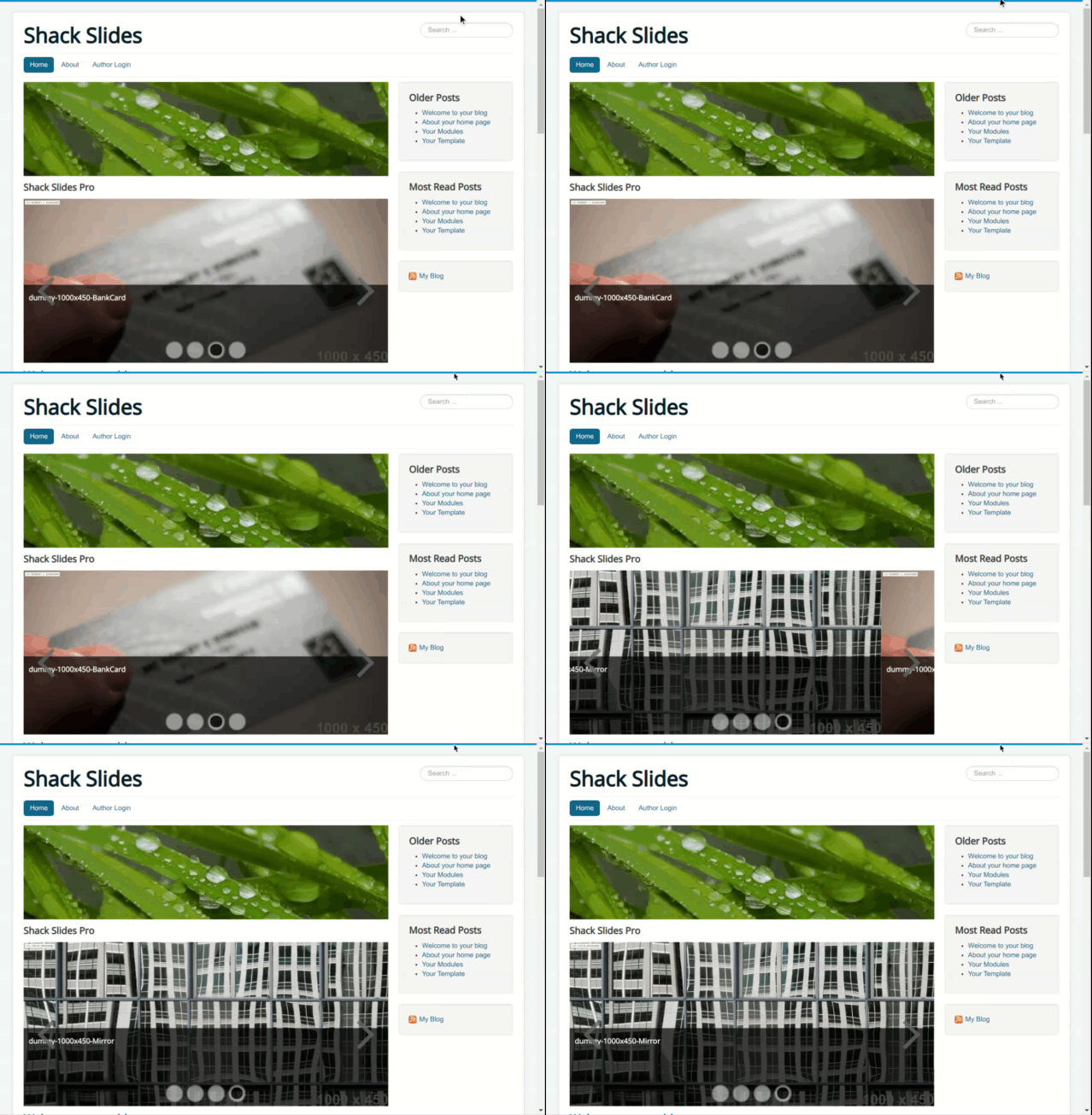
Bounced slide (right-to-left)
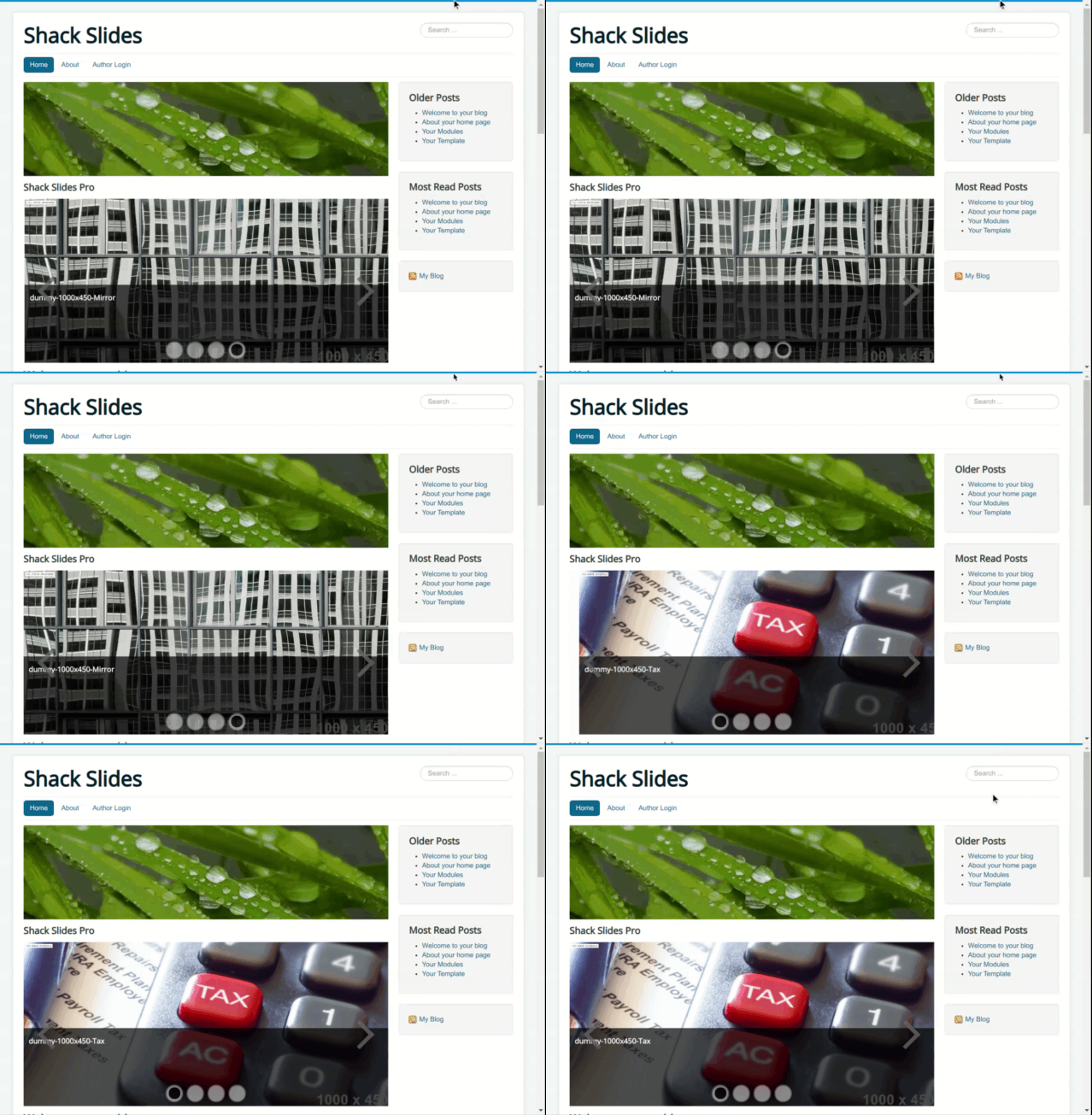
Faded slide (right-to-left)
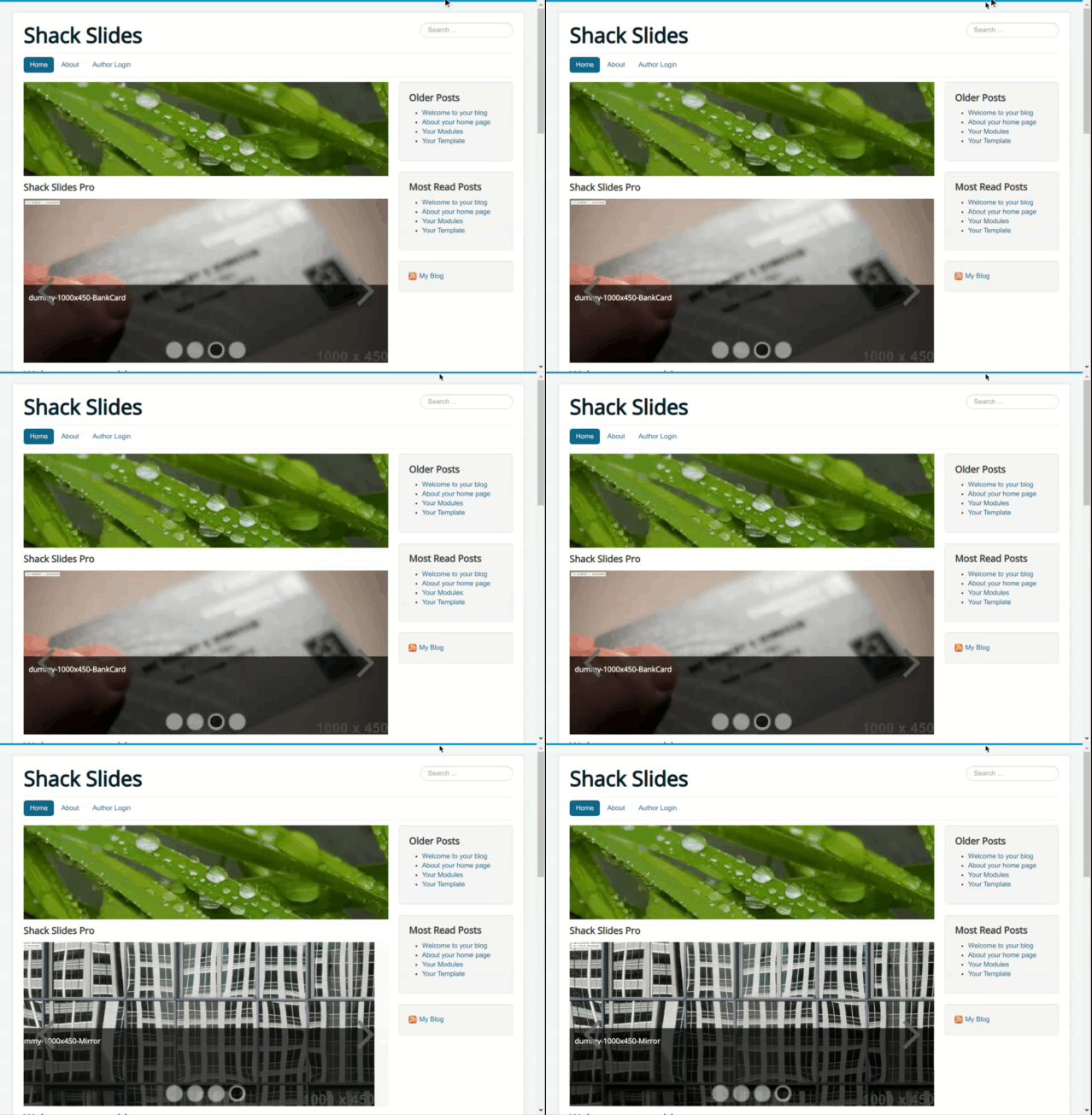
Top-to-bottom effects
Slide (top-to-bottom)
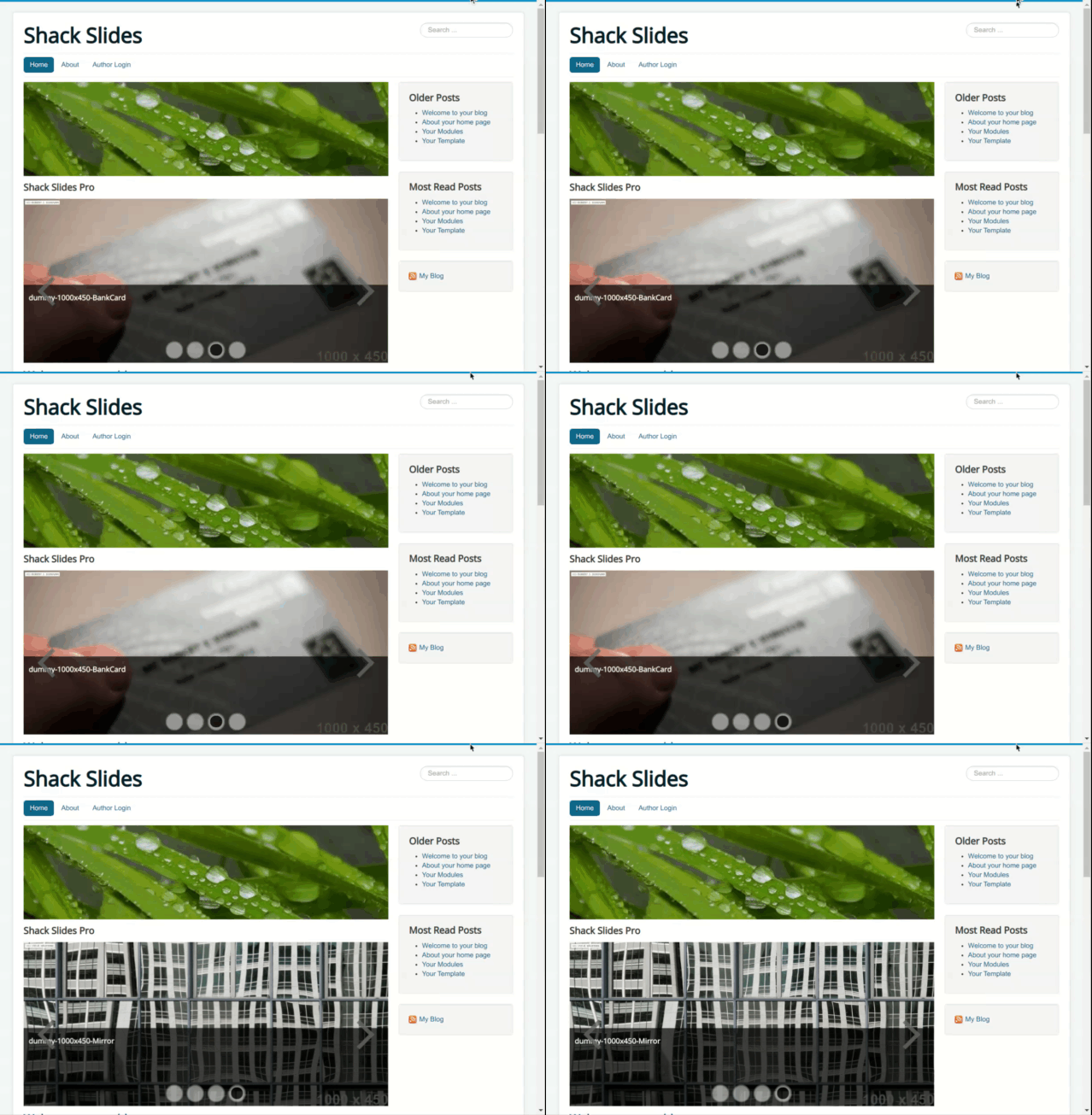
Bounced slide (top-to-bottom)
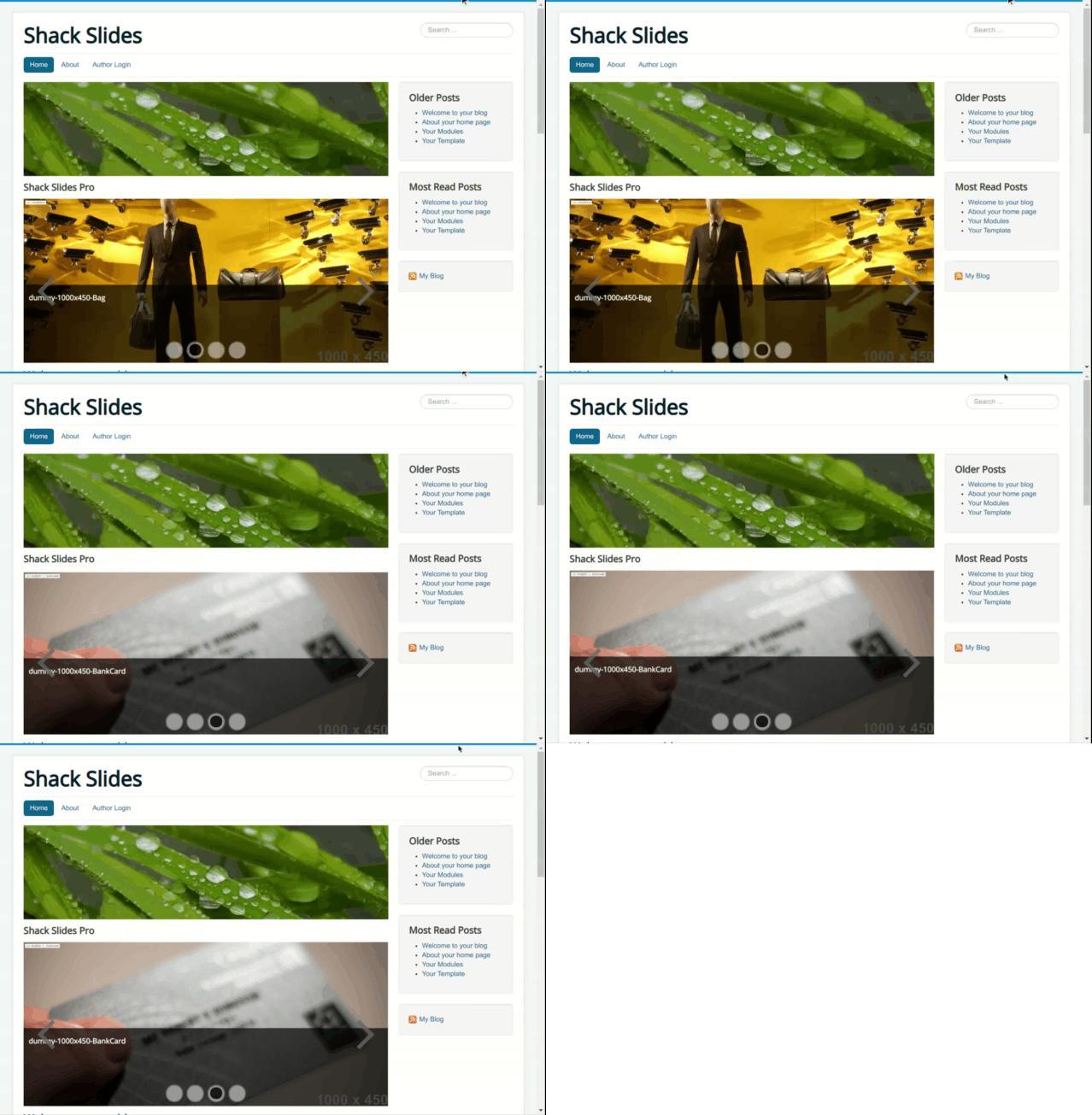
Faded slide (top-to-bottom)
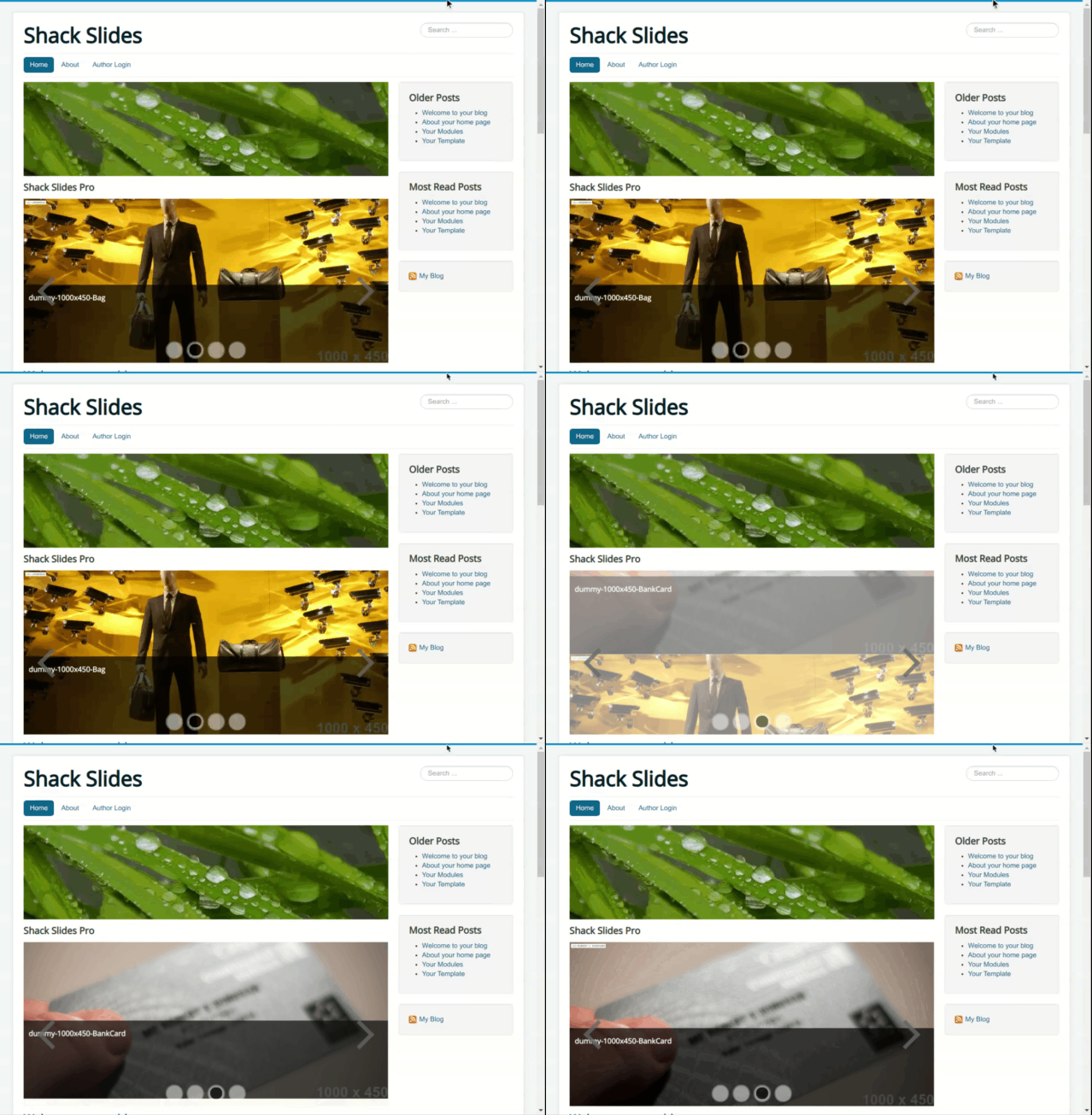
Bottom-to-top effects
Slide (bottom-to-top)
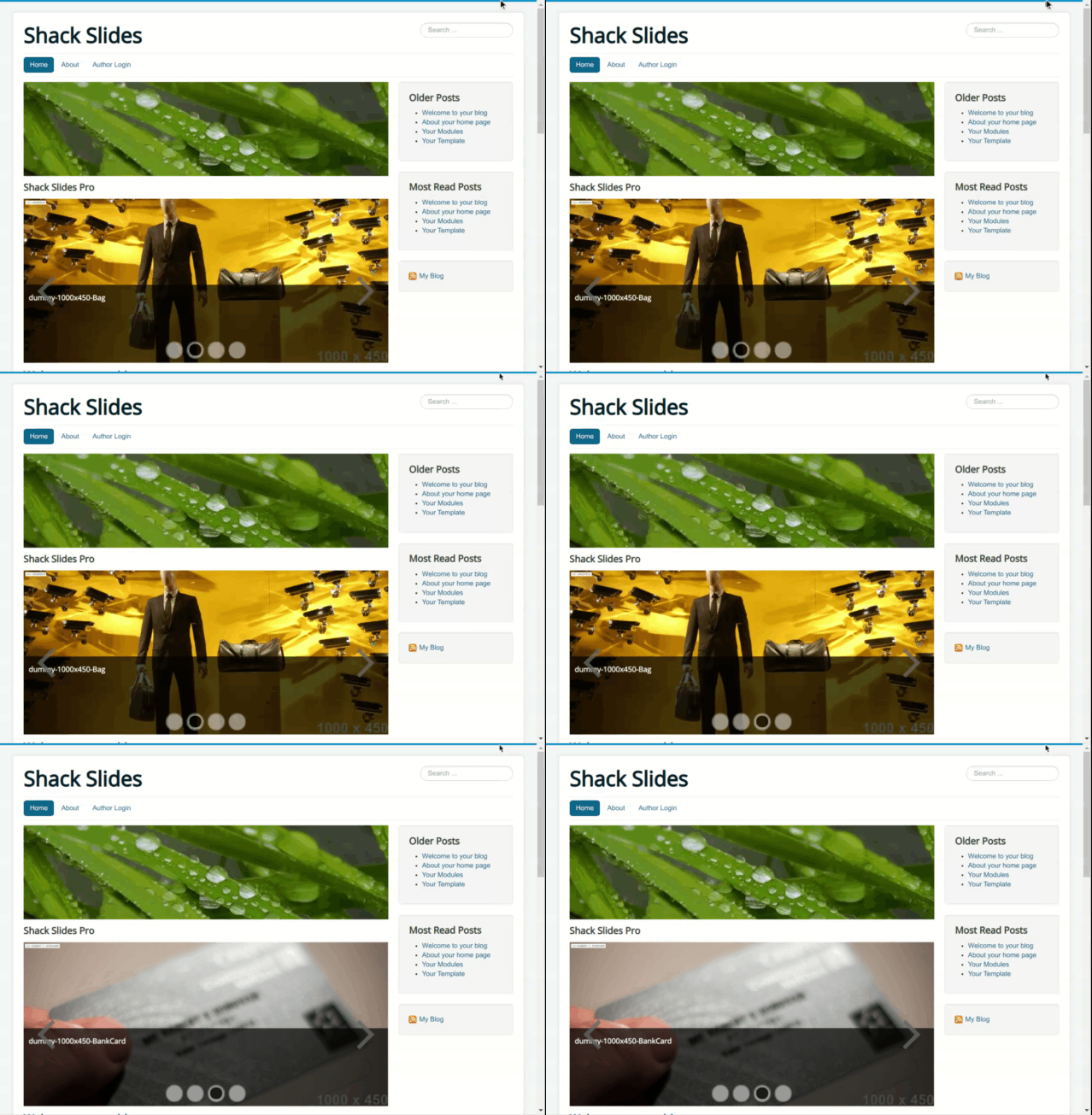
Bounced slide (bottom-to-top)
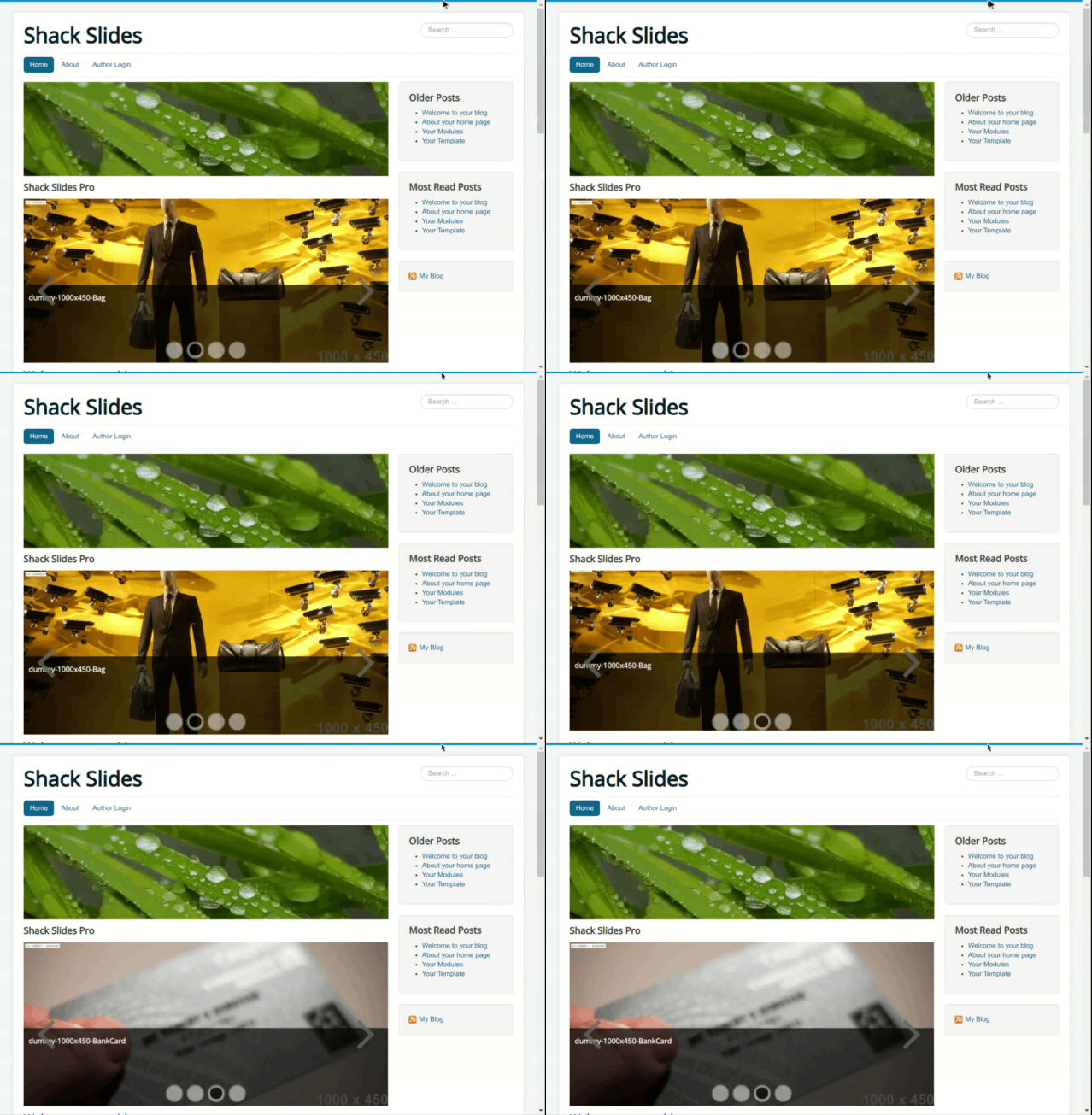
Faded slide (bottom-to-top)
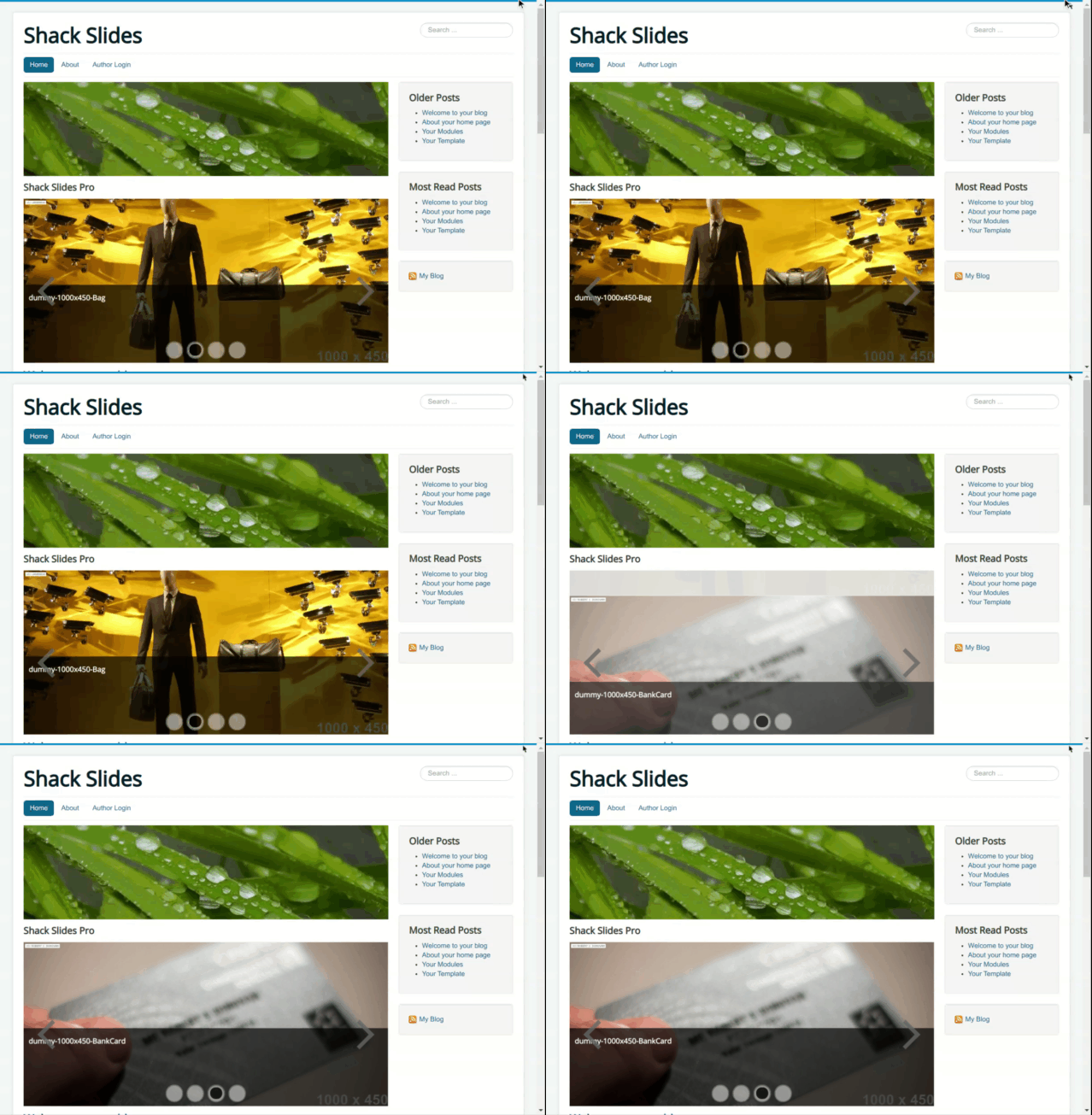
In-place effects
Fade
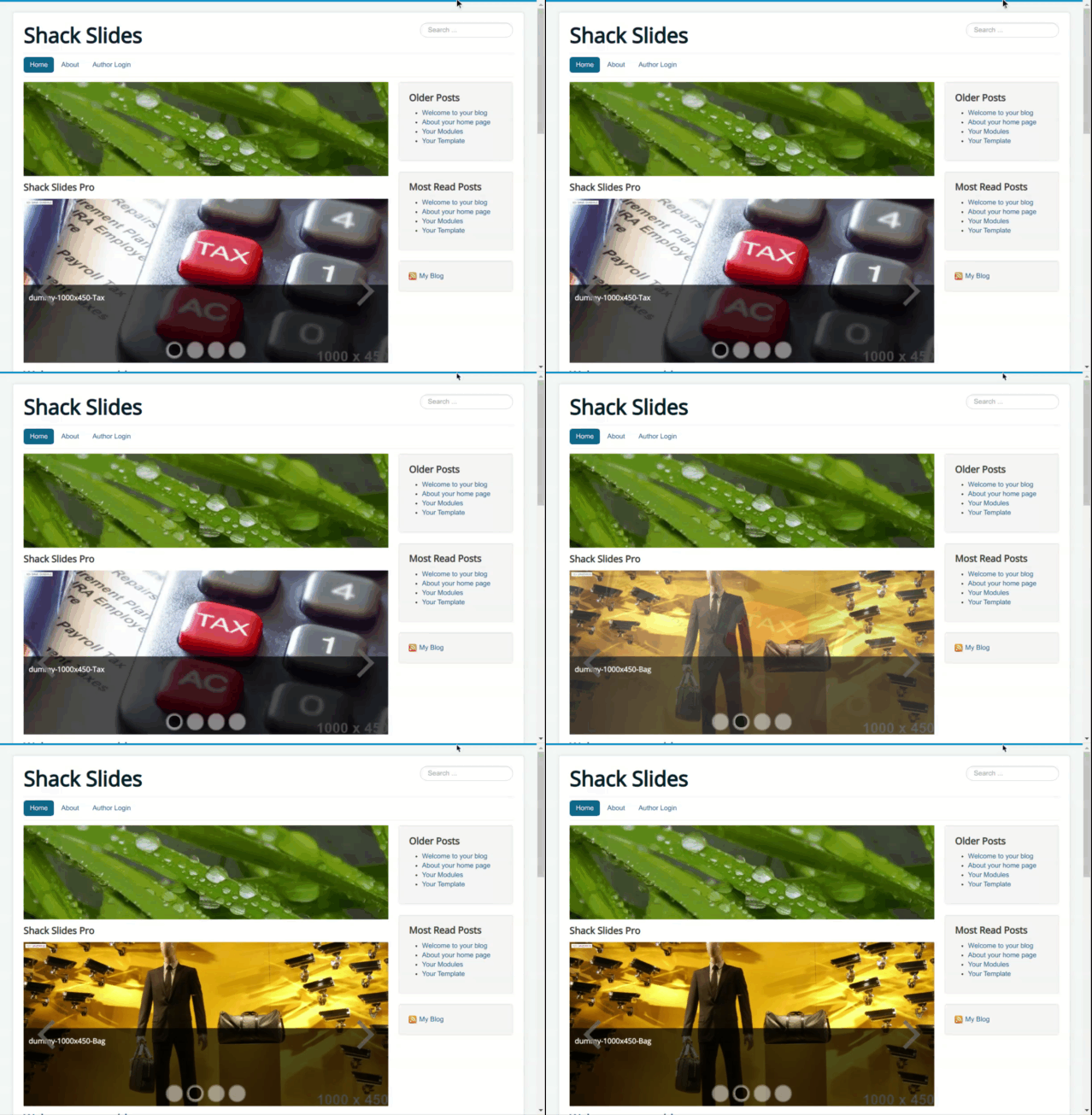
Bounce
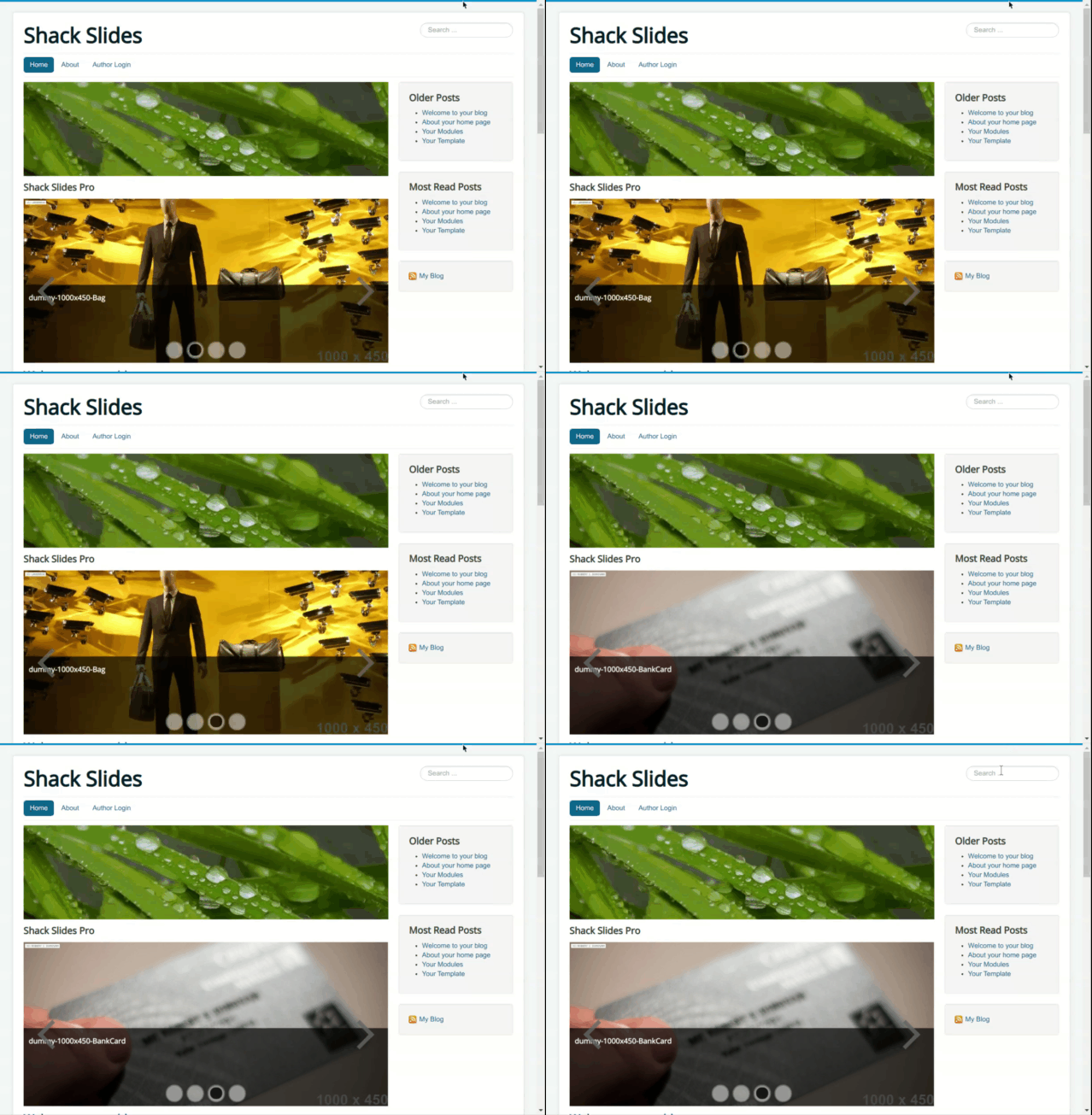
Roll
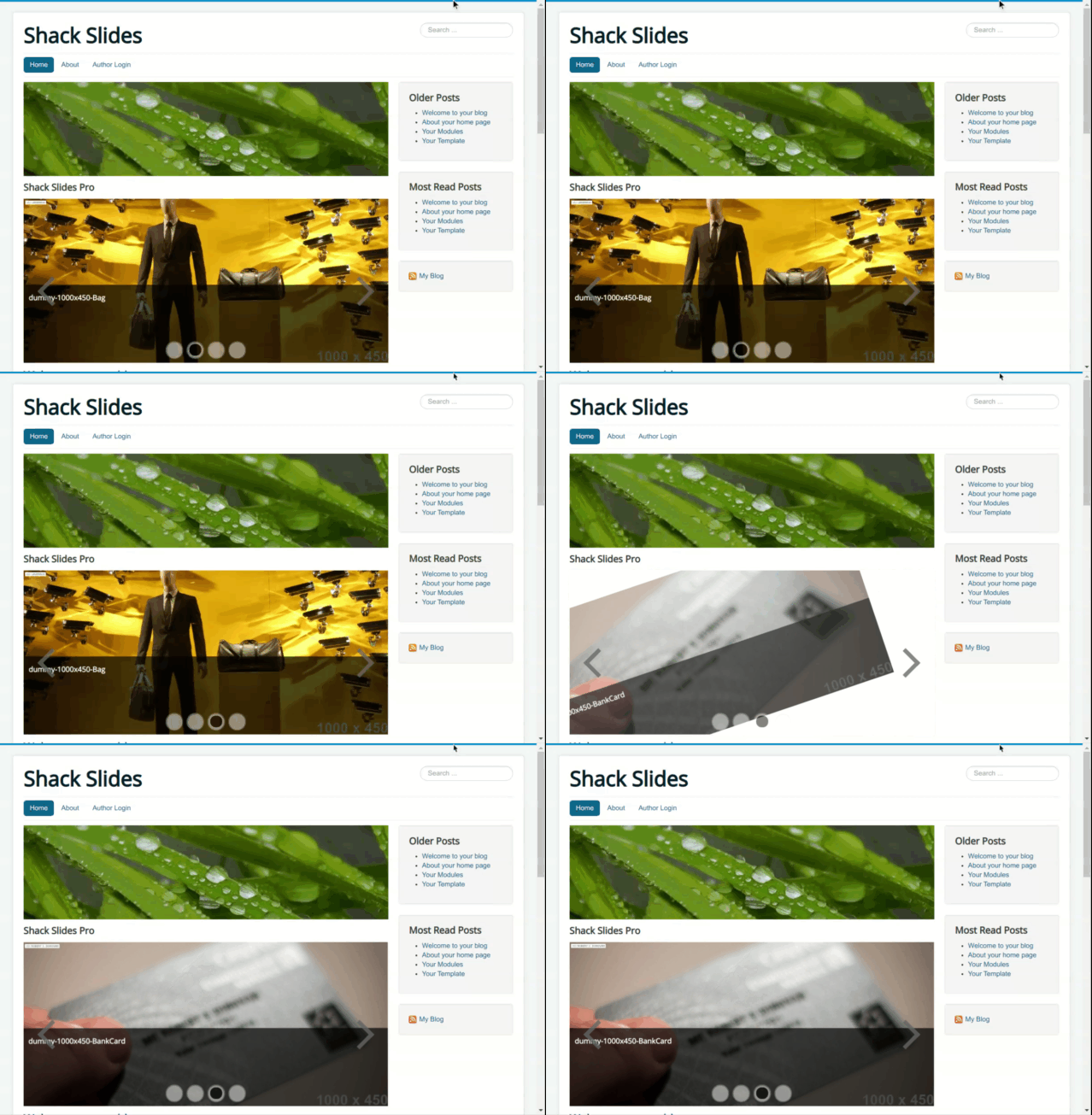
Zoom
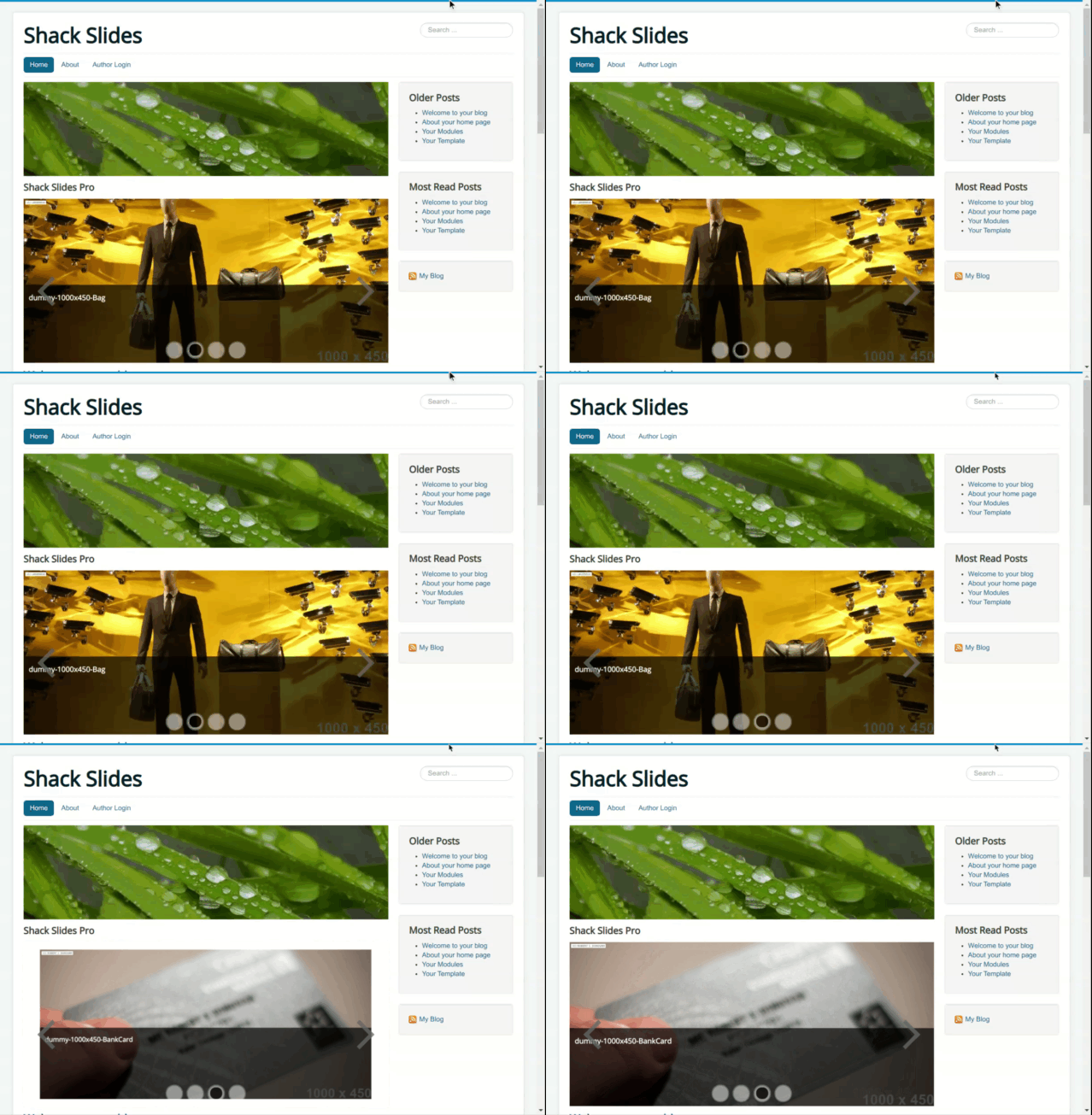
Switch
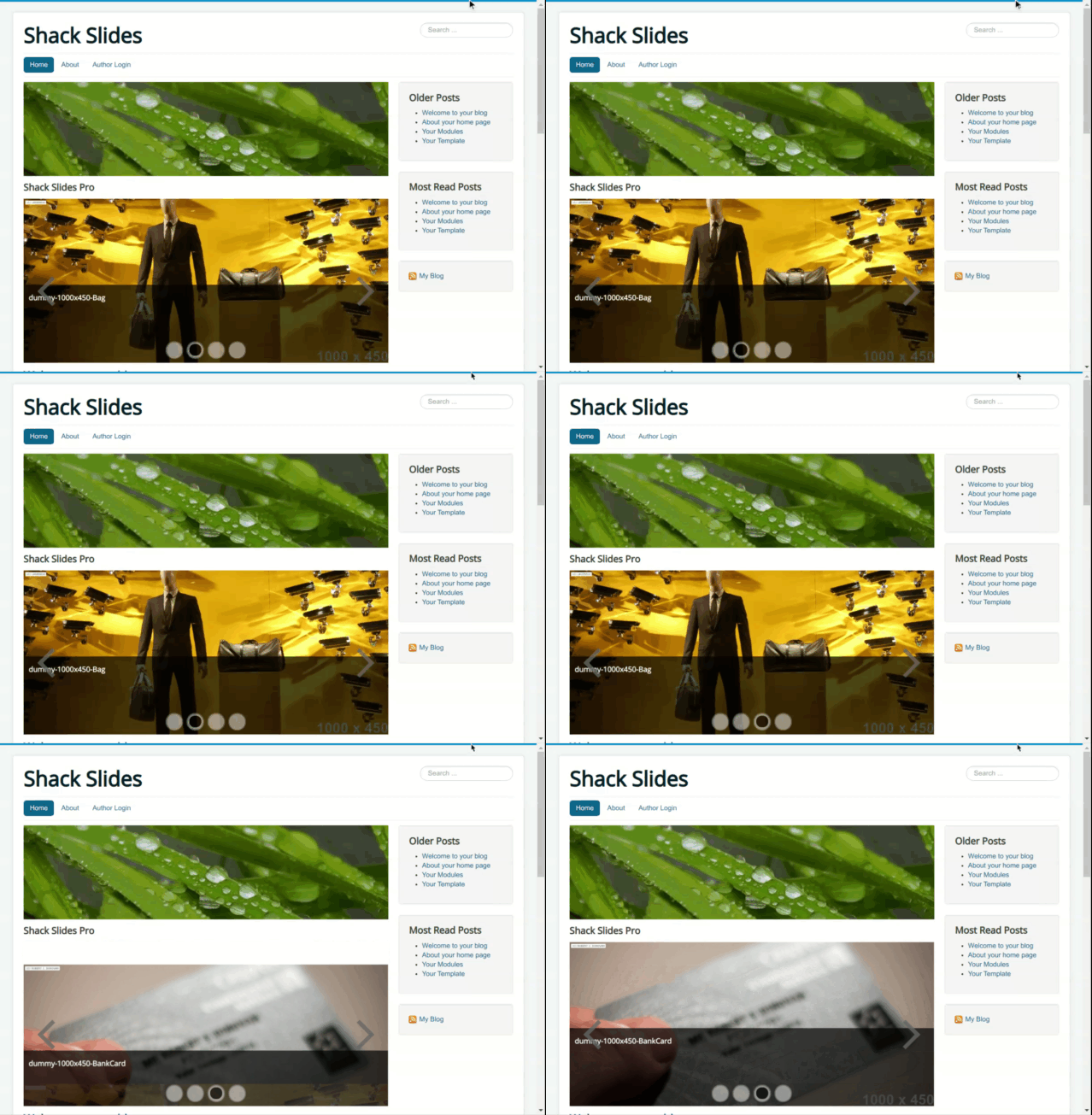
Horizontal flip
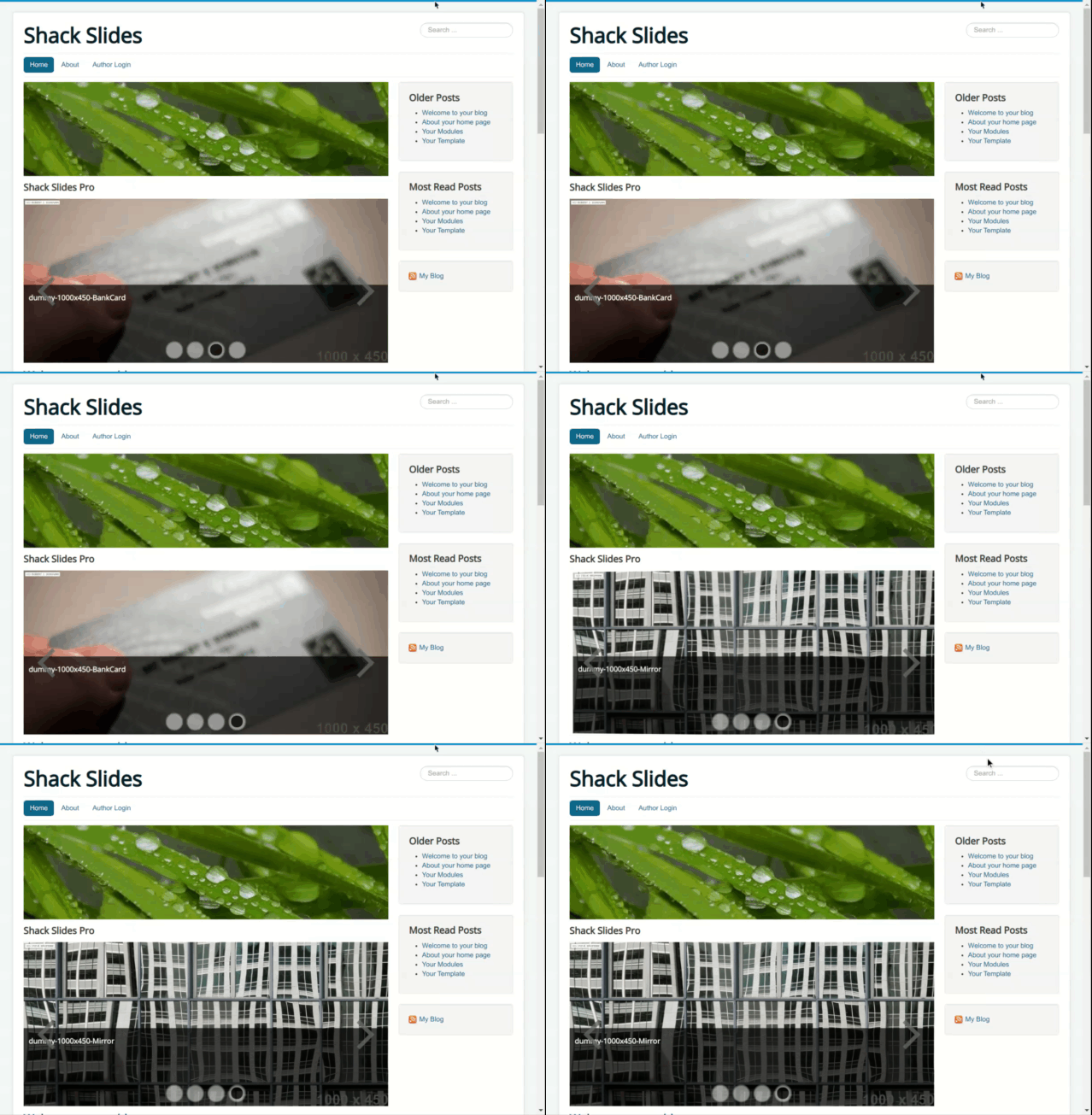
Vertical flip
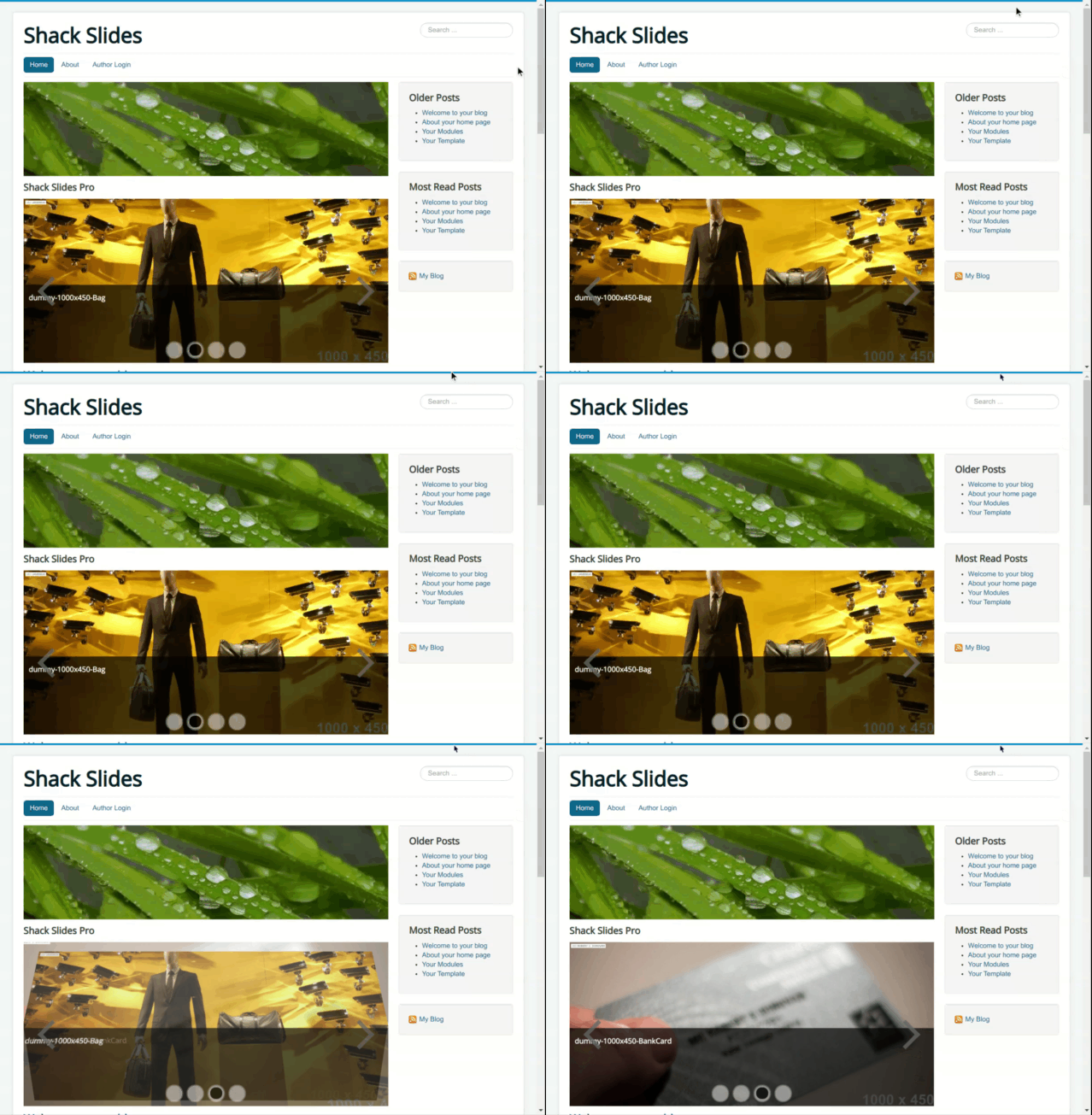
Rotate effects
Full rotation
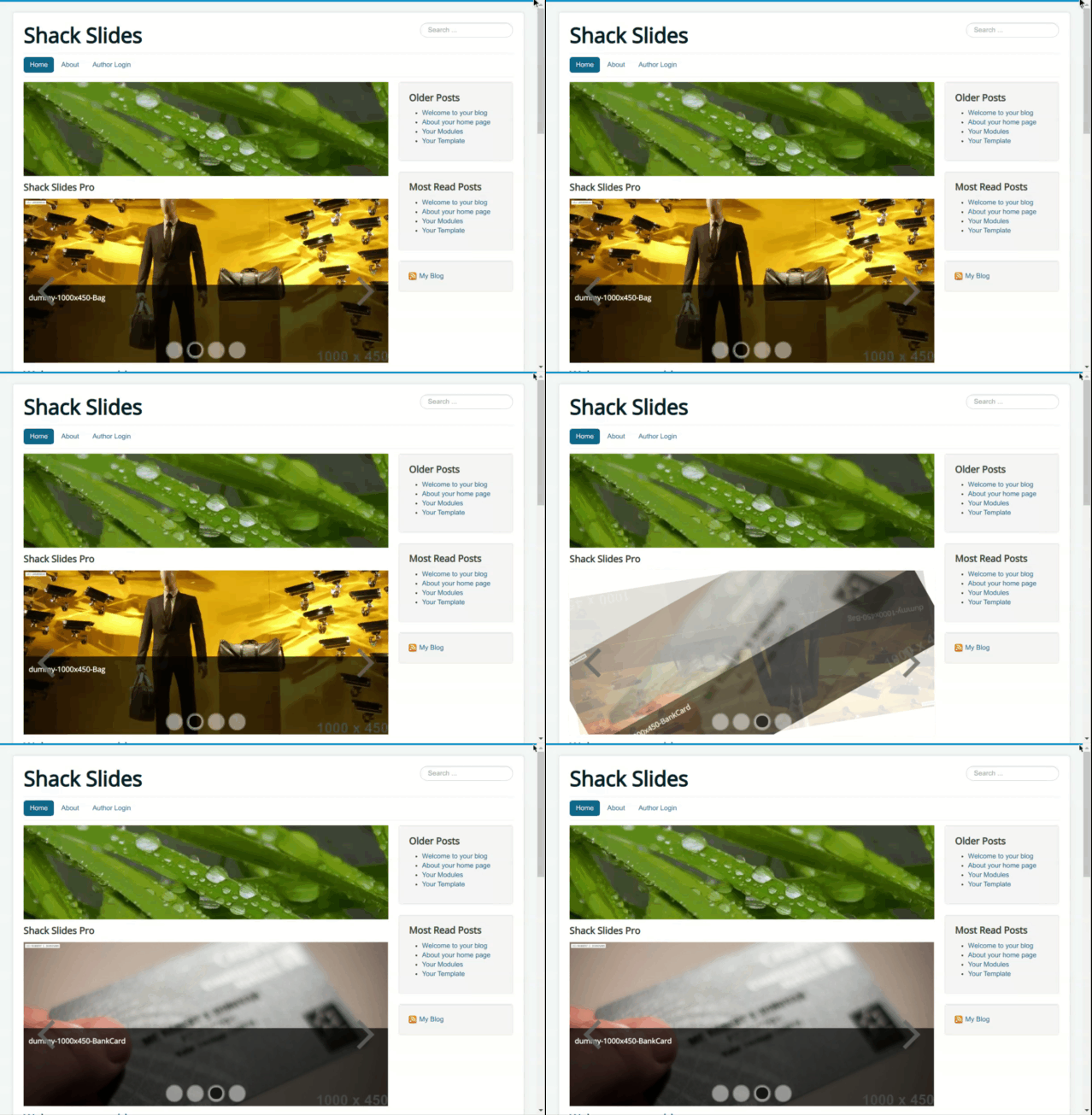
Down-left rotation
Down-right rotation
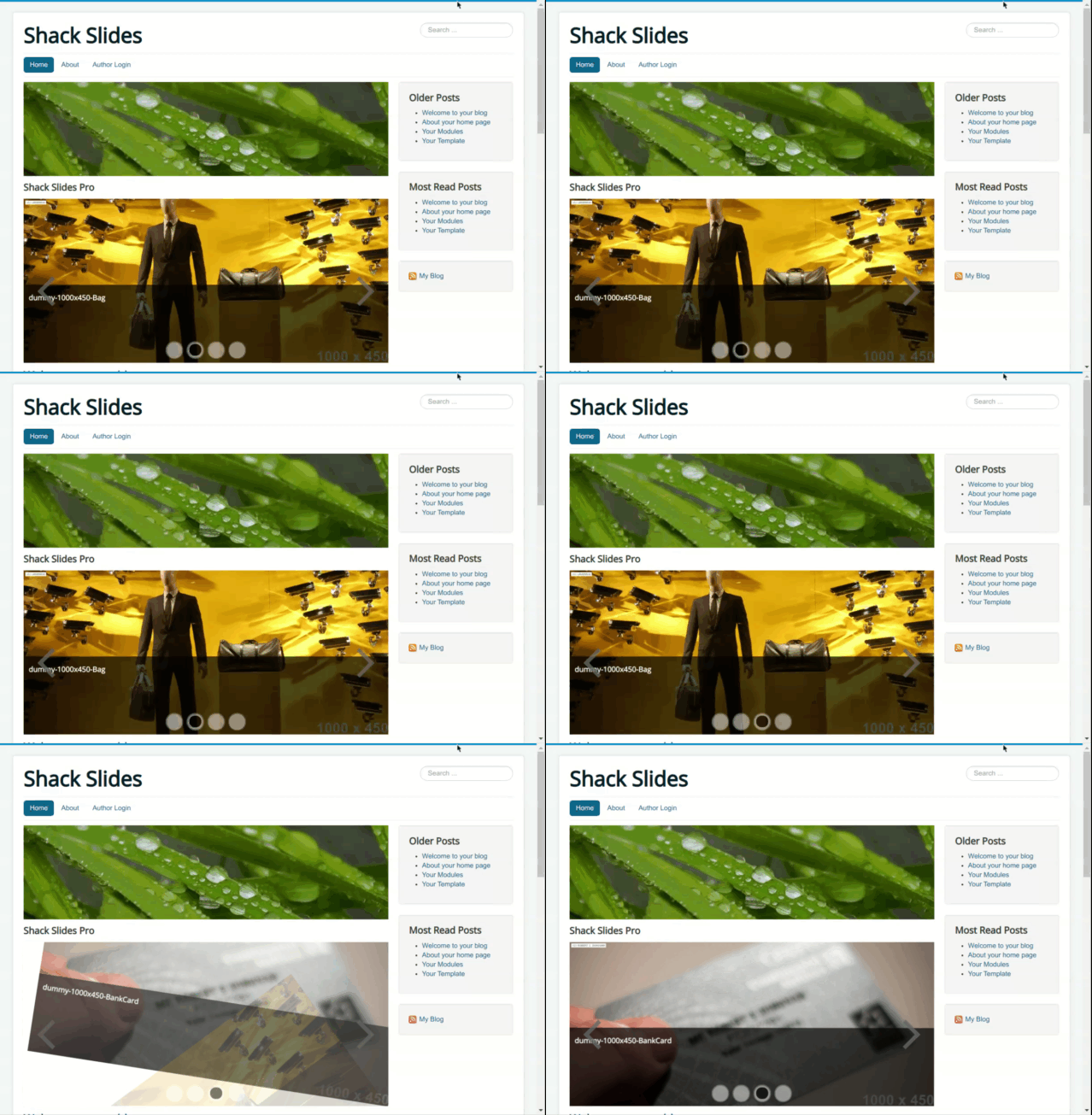
Up-left rotation

Up-right rotation