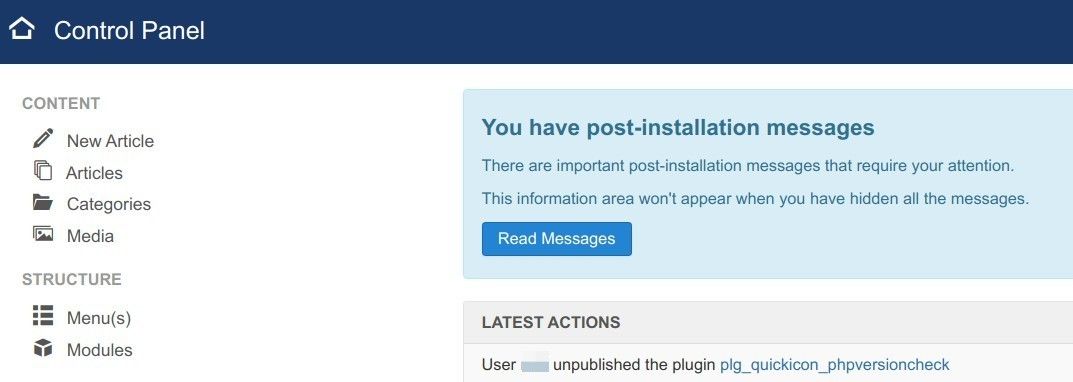
Your Joomla has a built-in plugin "Quick Icon - PHP Version Check":
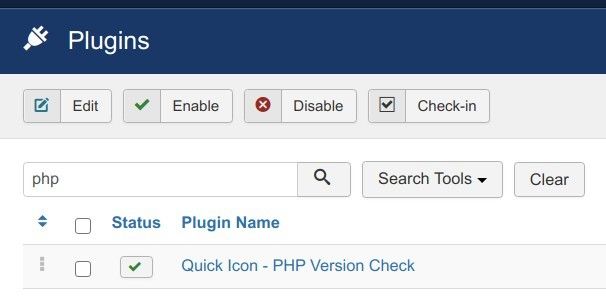
It checks the support status of your Joomla site PHP version and raises a warning if your PHP version is not fully supported:

If you wish to hide it, here is how you can do this:
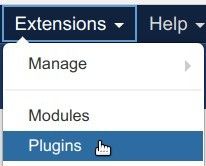
- In your Joomla administrator panel, go to "Extensions" > "Plugins":
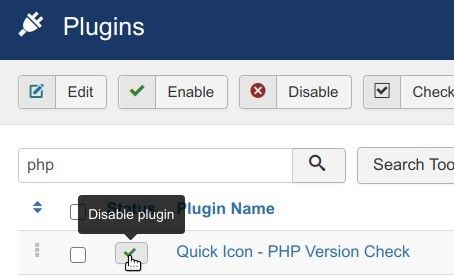
- This will bring you to the "Plugins" screen, as you can see in the next image. Locate the "Quick Icon - PHP Version Check" plugin:
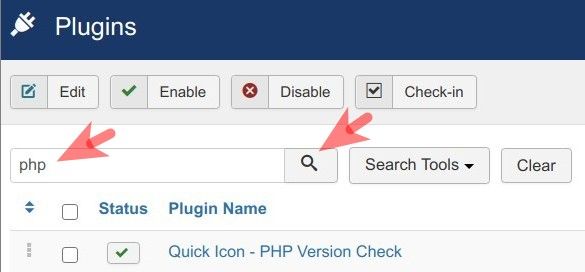
- Disable it by clicking on the green checkmark next to it:
- As a result, you won't see the PHP End of Life warning message in your Joomla administrator panel anymore: