
By default, our OSDonate module displays the donation amount field below the label "Amount":
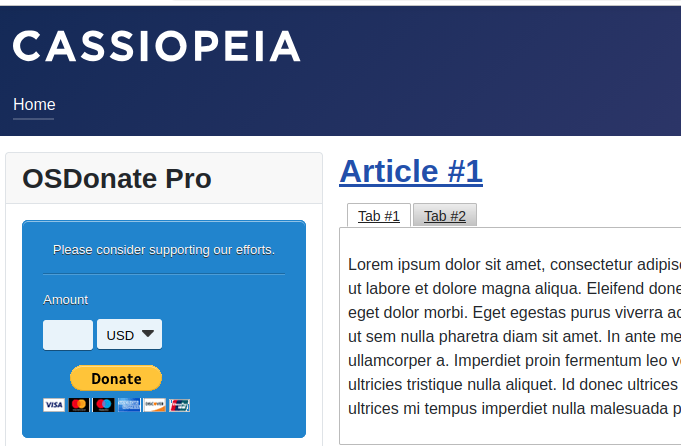
You may want to display the field and the label on the same line instead:
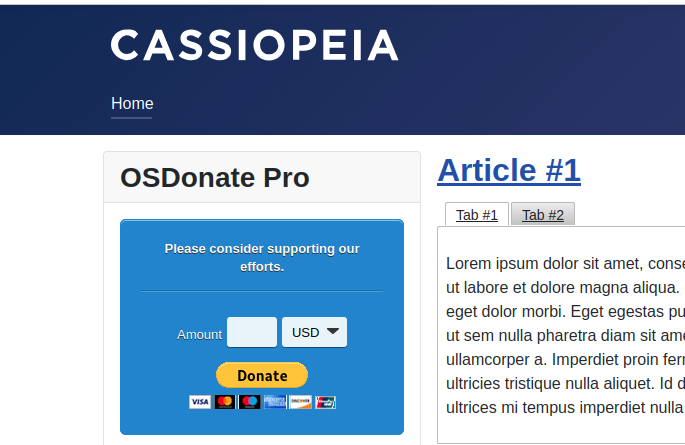
This can be done with the core Joomla template override.
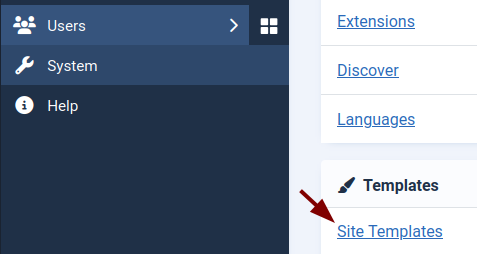
- In your Joomla admin panel, go to System > Site Templates:
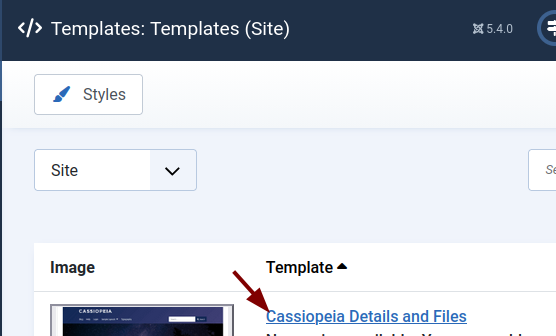
- This will bring you to the "Templates: Templates (Site)" screen. Click on the <name-of-your-template> Details and Files link:
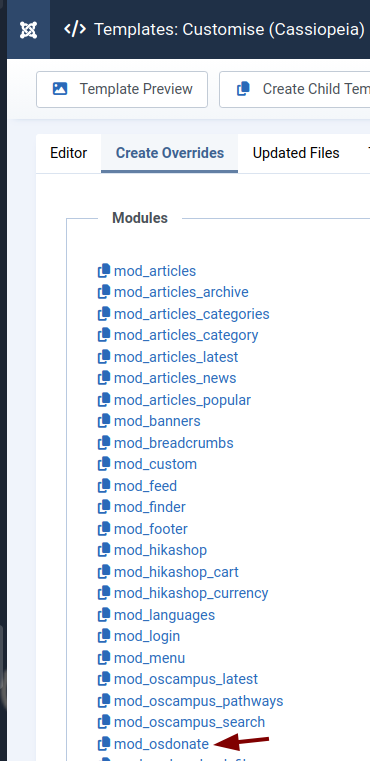
- On the next screen, click Create Overrides tab > mod_osdonate:
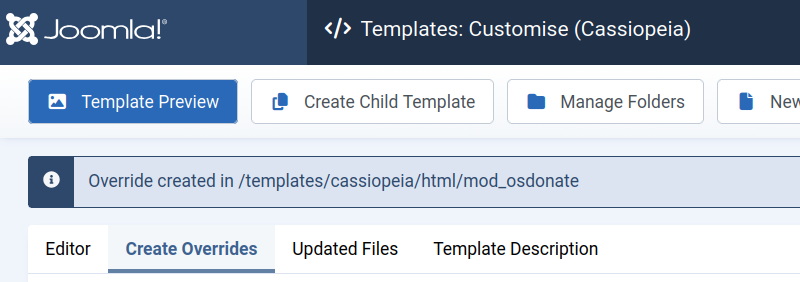
- You will see the "Override created" message similar to the one shown in the next image:
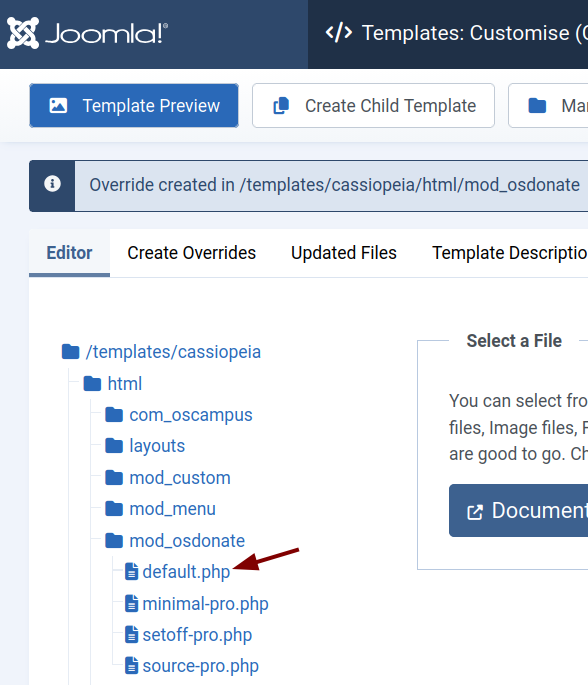
- Go to the Editor tab and click html > mod_osdonate > default.php.
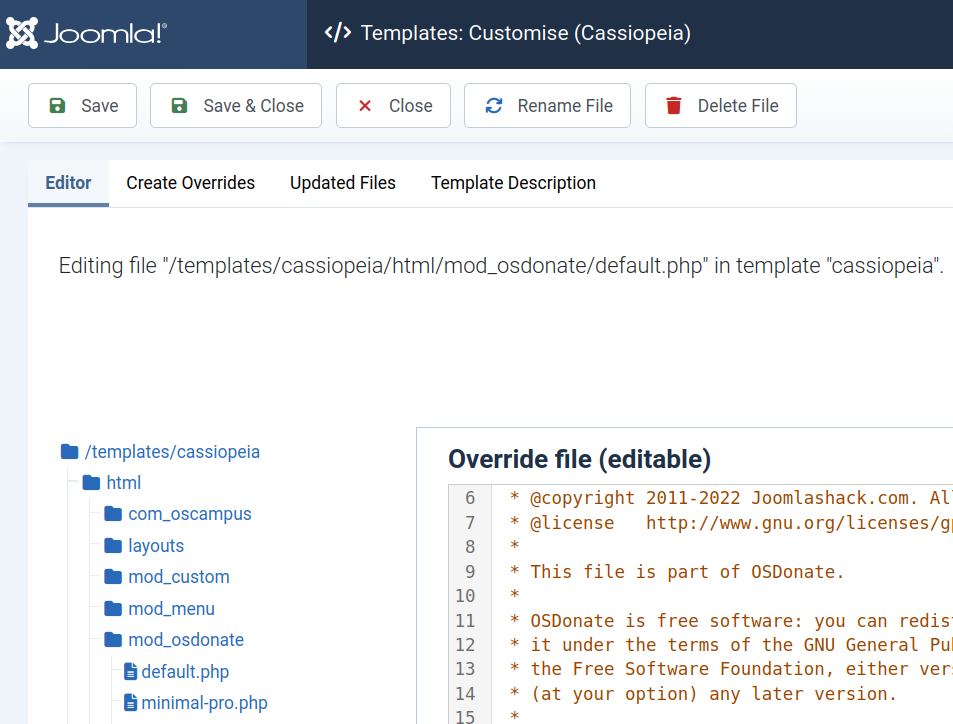
- This will open the default.php file, which contains the code of the OSDonate Pro module layout. Delete the code and keep the code editor open.
- Click here to open the default-osdonate.php file. Copy the code:
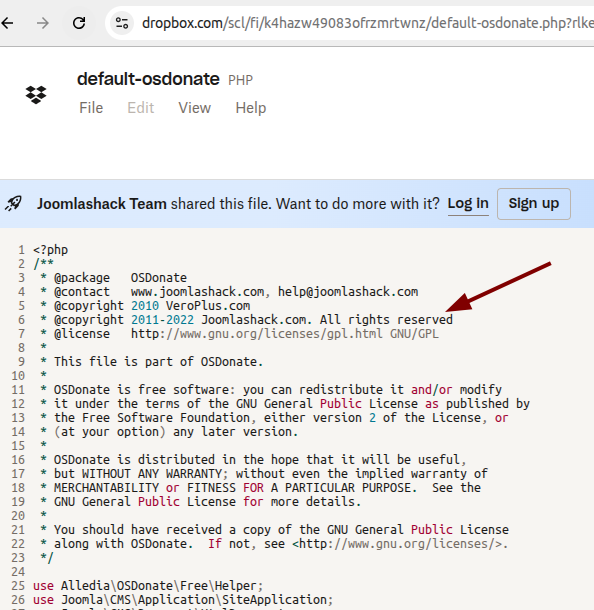
- Back in your Joomla admin dashboard, go to the open Editor tab, open the default.php file, and paste in the code you copied from default-osdonate.php file.
- Click Save & Close.
- Go to the front-end of your Joomla site and verify that your OSDonate Pro module layout has changed.