
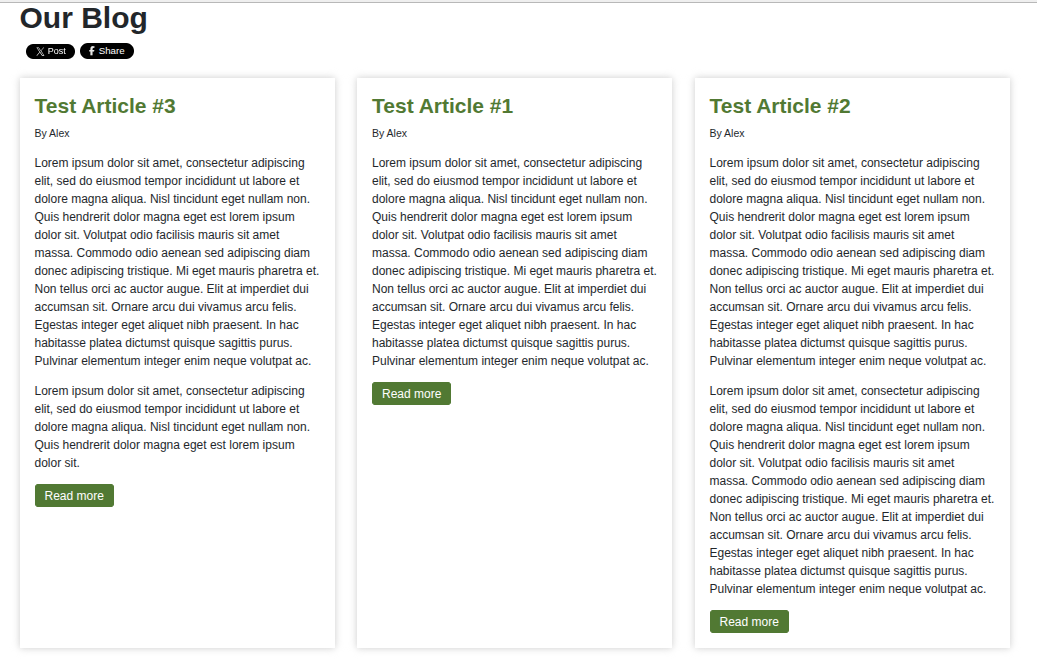
The Shack Article Layouts Pro module gives the articles in a multi-column layout the same height automatically:
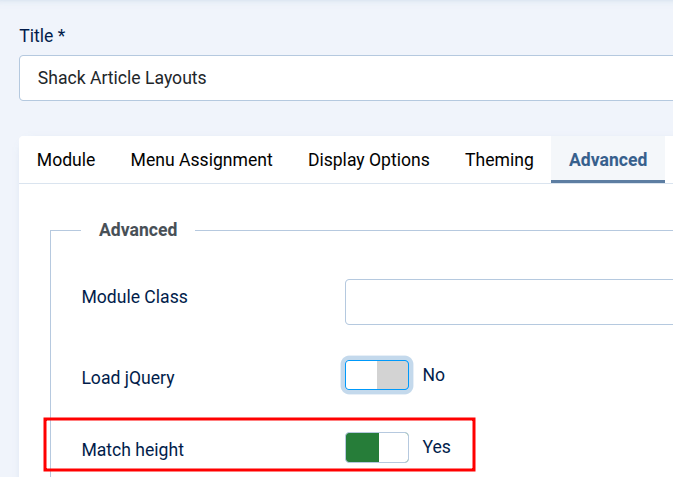
It happens because the Match height parameter is set to Yes by default:
In some use cases, you may find that the Match height option has no effect:
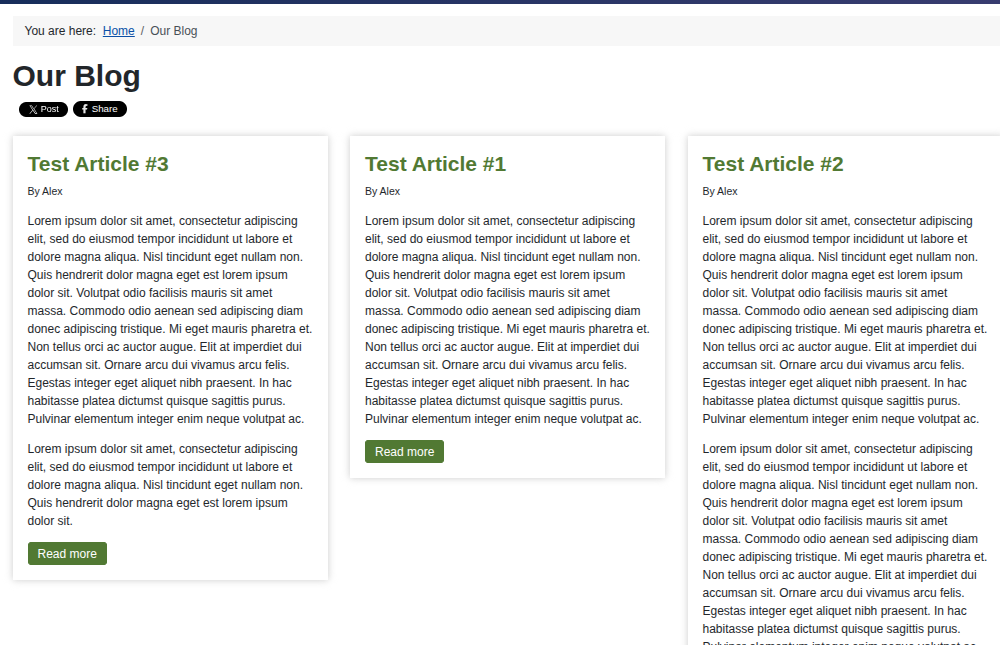
It may be happening because the page may not be loading the jQuery library. The Match Height script requires jQuery to work.
To resolve this issue:
- In your Joomla dashboard, go to Modules.
- Open your Shack Article Layouts module.
- Click the Advanced tab.
- Set Load jQuery to Yes.
- Make sure that Match height is also set to Yes.
- Click Save & Close.
- Clear your Joomla and browser caches, and then check the page again.
Enabling Load jQuery does not load jQuery throughout your entire website. It affects only pages where that particular Shack Article Layouts module is displayed.
If the template or another extension already loads Joomla’s jQuery framework on the same page, Joomla should prevent the framework from being loaded twice.