
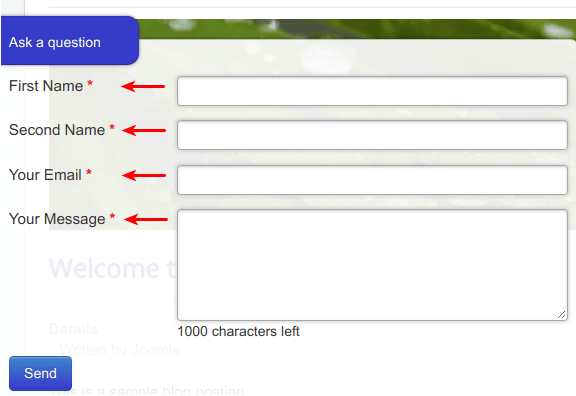
By default, Shack Forms Pro displays fields labels next to the fields:
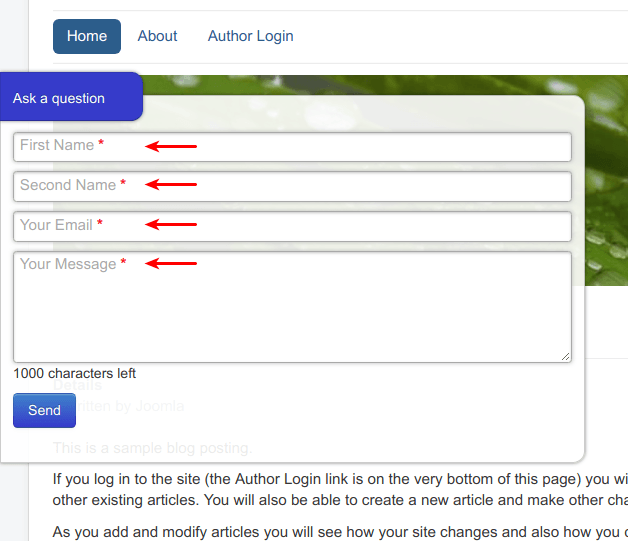
If you wish, you can display the labels inside the fields:
- Open your Shack Form for editing.
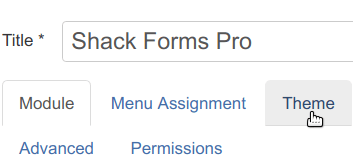
- Click the Theme tab:
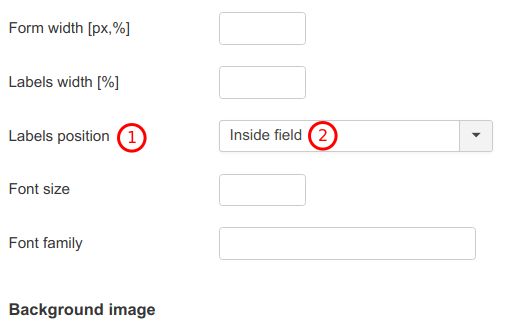
- Find the Labels position parameter.
- Set it to the Inside field option:
- Click Save or Save & Close.
If you refresh your site and check your Shack Form, you will see the labels now positioned inside the fields.