

One of our members asked us this question:
"In some websites, the home menu is just an icon without any text. How can I do this in Joomla?"
The answer is surprisingly simple. Let me show you how to add a Home icon to your Joomla menu.
- Go to Menus > Main Menu > Home.
- Click to edit the Home link, and you'll see a screen like this:
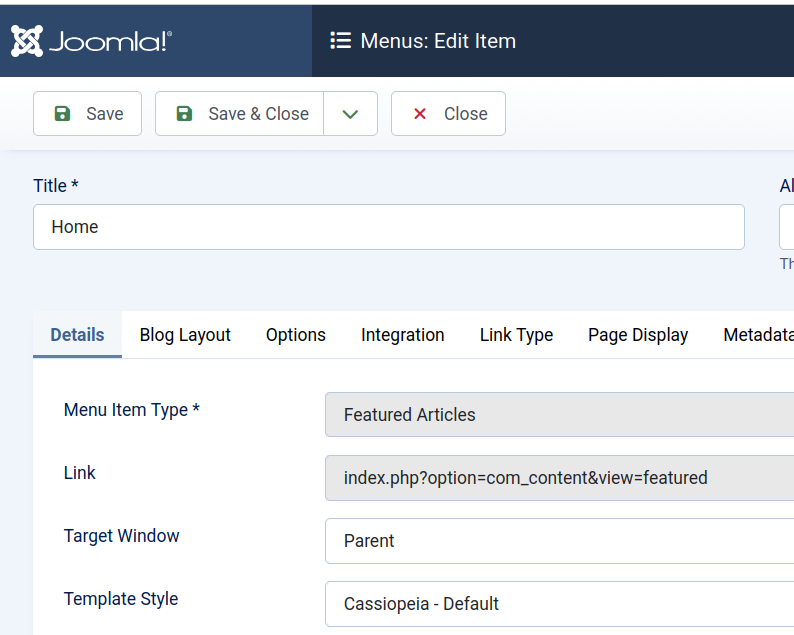
- Click the Link Type tab.
- Set Dispaly Menu Item Title to No. This will hide the text from the menu.

- Click Select next to Link Image.

- Either choose the icon you want to use or upload it here.
- Click Select.
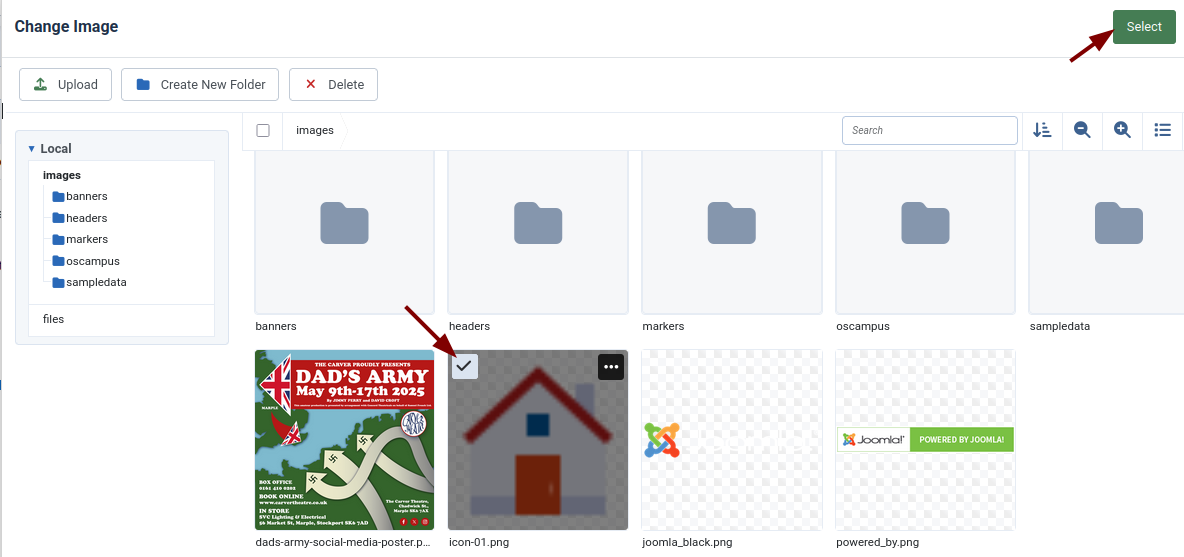
- Save the menu link.
- Check the front of your site, and the icon will be visible.
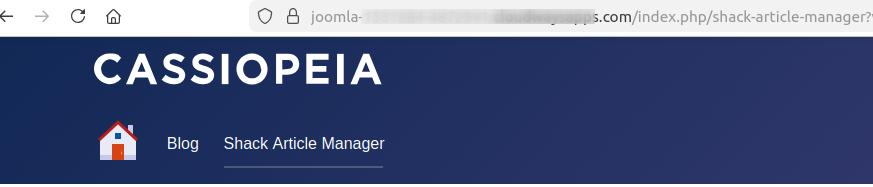
You may need to do some cleaning up at this point:
- You may need to shrink the icon to the right size.
- If a border is showing on the image, use Chrome Developer Tools to find and fix the border CSS.
What's Next?
Save $1,000's when you sign up for Joomlashack's Everything Club.
You will get your hands on our extensive range of over 20 extensions, plus legendary support!