

Shack Slides gives you the freedom to create beautiful Joomla slideshows with your images. You can easily customize the way your slideshow appears.
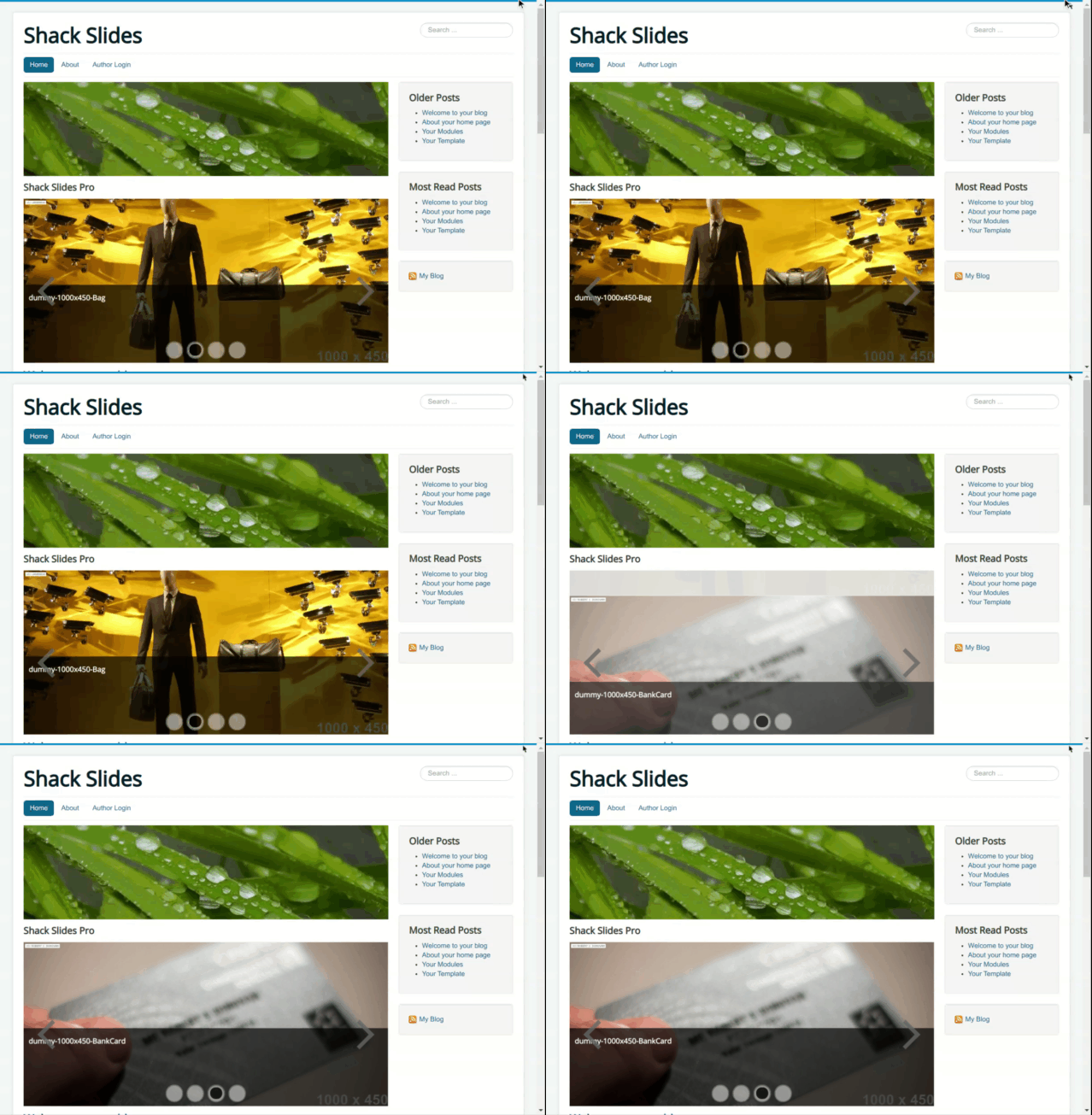
You have a choice of twenty-four dynamic effects to display slides. In this blog post, you will see all of them at work, one by one.
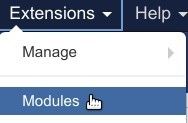
To set your preferred slideshow effect, you would go to "Extensions" > "Modules":
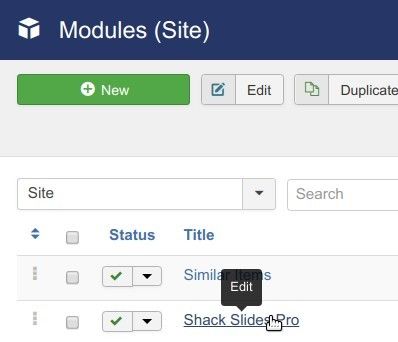
You will be taken to the "Modules (Site)" screen. Ther you would find your Shack Slides slideshow module. You then would need to click on its title to open it up for editing its settings:
You will see the "Modules: Shack Slides Pro" screen. Under the "Module" tab, just find the "Slideshow effect" parameter. This is where you would set your preferred slideshow effect:
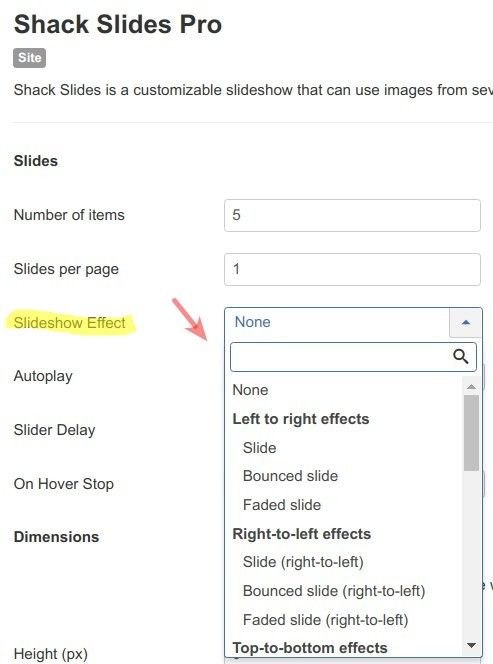
Note: if you are not in favor of dynamic effects for your slideshow, select option "None".
Let's take a look at the slideshow effects at work, one by one.
Left-to-right effects
Slide
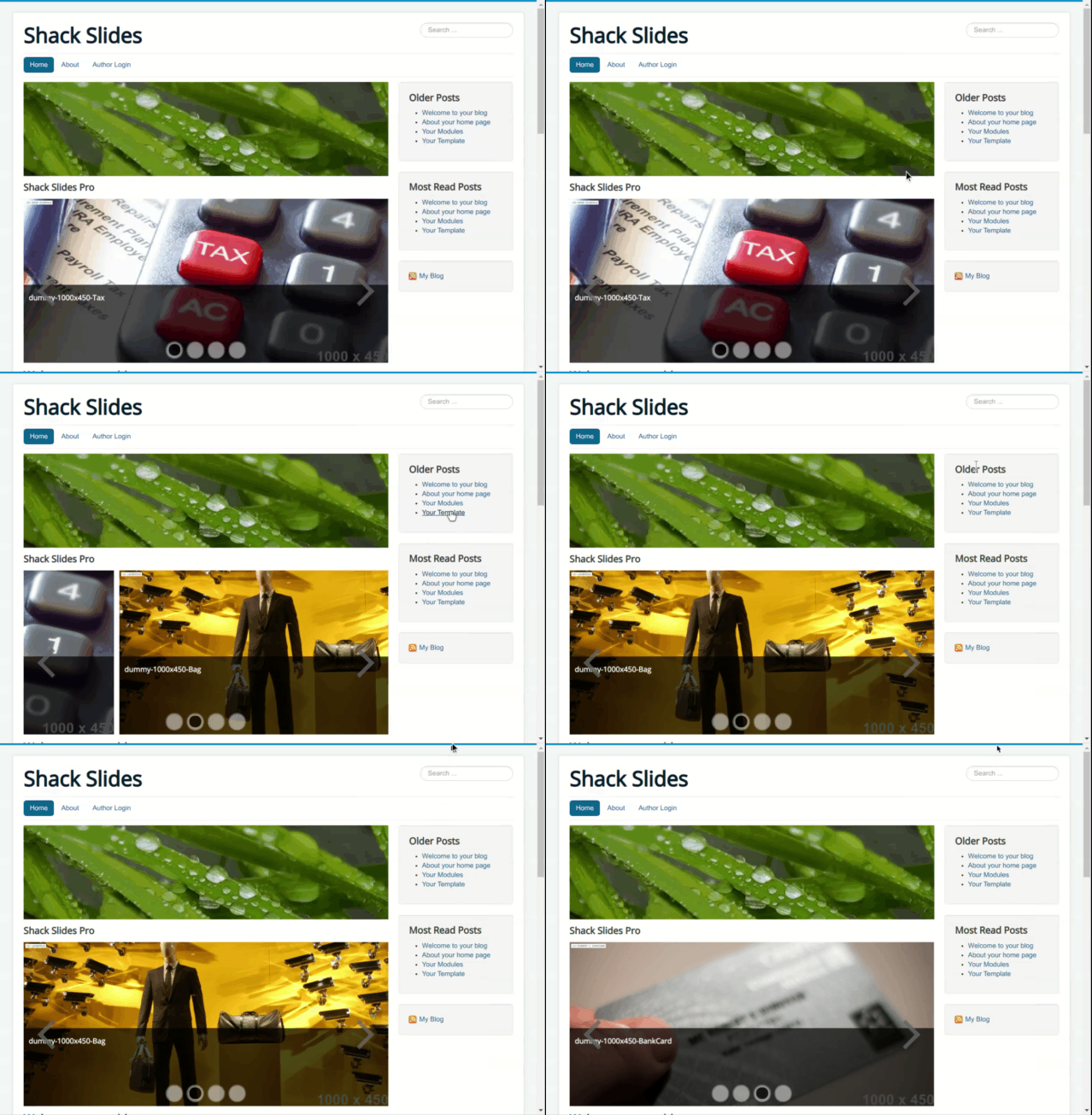
Bounced slide
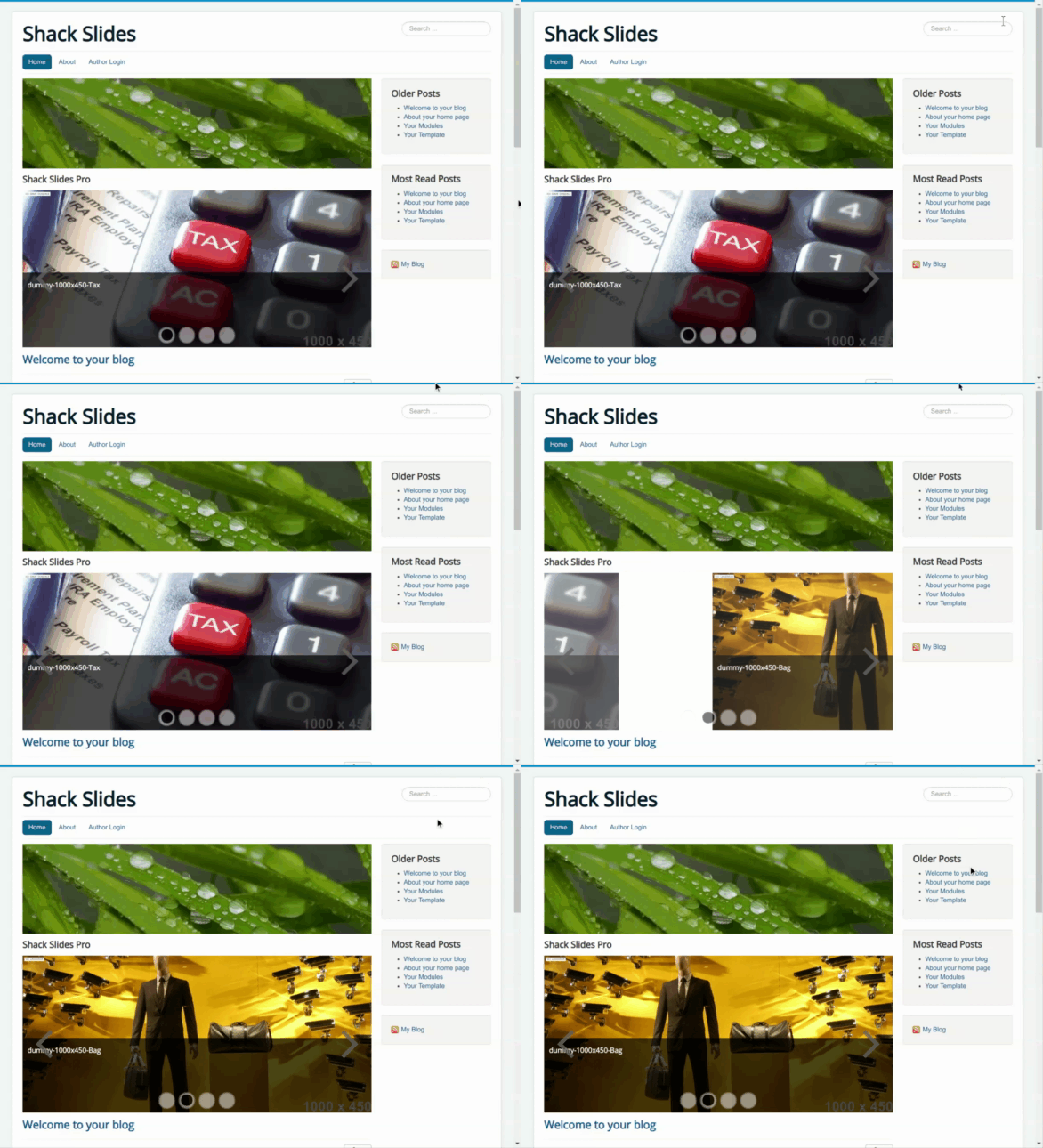
Faded slide
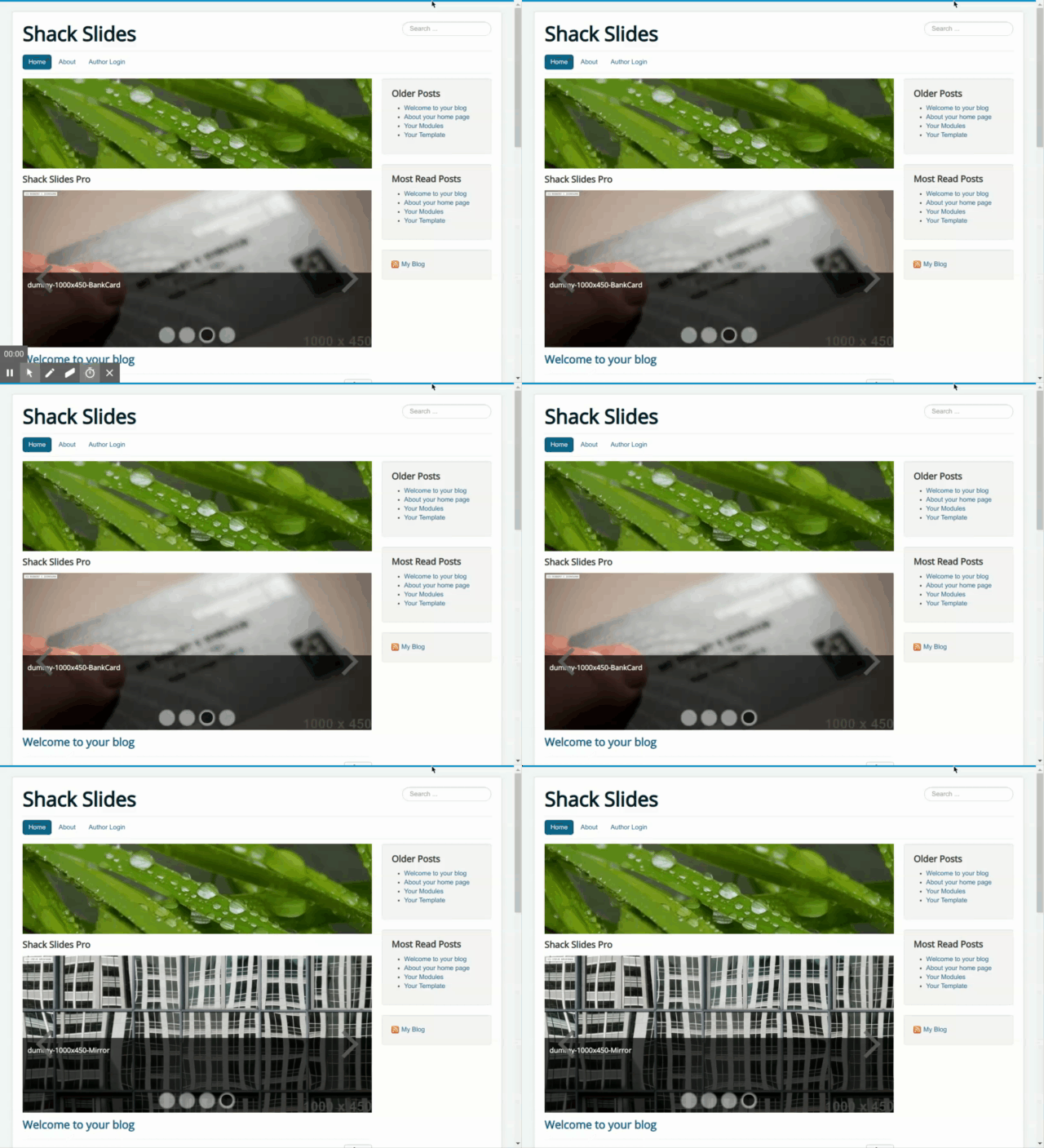
Right-to-left effects
Slide (right-to-left)
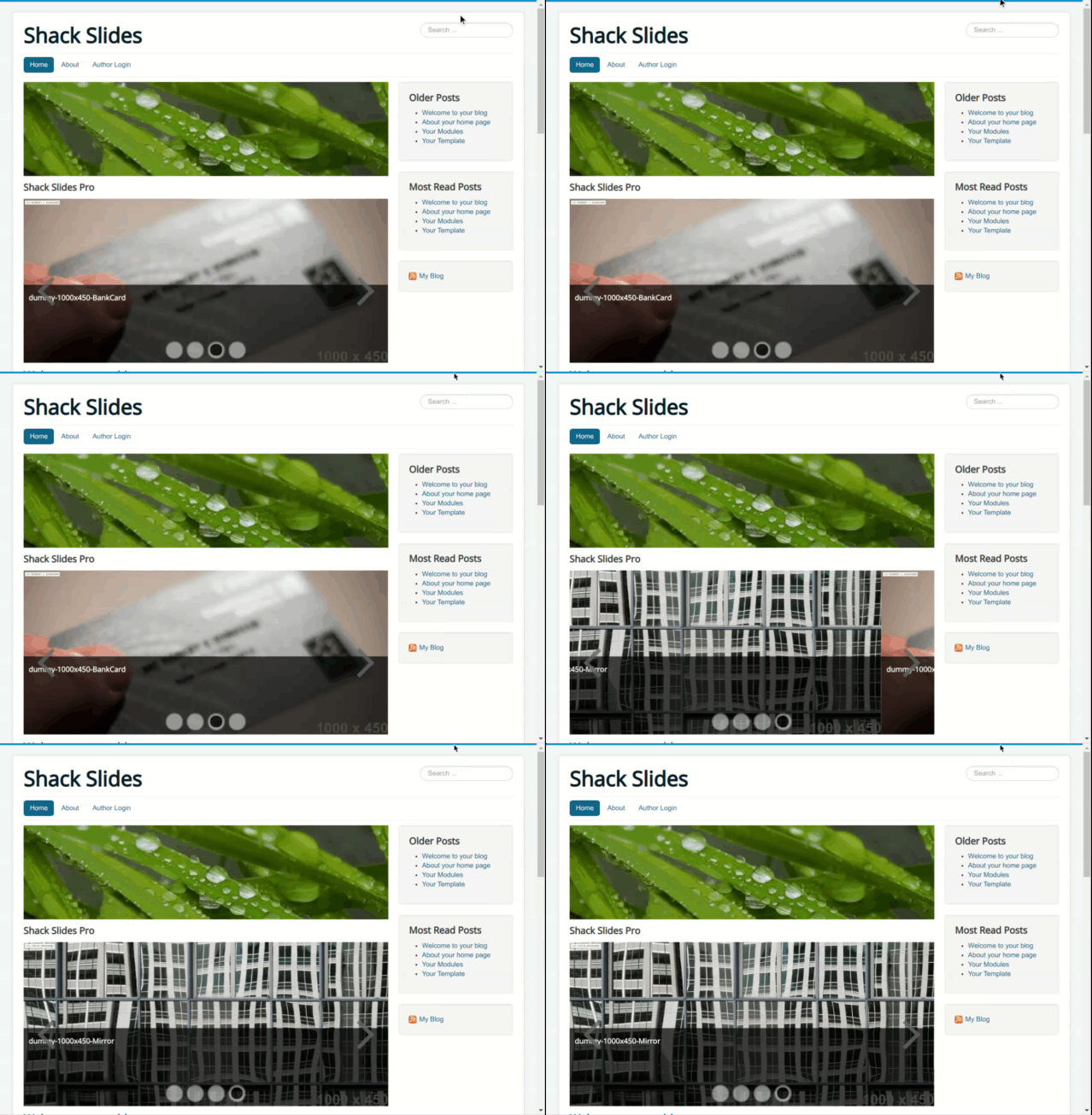
Bounced slide (right-to-left)
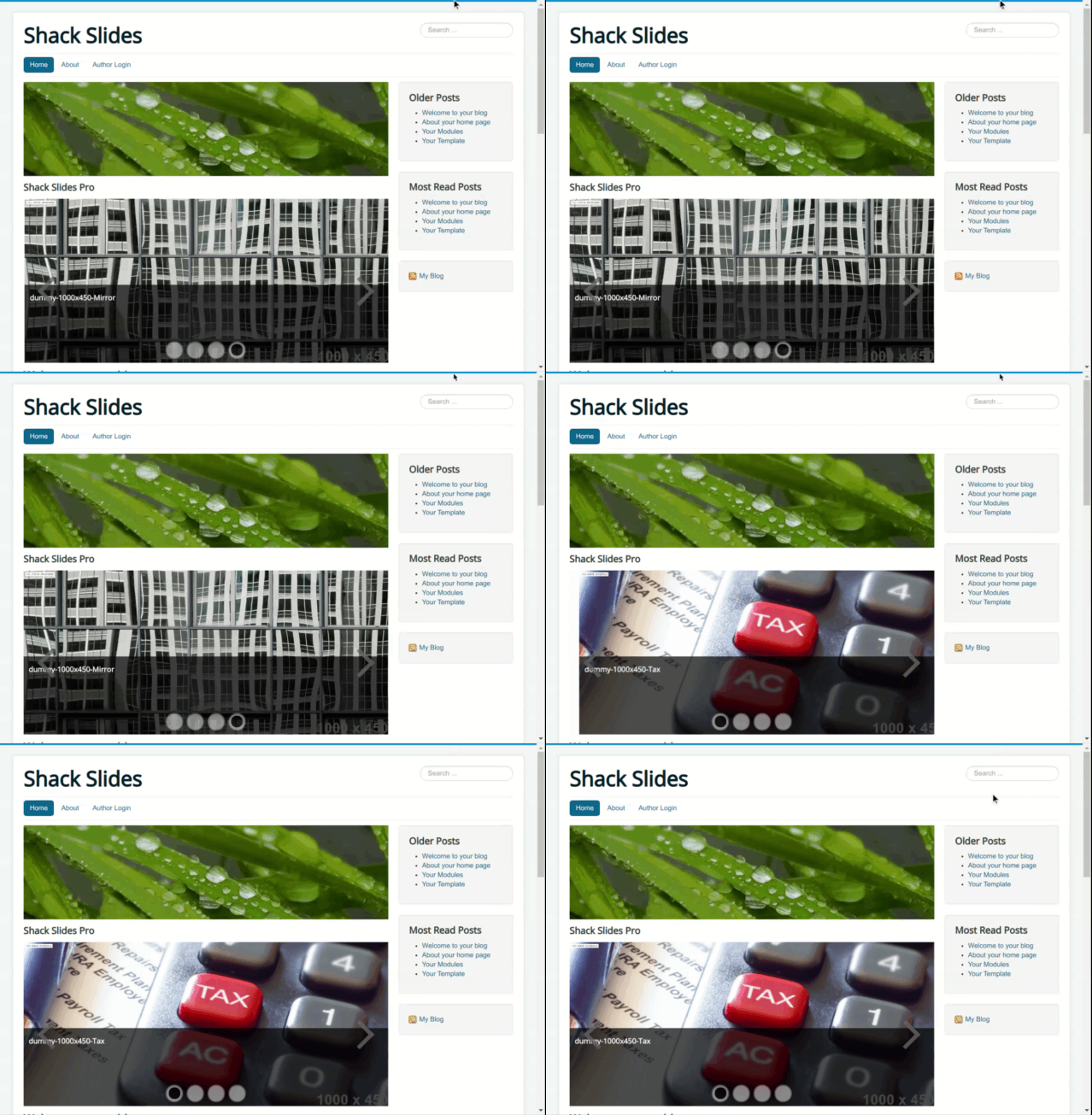
Faded slide (right-to-left)
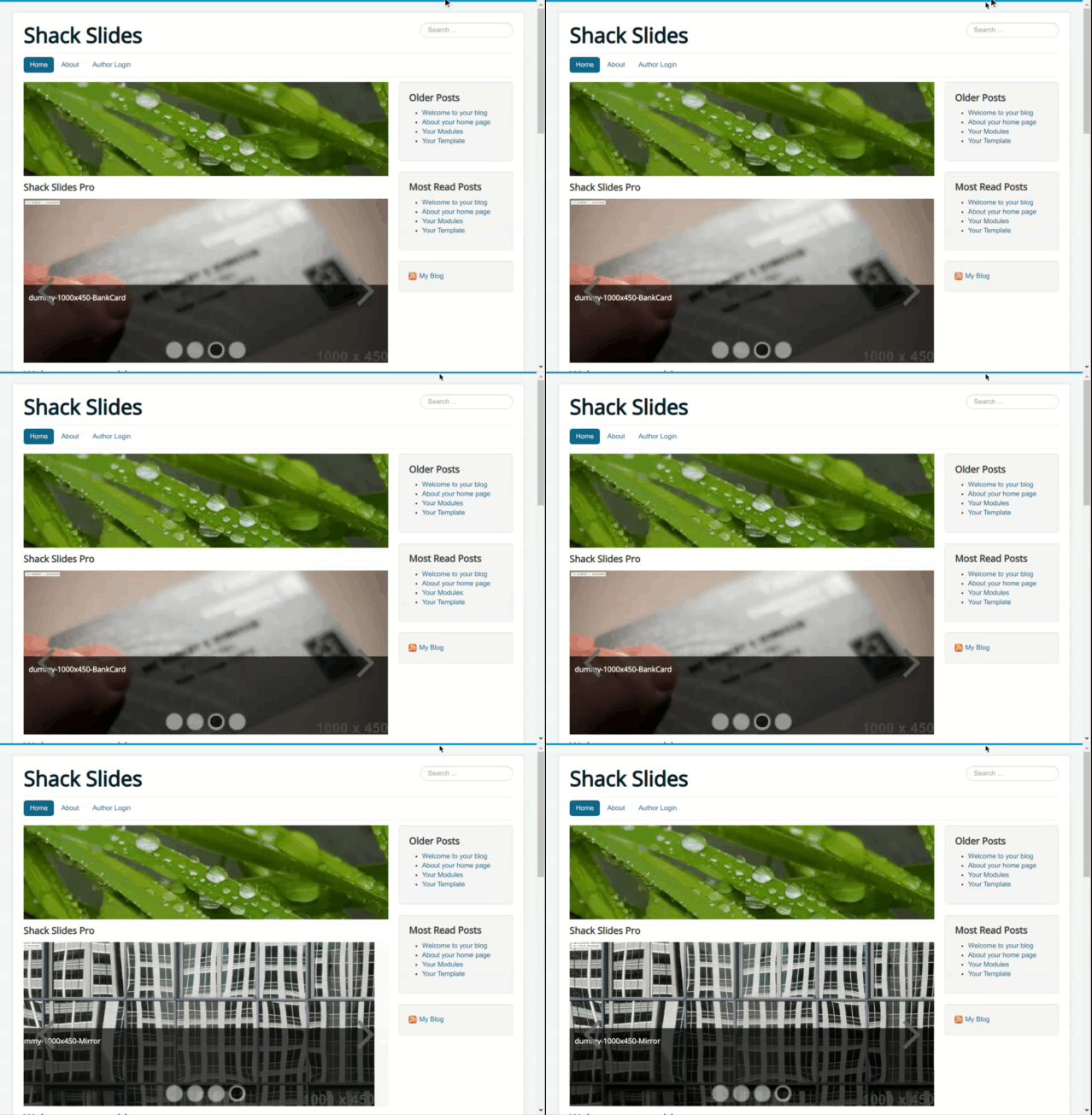
Top-to-bottom effects
Slide (top-to-bottom)
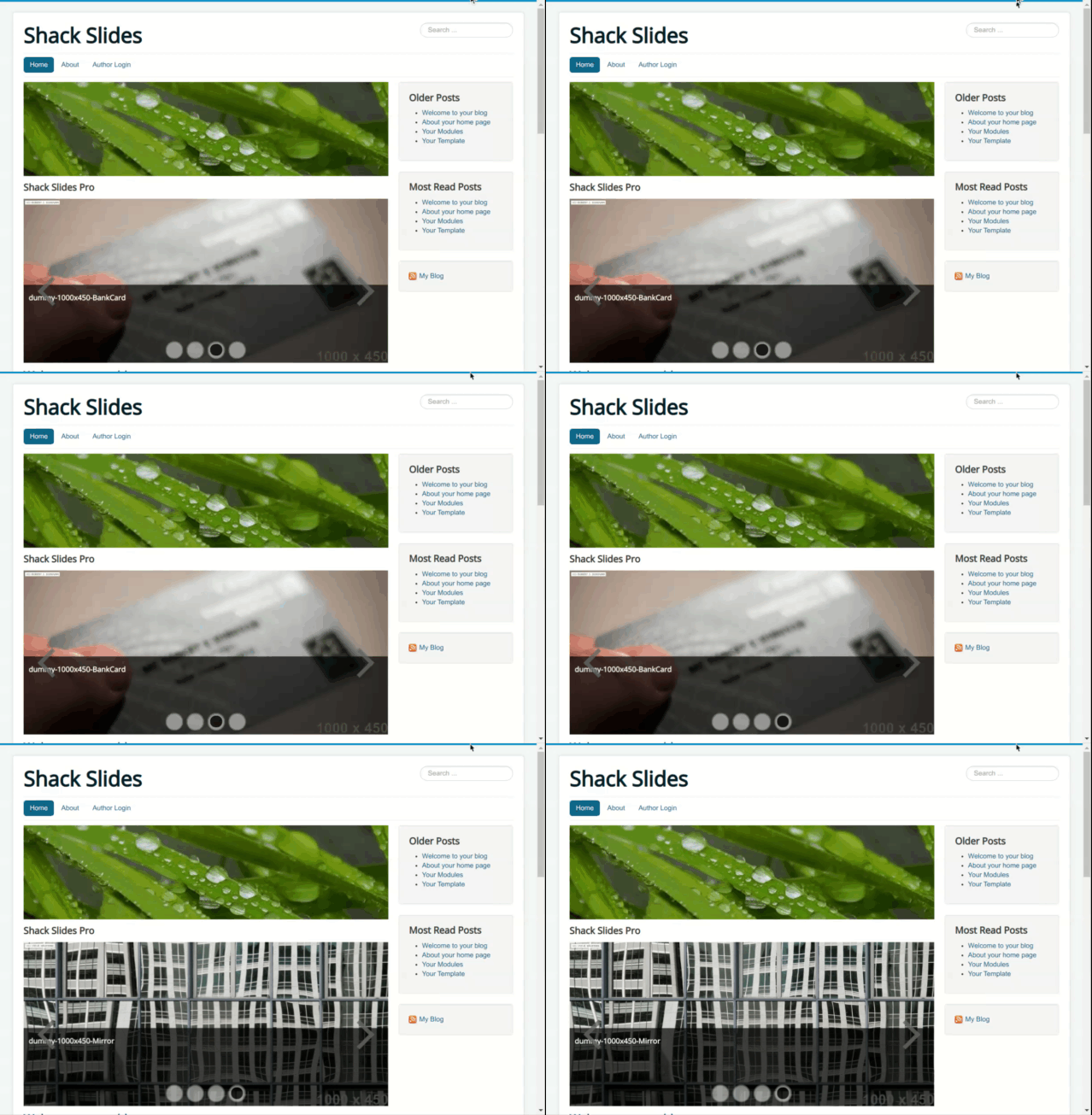
Bounced slide (top-to-bottom)
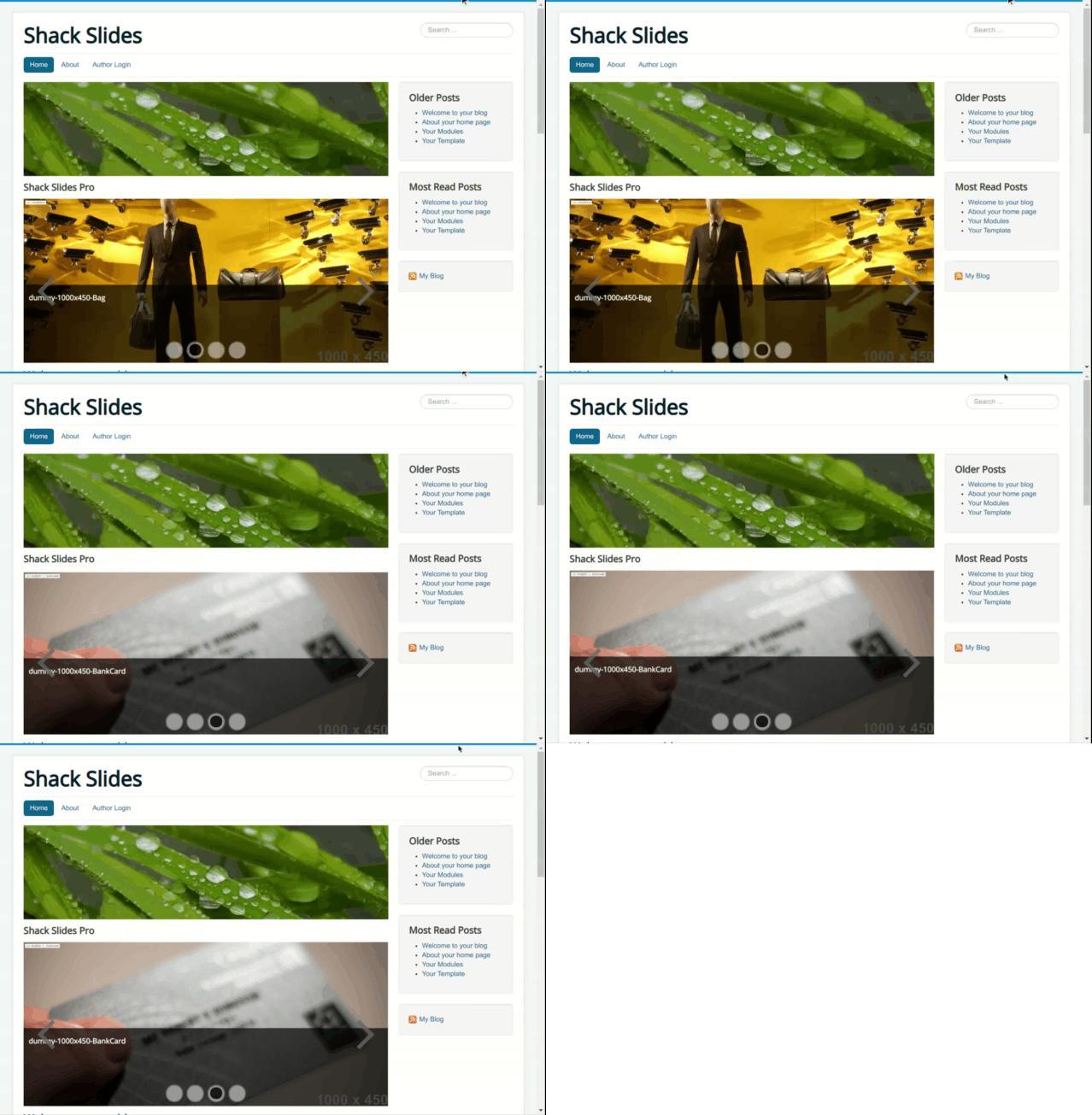
Faded slide (top-to-bottom)
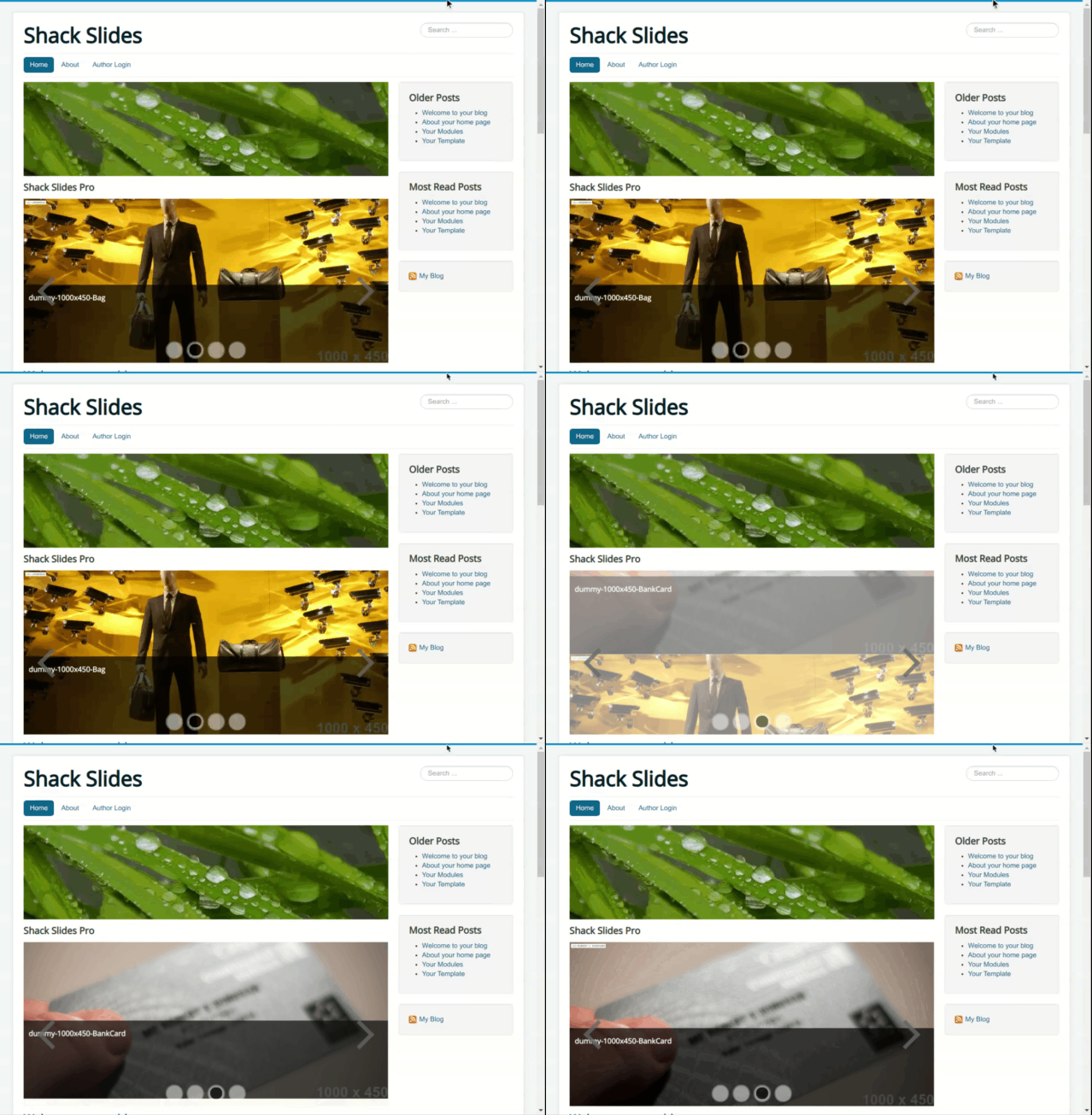
Bottom-to-top effects
Slide (bottom-to-top)
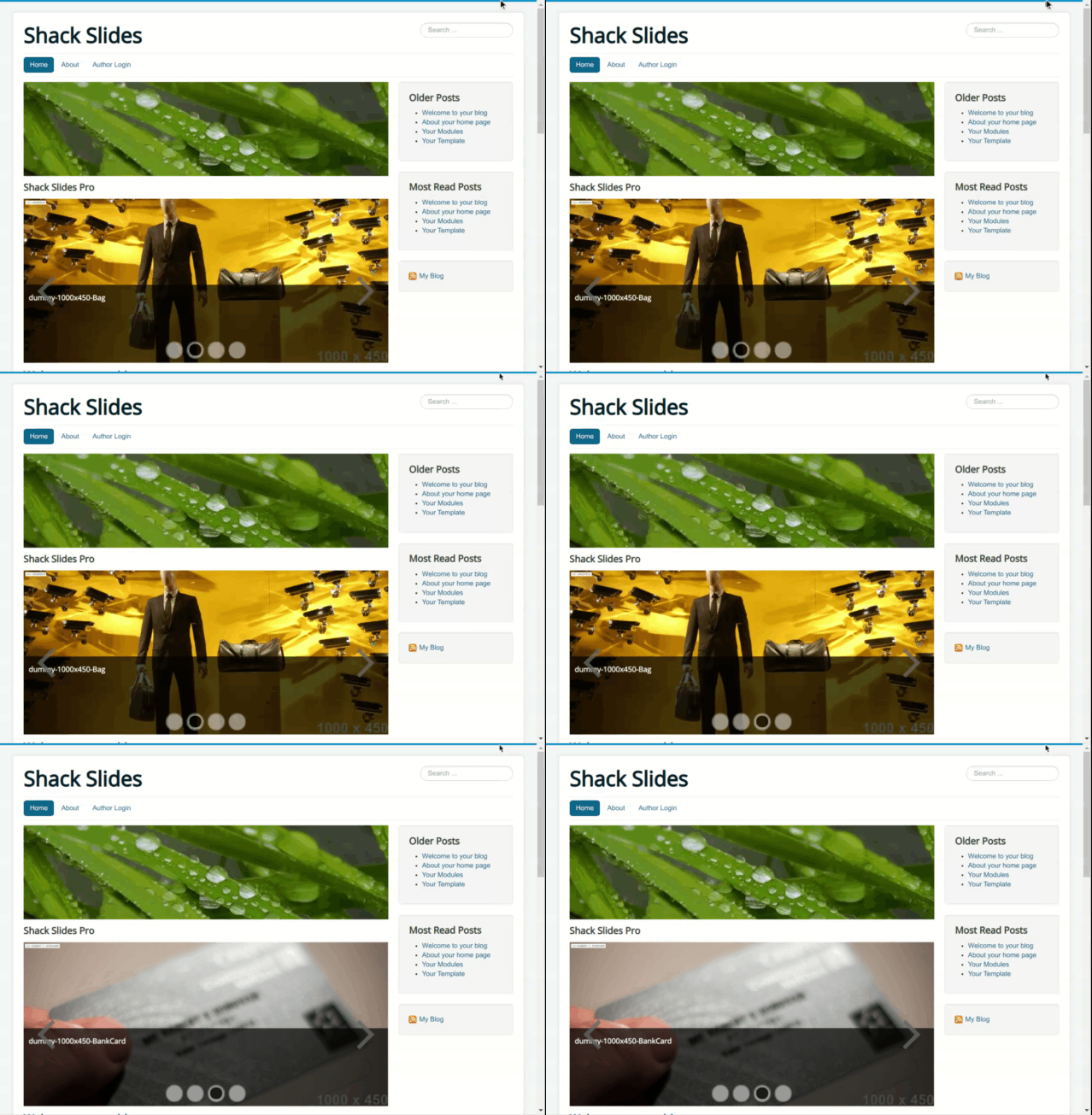
Bounced slide (bottom-to-top)
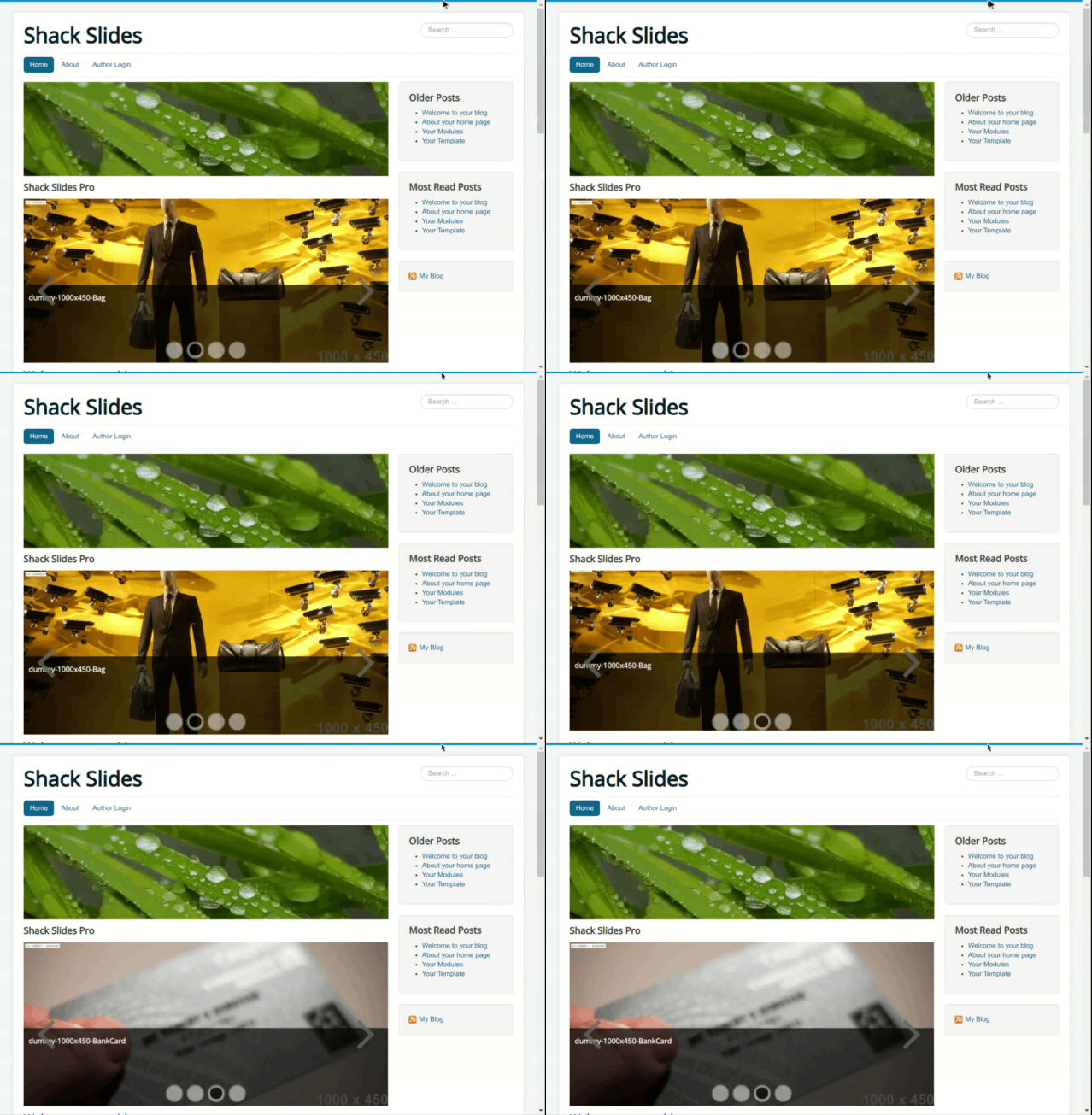
Faded slide (bottom-to-top)
In-place effects
Fade
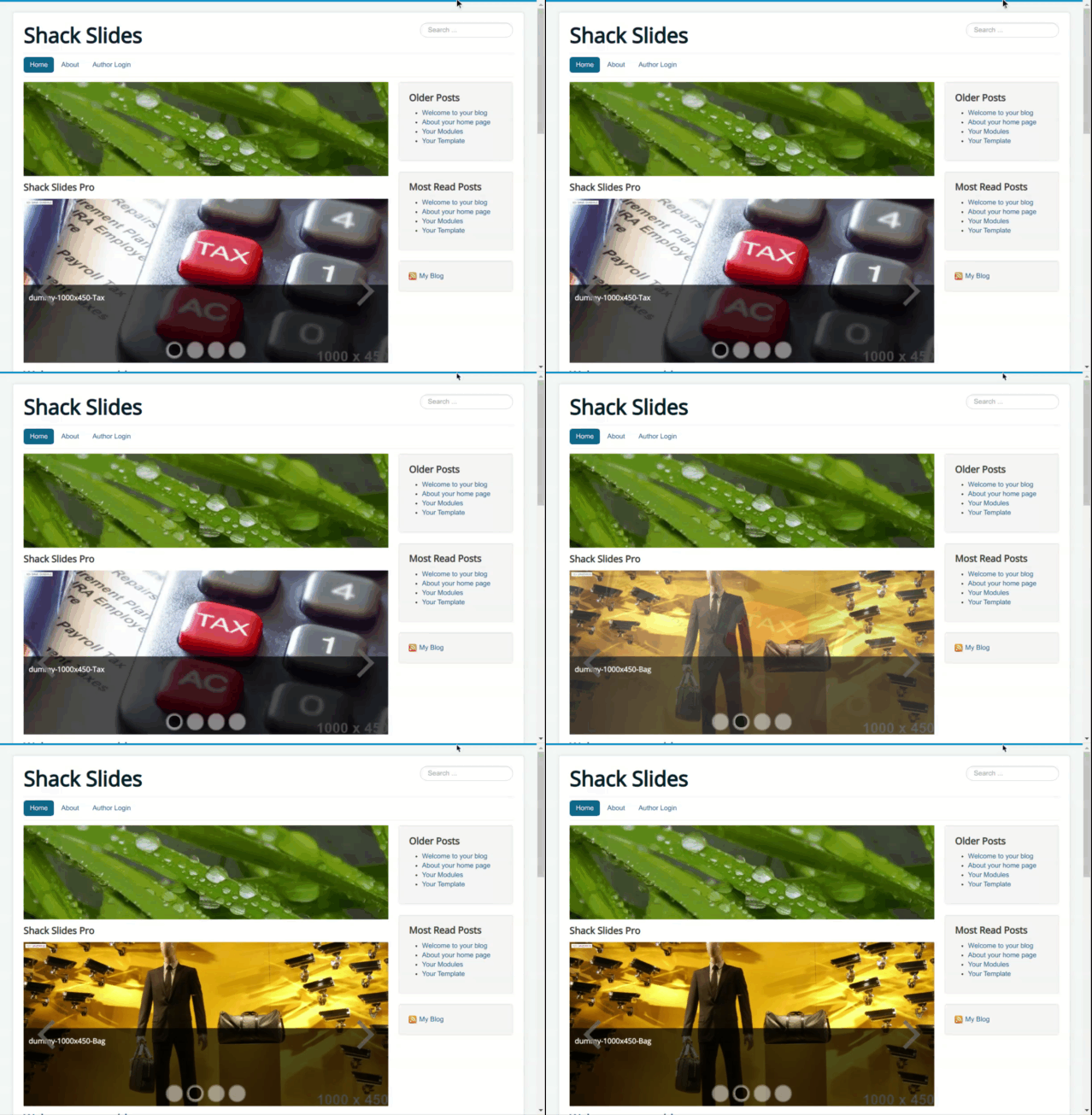
Bounce
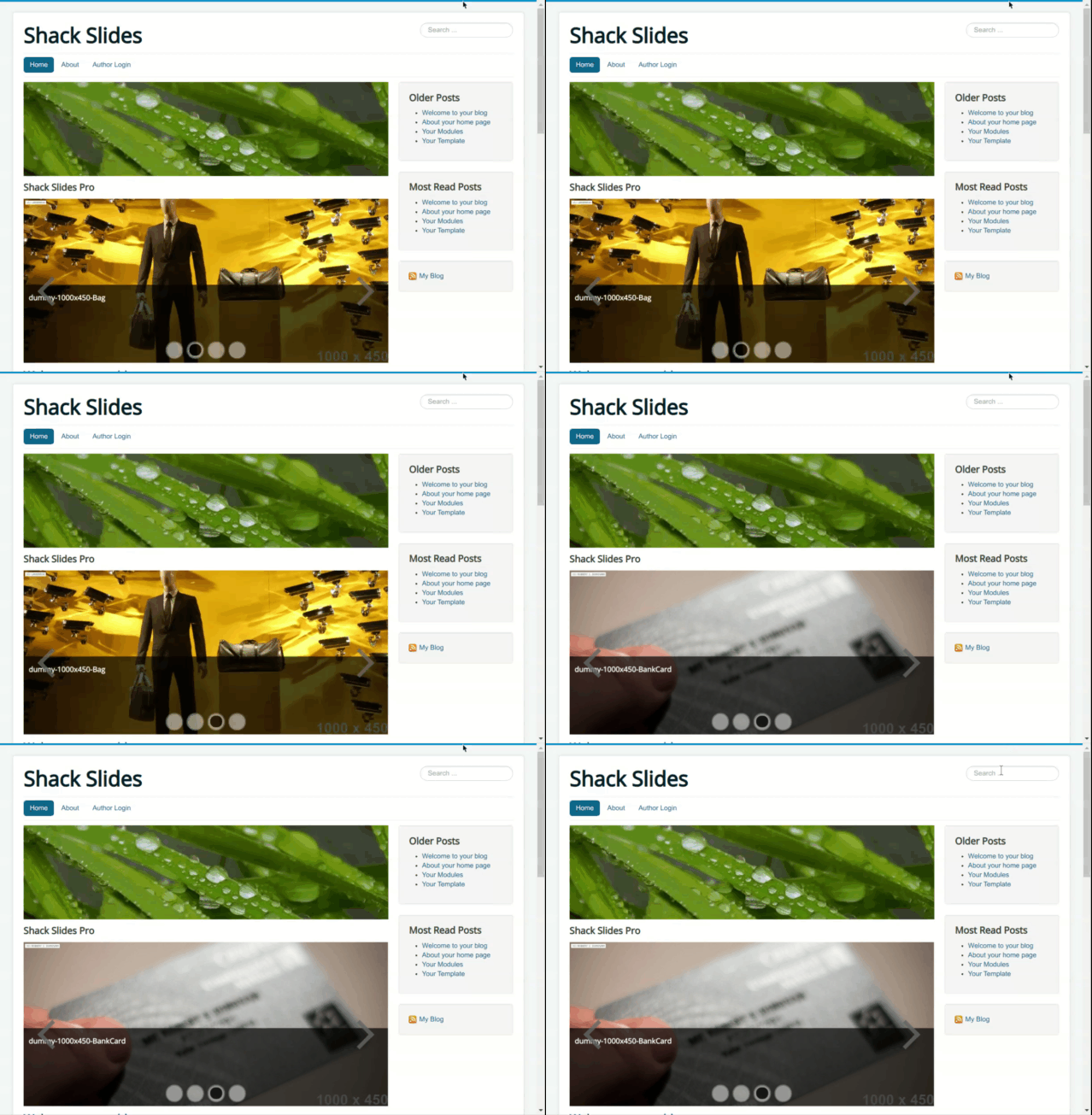
Roll
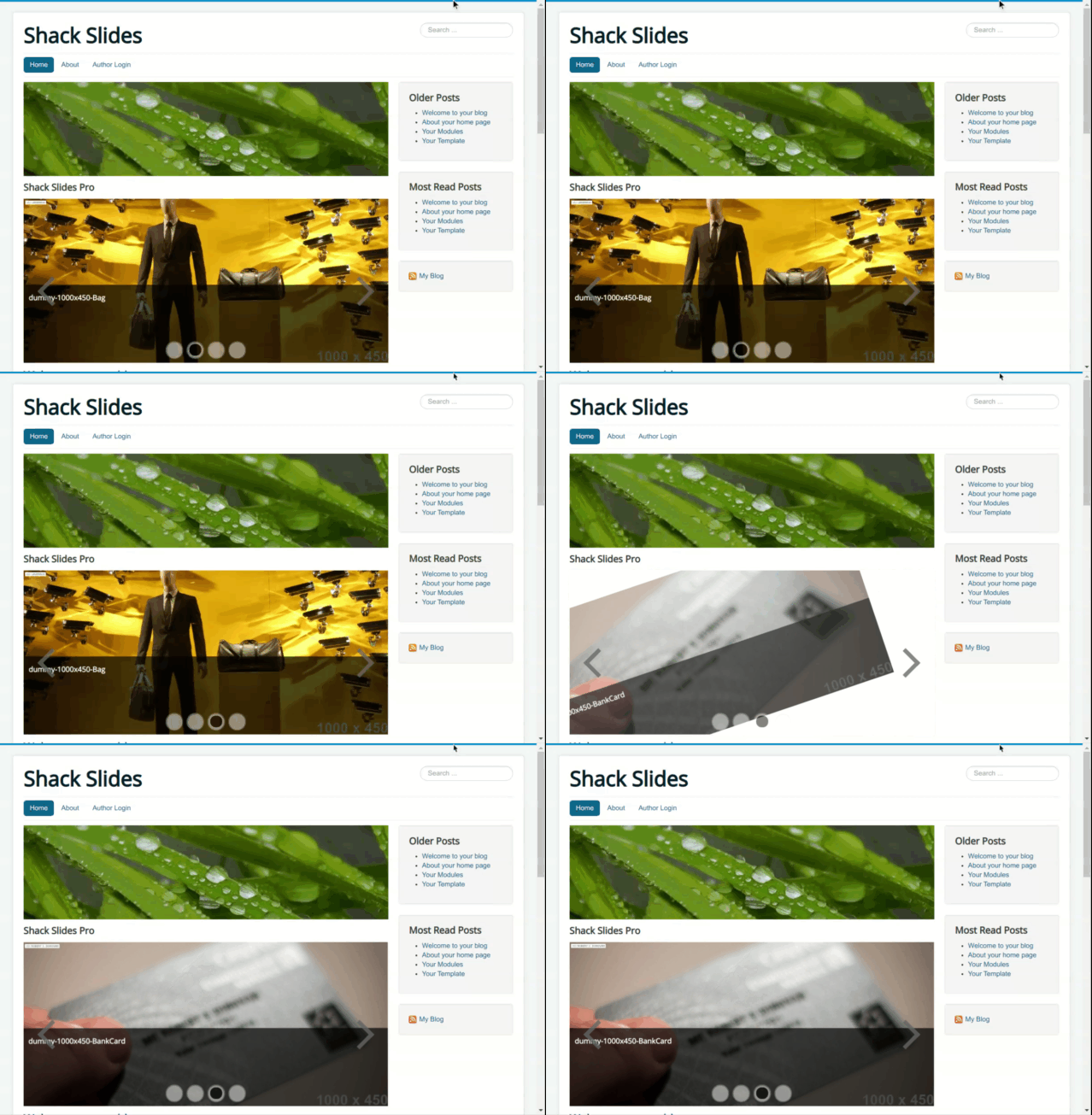
Zoom
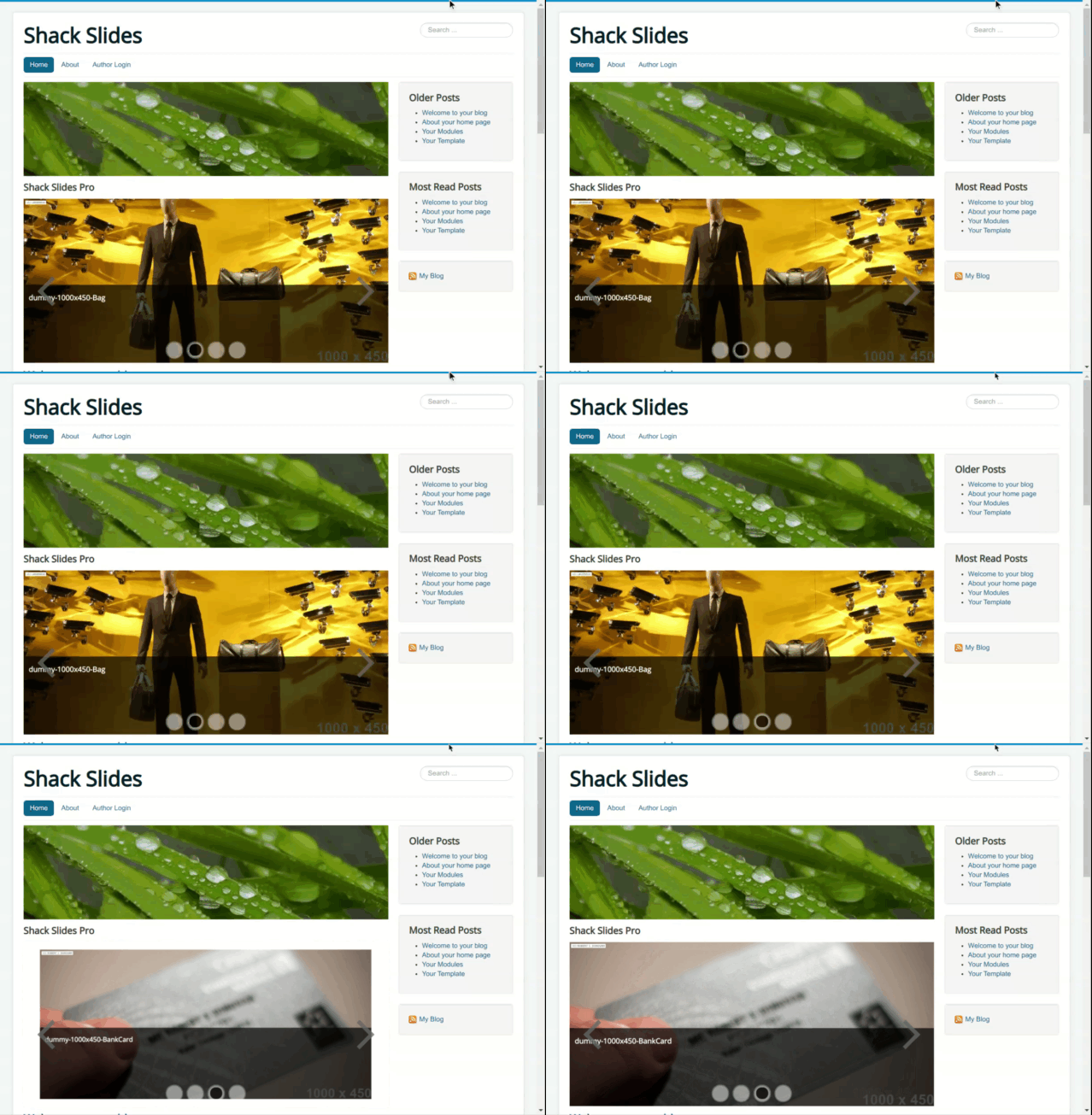
Switch
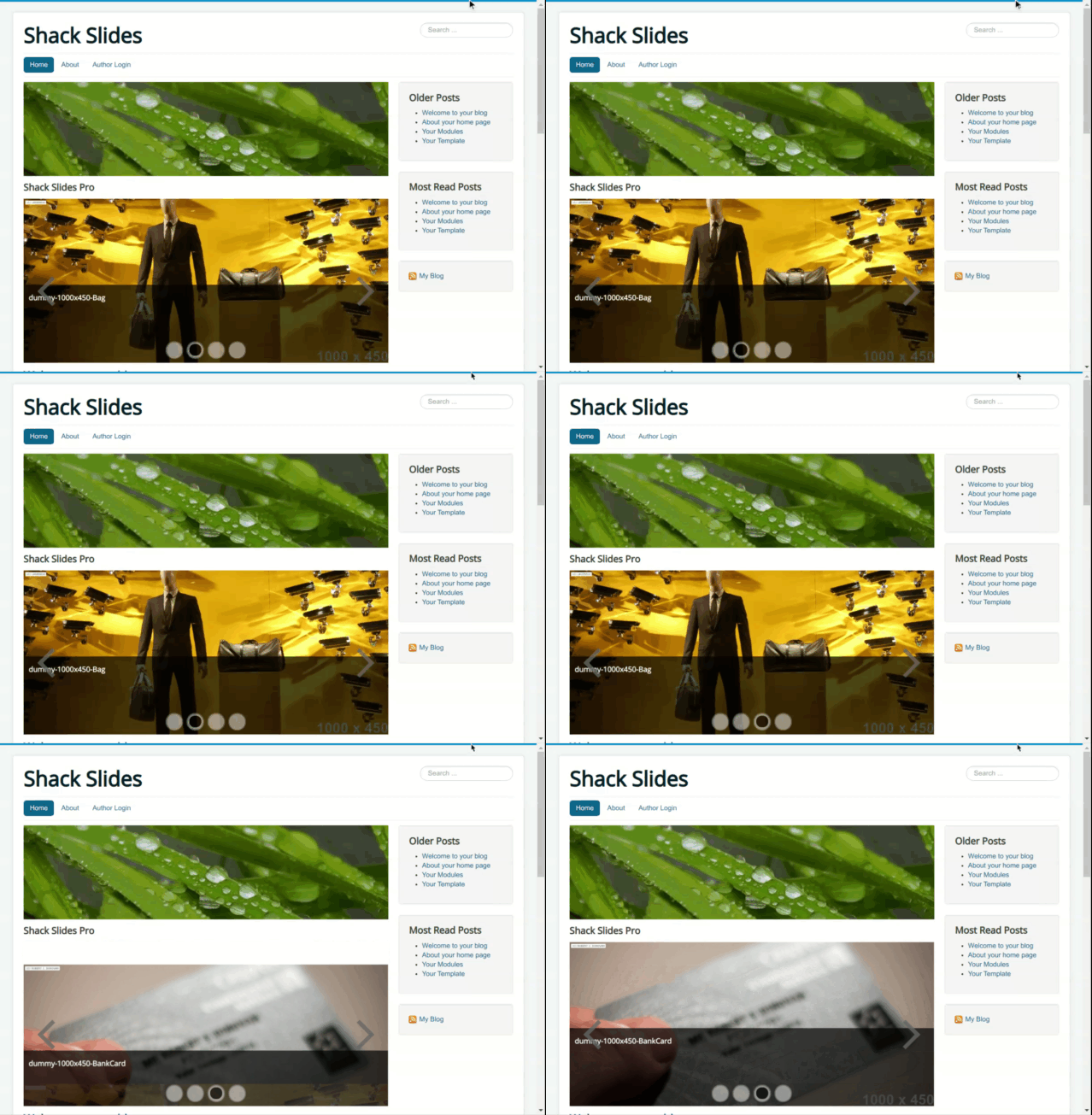
Horizontal flip
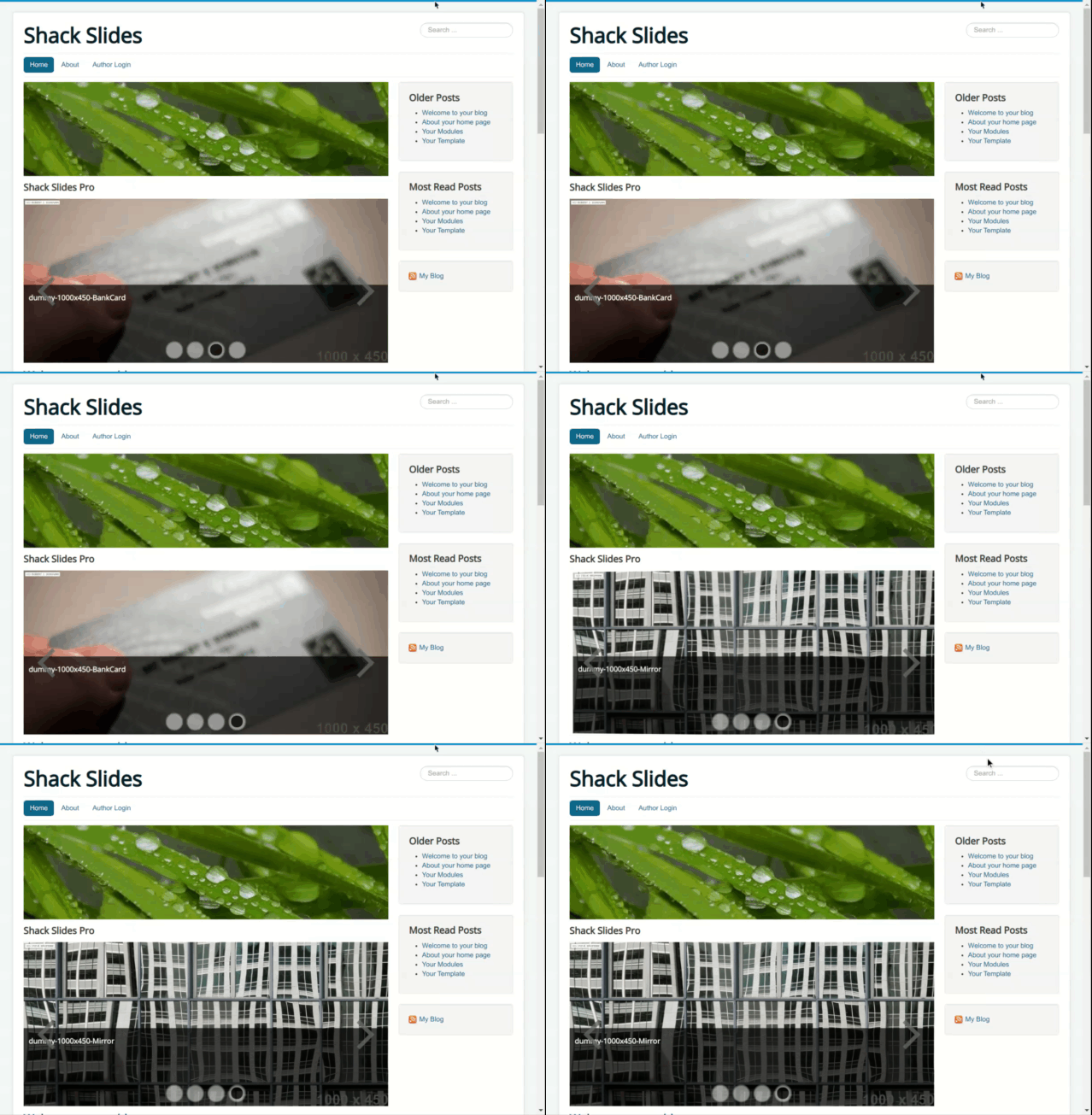
Vertical flip
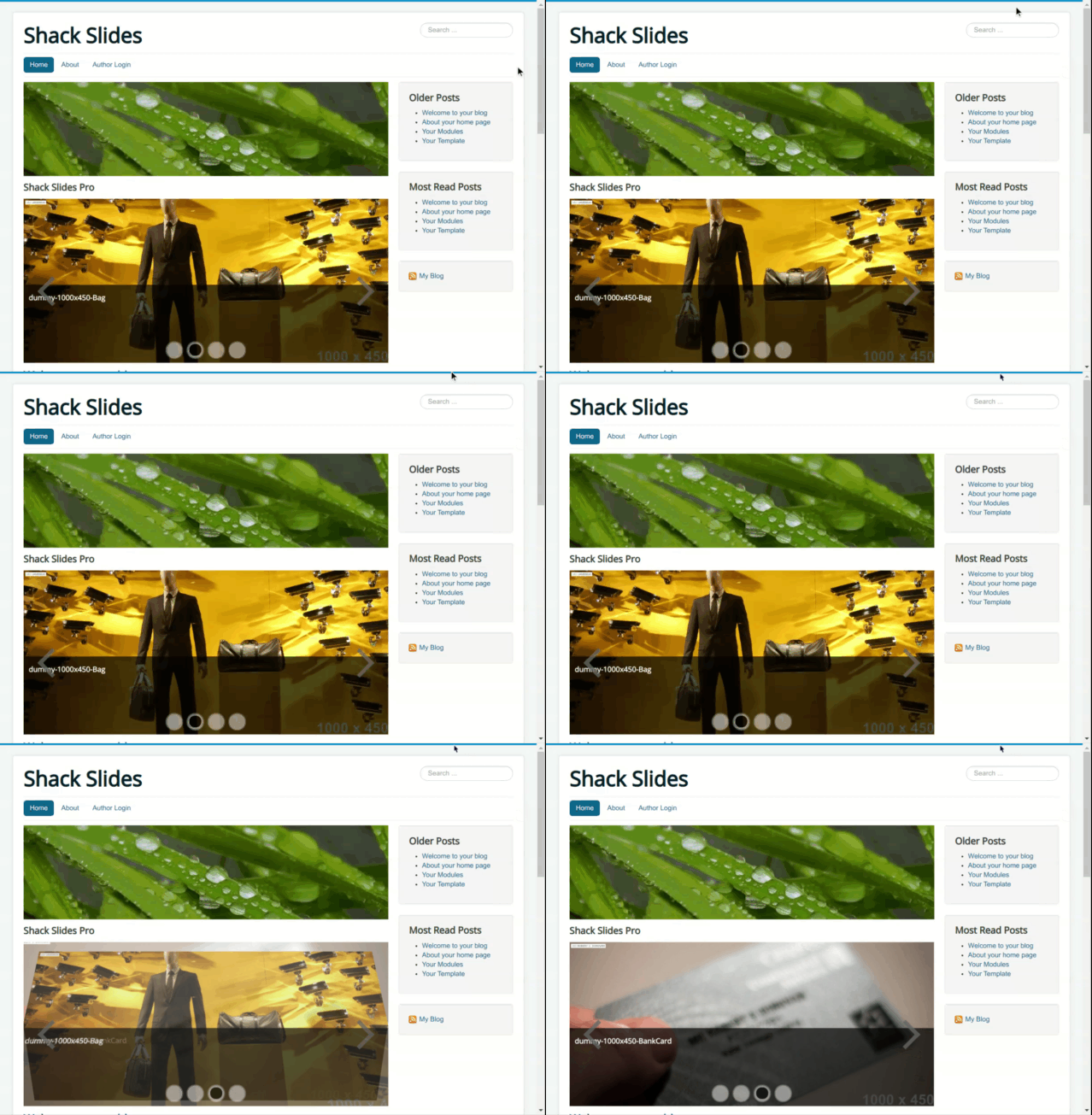
Rotate effects
Full rotation
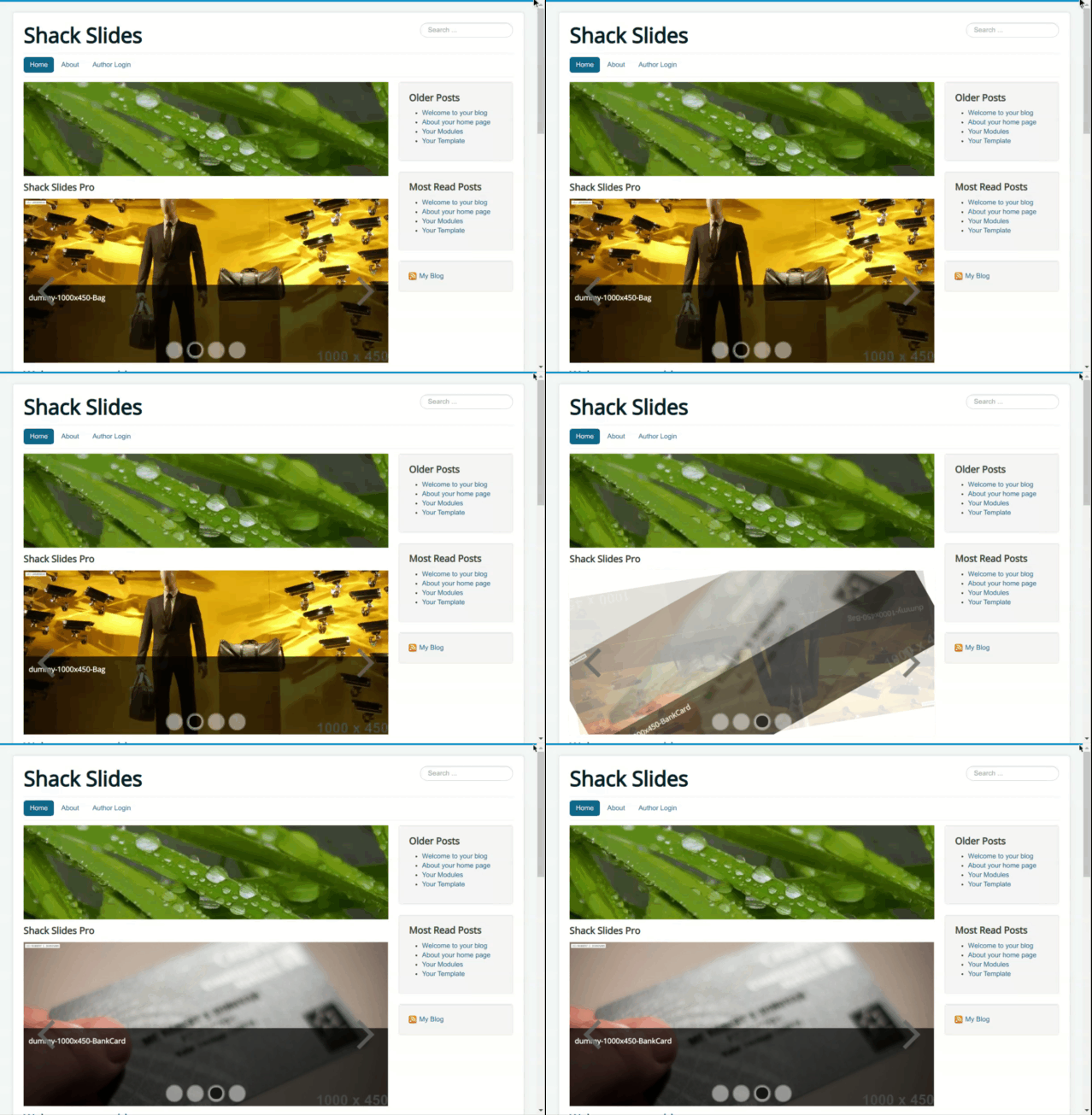
Down-left rotation
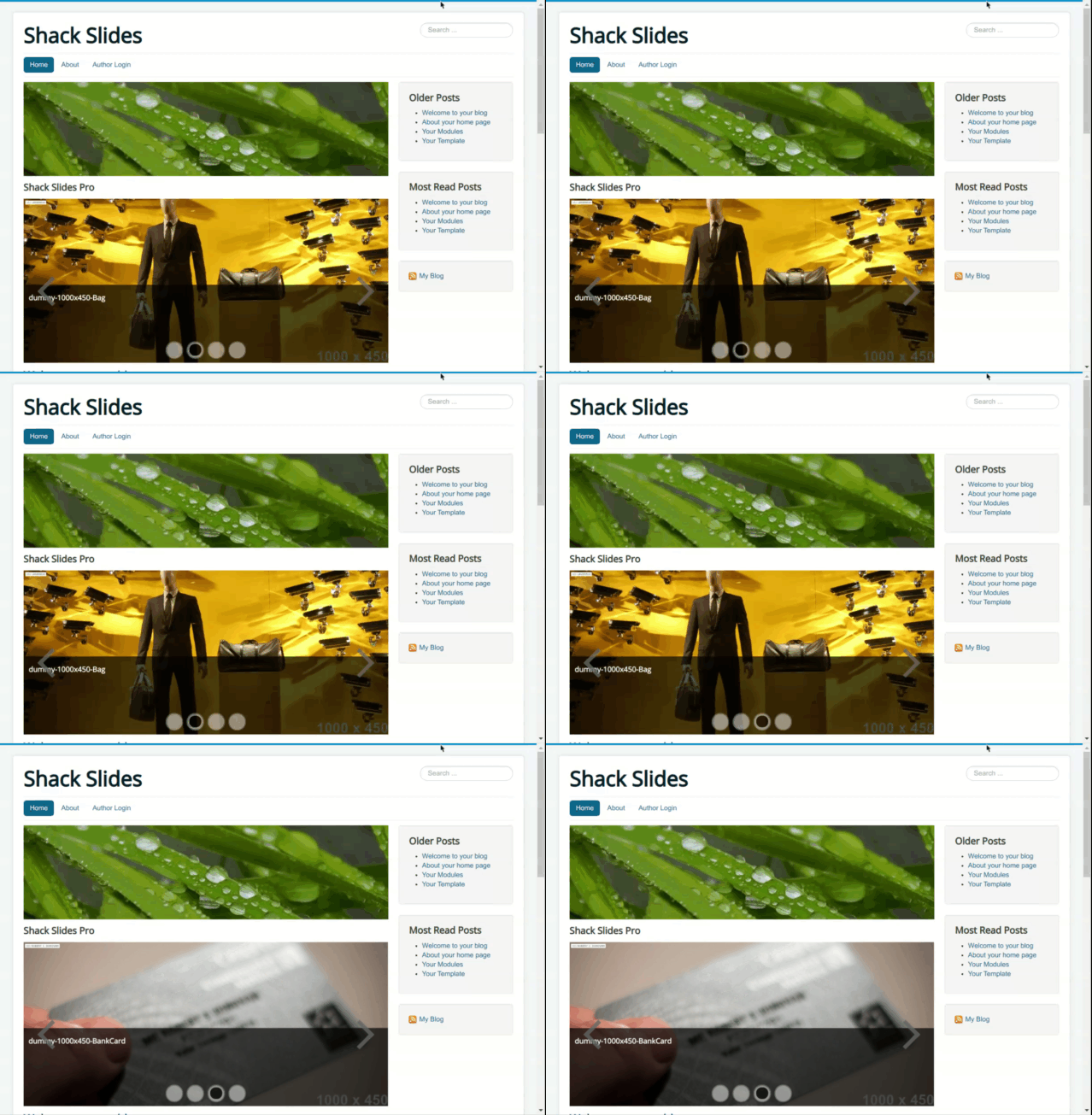
Down-right rotation
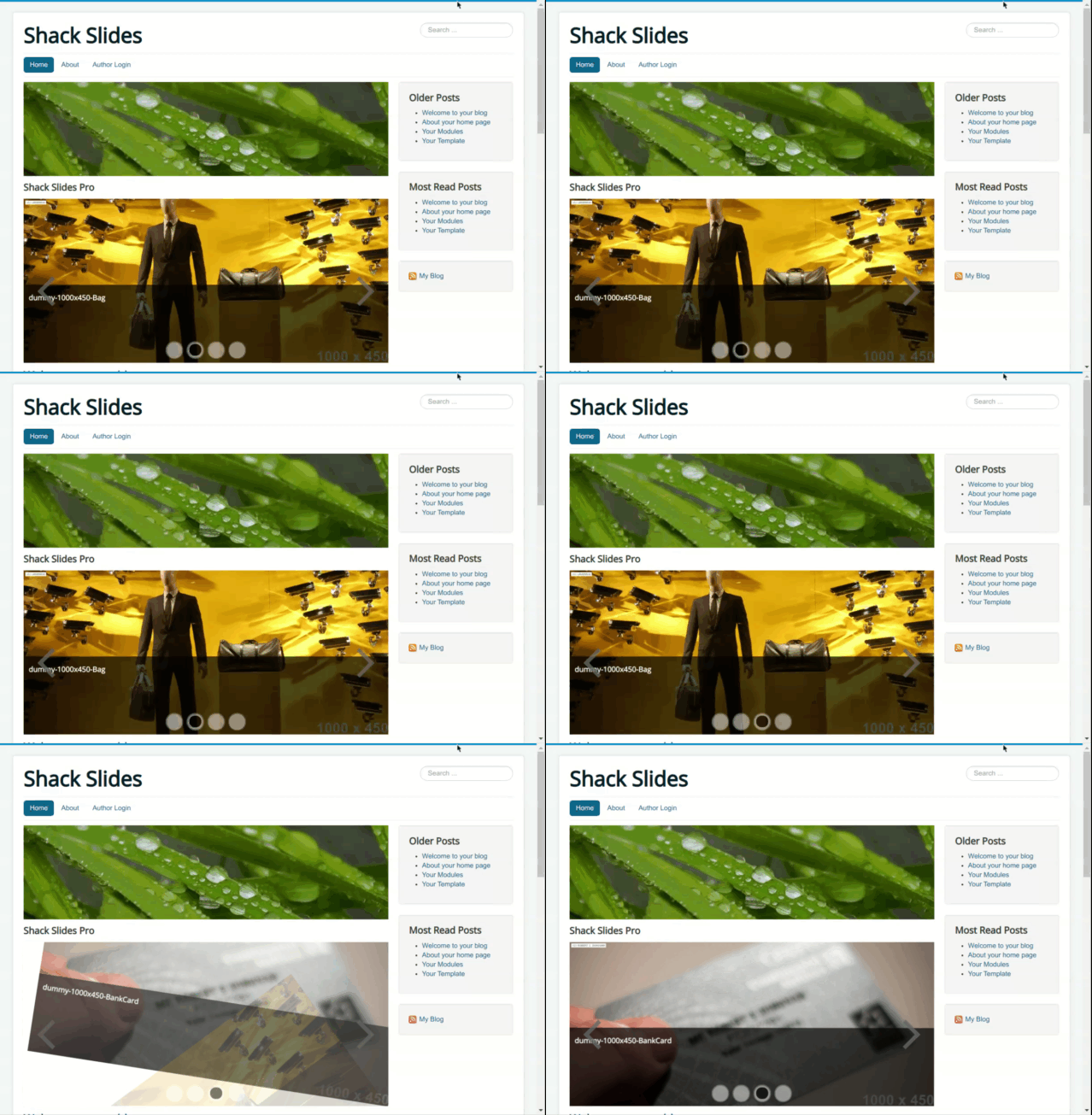
Up-left rotation
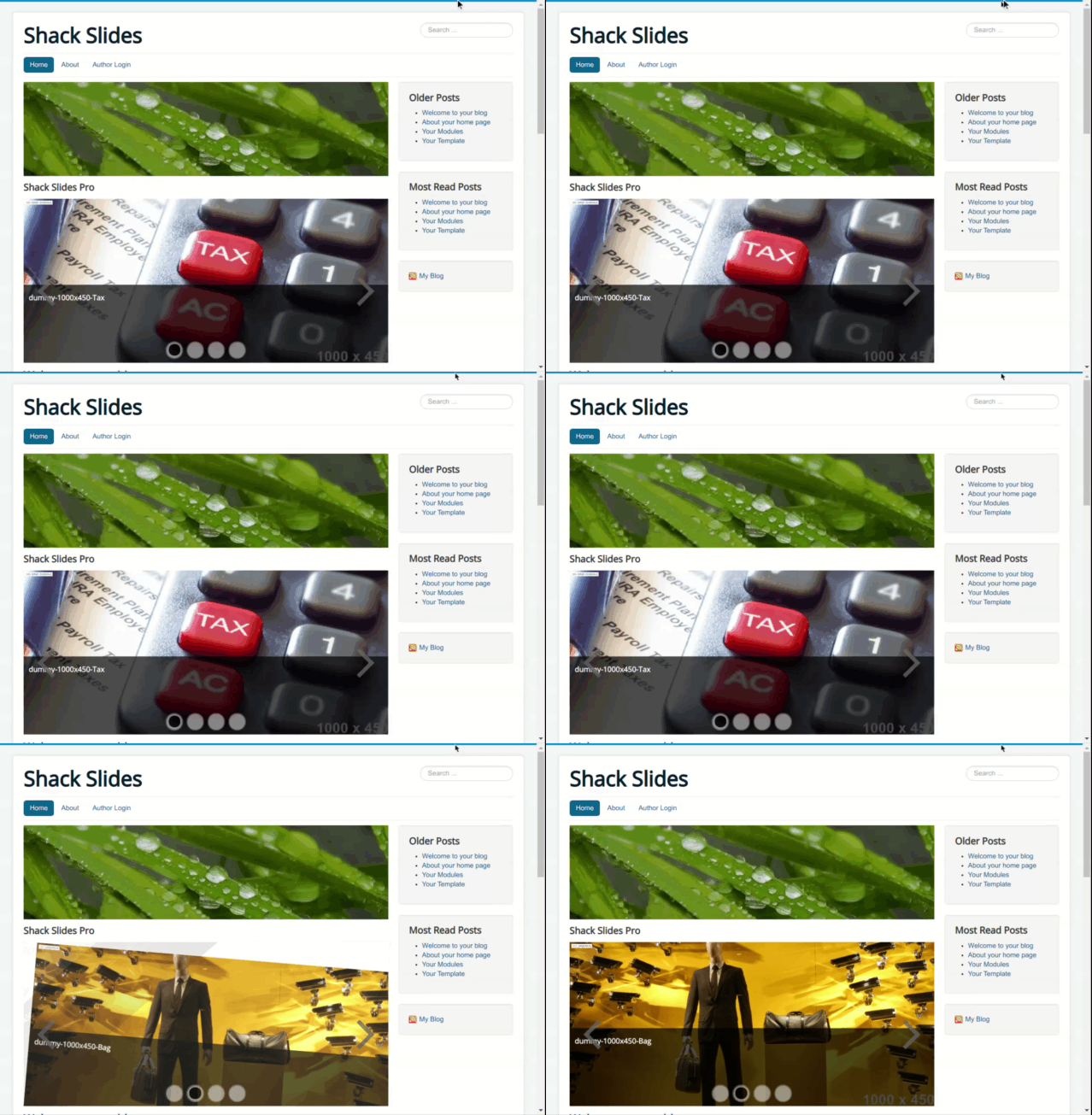
Up-right rotation
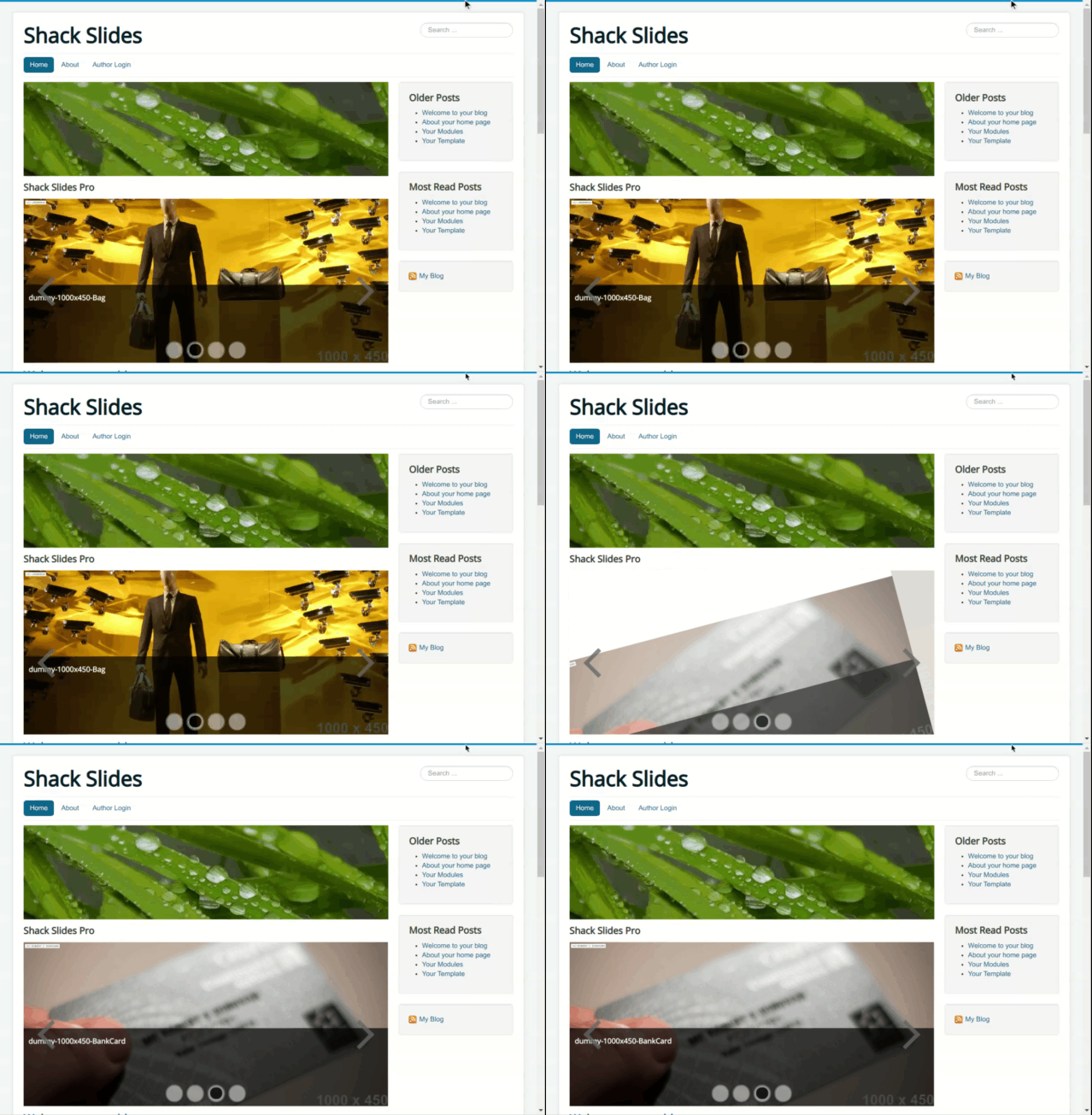
What's Next?
What's Next?
Save $1,000's when you sign up for Joomlashack's Everything Club.
You will get your hands on our extensive range of over 20 extensions, plus legendary support!