
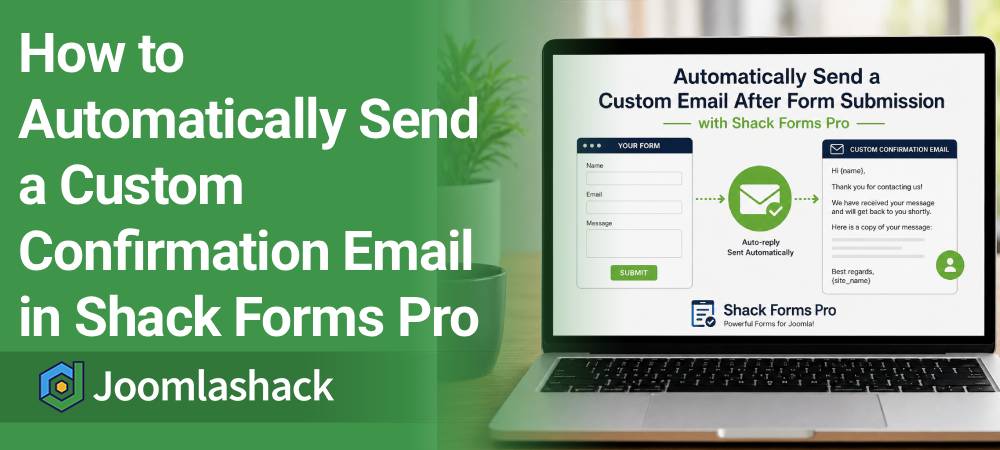
One of our customers asked us how to automatically send a custom email message to people after they submit a Shack Forms Pro form.
This is a great way to confirm that their message was received successfully. You can also thank them, explain what happens next, or include any other information you would like them to receive.
Shack Forms Pro makes this easy. It only takes two steps:
- Enable the auto-reply feature.
- Customize the auto-reply email with your own text and email variables.
Let's get started.
Step #1. Enable the Auto-reply Feature
First, tell Shack Forms Pro to send an automatic reply whenever someone submits your form.
- In your Joomla administrator area, open the form you created with Shack Forms Pro.
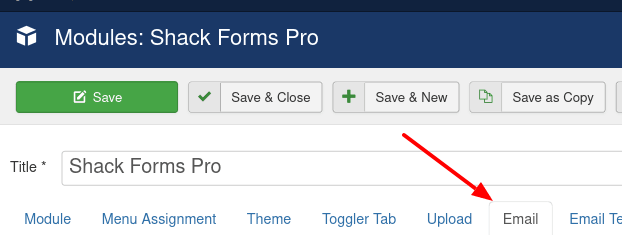
- Click the Email tab.
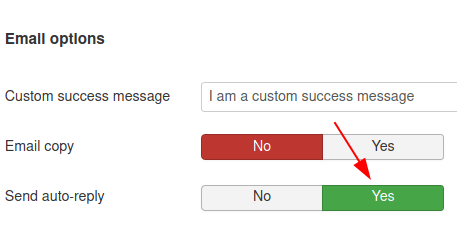
- Scroll down to the Email options section.
- Set Send auto-reply to Yes.
- Click Save.
That's it. From now on, everyone who submits your form will automatically receive a confirmation email.
Next, let's customize that email.
Step #2. Customize the Confirmation Email
You can replace the default message with your own text. You can also insert email variables to personalize the email.
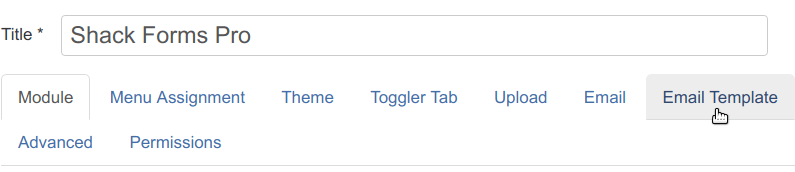
- Click the Email Template tab.
- In the Email template section, find Email Sent to Auto-replies.
- Click anywhere inside its field.
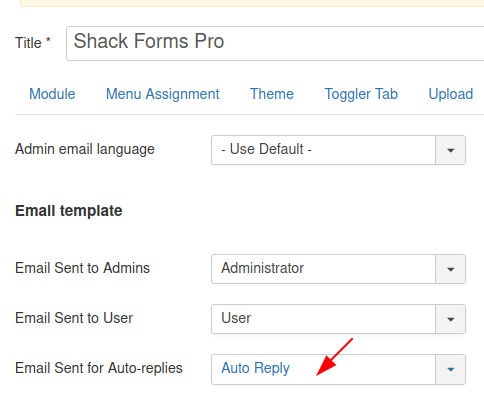
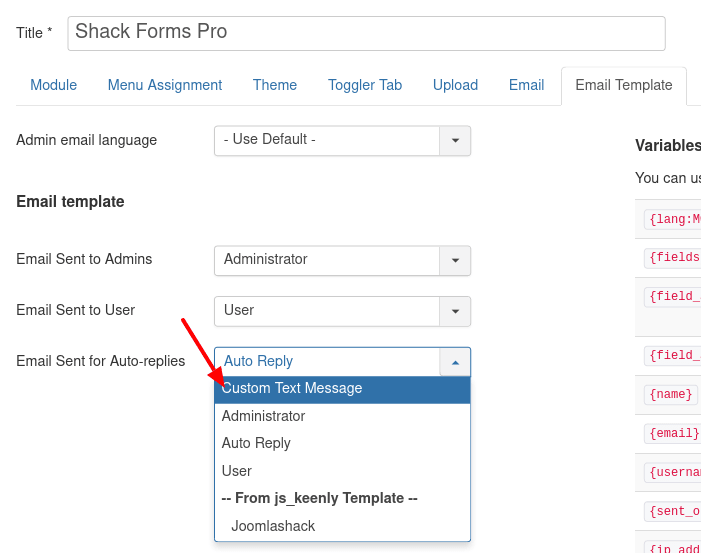
- A drop-down menu will appear.
- Select Custom Text Message.
- A text editor will open.
- Enter your custom message and add any email variables you want to include.
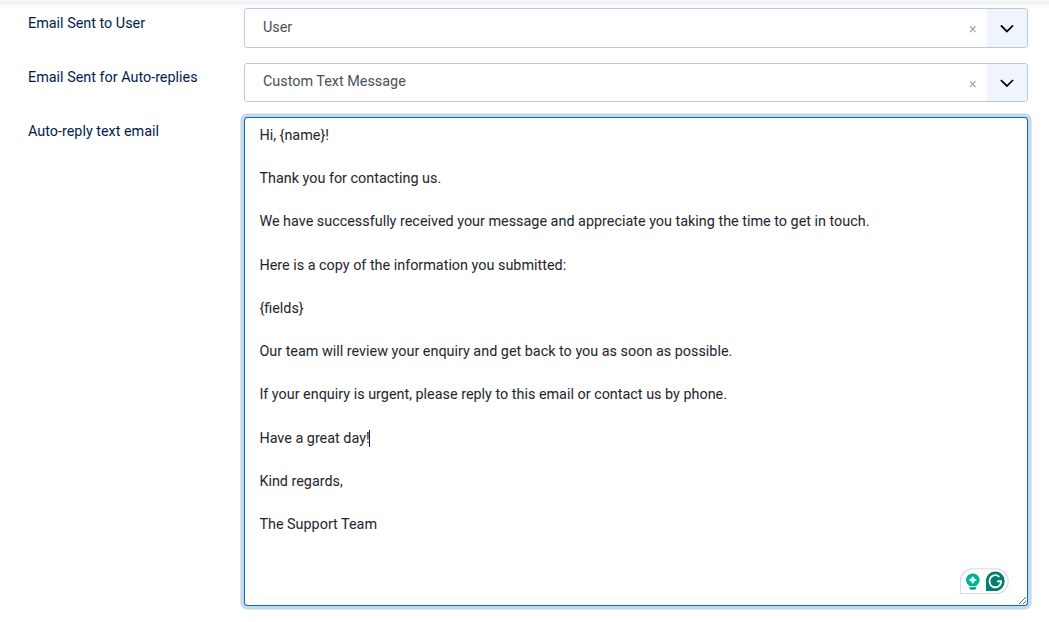
- Set the Email sent to User to User
- Click Save or Save & Close.
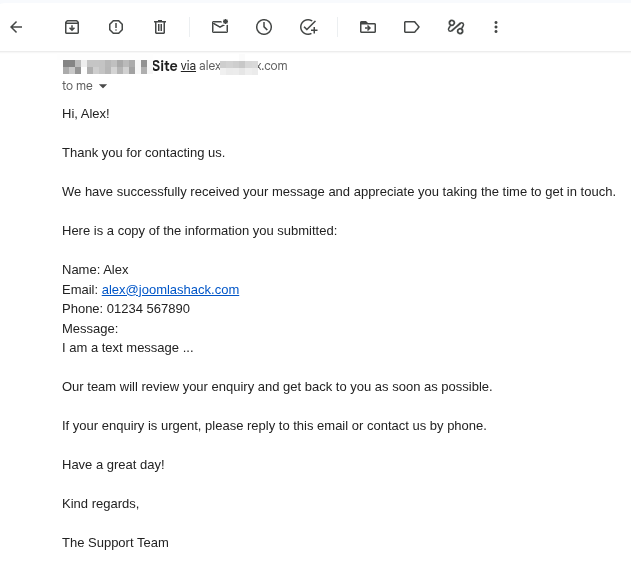
Now submit your form as a test user. You should receive your custom confirmation email immediately.
Conclusion
A custom confirmation email is a simple way to improve communication with your visitors. It lets them know their form was submitted successfully and reassures them that you have received their message.
You can also use the email to thank them, explain what happens next, or provide additional information. With Shack Forms Pro, the entire setup takes just a few minutes.
What's Next?
Save $1,000's when you sign up for Joomlashack's Everything Club.
You will get your hands on our extensive range of over 20 extensions, plus legendary support!