
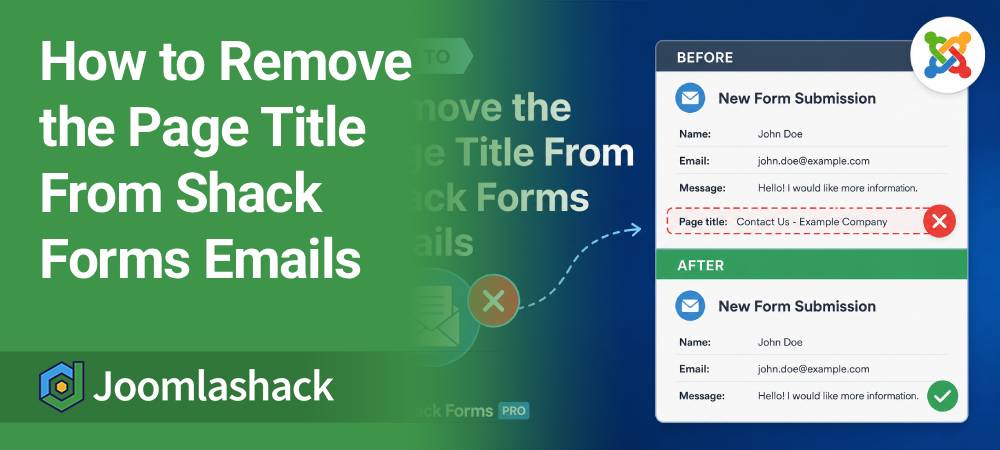
One of our Shack Forms Pro customers asked us if it was possible to remove the Page title that appears at the bottom of an email sent by a form.
Yes, you can remove this. The safest way is to use a Joomla template override. This means you won't need to edit the Shack Forms core files, so your customization won't be overwritten when you update Shack Forms.
In this guide, we'll show you how to create this override manually.
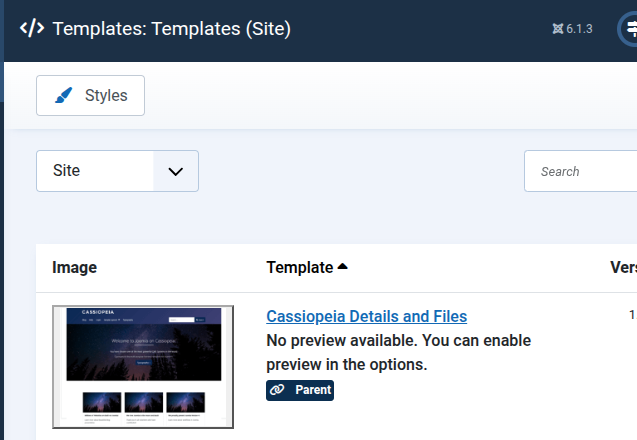
Step #1. Find Your Joomla Template
- In your Joomla administrator dashboard, go to System.
- Under Templates, click Site Templates.
- Click on the name of the template your site is currently using.
Step #2. Create the Override Folders
You'll need to create the following folder structure inside your template:
html/layouts/com_shackforms/email/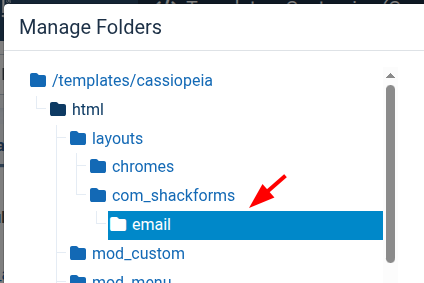
- Click Manage Folders.
- If the
htmlfolder doesn't already contain alayoutsfolder, create one. - Inside
layouts, create:
com_shackforms- Inside
com_shackforms, create:
emailYour template should now have this structure:
html/
└── layouts/
    └── com_shackforms/
        └── email/
Step #3. Create the user.php Override File
- In the Joomla template editor, select the
emailfolder you created in the previous step. - Click New File.
- Enter
useras the file name. - Select php as the file type.
- Click Create.
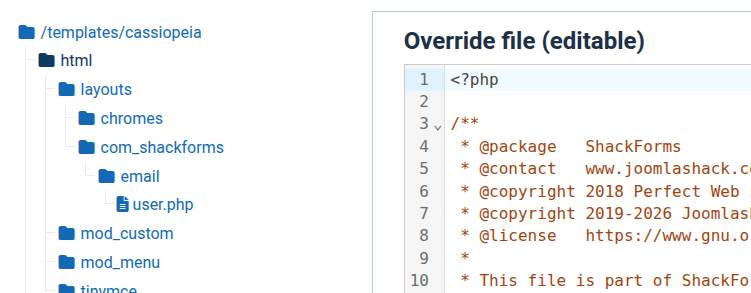
You should now have the following file in your template:
/templates/YOUR-TEMPLATE/html/layouts/com_shackforms/email/user.phpNext, we need to add the original Shack Forms email layout code to this new file.
- Open the original Shack Forms
user.phpfile located at:
/components/com_shackforms/layouts/email/user.php- Copy all of the code from this file.
- Return to the new
user.phpfile you created in your template. - Paste the code into the file.
- Click Save.
Step #4. Remove the Page Title
- Open the
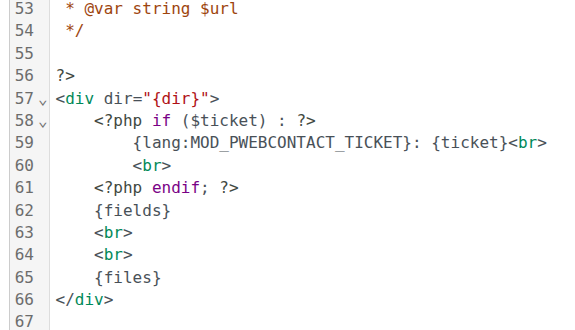
user.phpfile in your new template override. - Find this line:
{lang:MOD_PWEBCONTACT_PAGE_TITLE}: <a href="/{url}">{title}</a><br>- Remove the line and save the file.
That's all you need to do.
The Page title should no longer appear in the affected Shack Forms emails.
Why Use an Override?
You may be tempted to edit the original file:
/components/com_shackforms/layouts/email/user.phpWe don't recommend doing this.
That file belongs to Shack Forms and may be replaced when you update the extension. Your customization could therefore disappear after an update.
A Joomla template override leaves the original Shack Forms file untouched. Joomla uses your customized copy from the active template instead.
This gives you the customization you need while keeping the Shack Forms core files intact.
What's Next?
Save $1,000's when you sign up for Joomlashack's Everything Club.
You will get your hands on our extensive range of over 20 extensions, plus legendary support!