
The Joomlashack Blog
How OSMap Handles Joomla Robots Settings
- Written by Alex Kiash Alex Kiash
- Published: 19 September 2026 19 September 2026
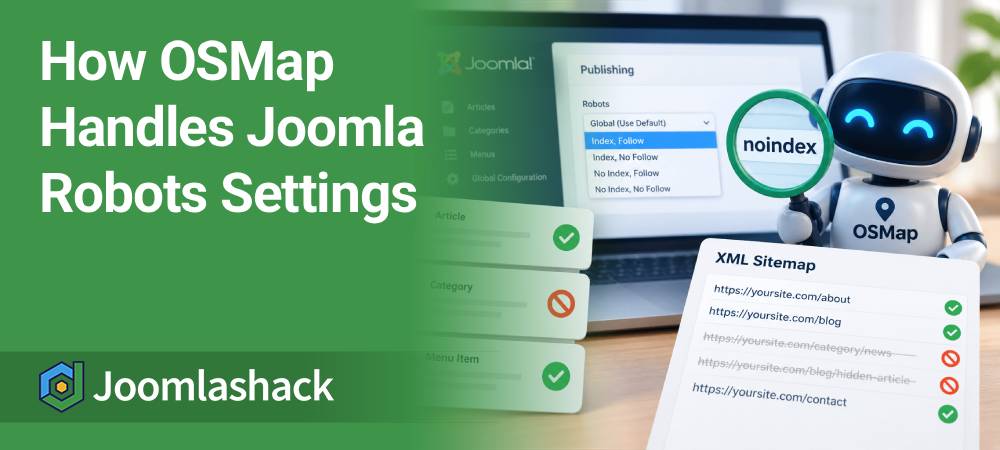
Joomla gives you several Robots settings. You can use these settings to tell search engines what they should do with a page.
OSMap also uses these settings. They help OSMap decide whether to include a URL in your XML sitemap.
In this guide, you will learn what Index, No Index, Follow, and No Follow mean.
You will also see how OSMap handles these settings for menu items, categories, and articles.
OSMap: Removing Links From a Joomla Sitemap
- Written by Steve Burge Steve Burge
- Published: 18 September 2026 18 September 2026
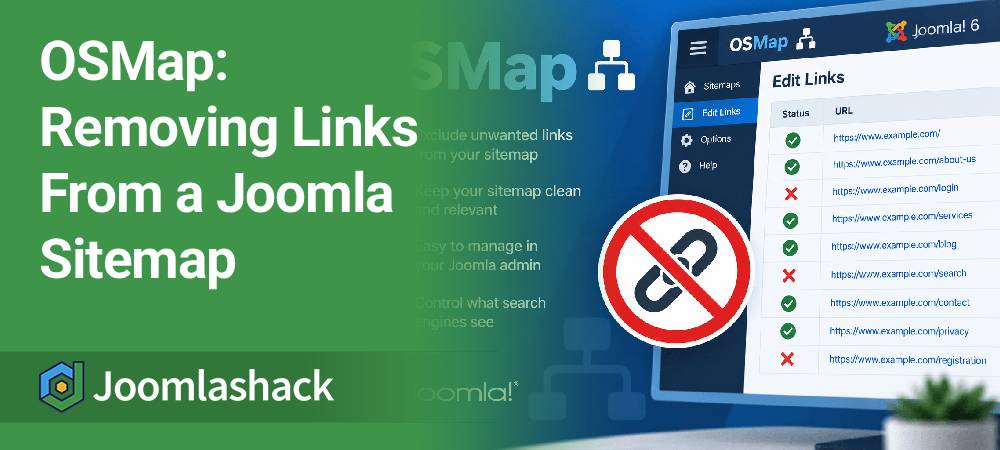
OSMap is the best and easiest way to create a Joomla sitemap.
When you install OSMap, it automatically creates a sitemap for you.
For more advanced users, it's possible to edit your sitemaps to include or exclude certain URLs. You may want to do this for visual purposes (you want a short and clean sitemap) or for SEO purposes (to exclude certain URLs from Google's index).
Or you might have login pages, utility pages, duplicate links, or other content that you don't want to include.
In this tutorial, we'll show you how to remove links from an OSMap sitemap.
How to Remove the Page Title From Shack Forms Emails
- Written by Alex Kiash Alex Kiash
- Published: 21 August 2026 21 August 2026
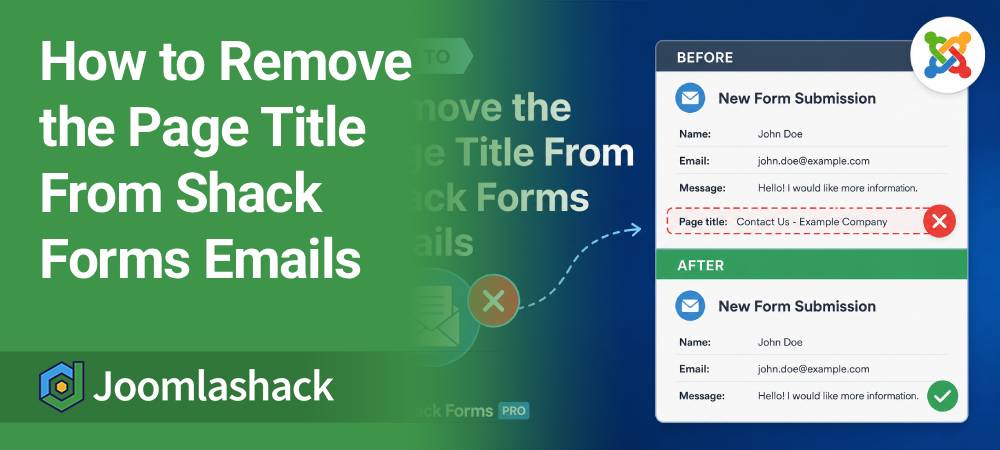
One of our Shack Forms Pro customers asked us if it was possible to remove the Page title that appears at the bottom of an email sent by a form.
Yes, you can remove this. The safest way is to use a Joomla template override. This means you won't need to edit the Shack Forms core files, so your customization won't be overwritten when you update Shack Forms.
In this guide, we'll show you how to create this override manually.
Read more: How to Remove the Page Title From Shack Forms Emails
How to Fix Broken Joomla User Groups
- Written by Steve Burge Steve Burge
- Published: 12 August 2026 12 August 2026

Joomla's user groups can be really powerful.
However, it's also possible to cause problems for yourself by making errors while setting up the user groups.
One Joomlashack member remained a super administrator and was able to log in to their site, but they lost the ability to see the administrator menu links and edit their site.
In this tutorial, we'll show you how to rescue yourself if your super administrator account no longer has the permissions it should.
How to Automatically Send a Custom Confirmation Email in Shack Forms Pro
- Written by Alex Kiash Alex Kiash
- Published: 02 August 2026 02 August 2026
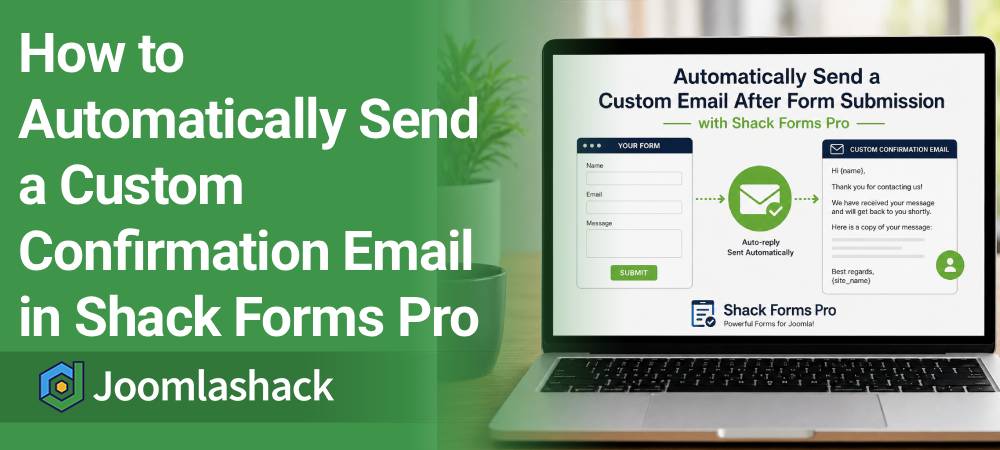
One of our customers asked us how to automatically send a custom email message to people after they submit a Shack Forms Pro form.
This is a great way to confirm that their message was received successfully. You can also thank them, explain what happens next, or include any other information you would like them to receive.
Read more: How to Automatically Send a Custom Confirmation Email in Shack Forms Pro
How to Fix Uneven Article Heights in Shack Article Layouts
- Written by Alex Kiash Alex Kiash
- Published: 27 July 2026 27 July 2026
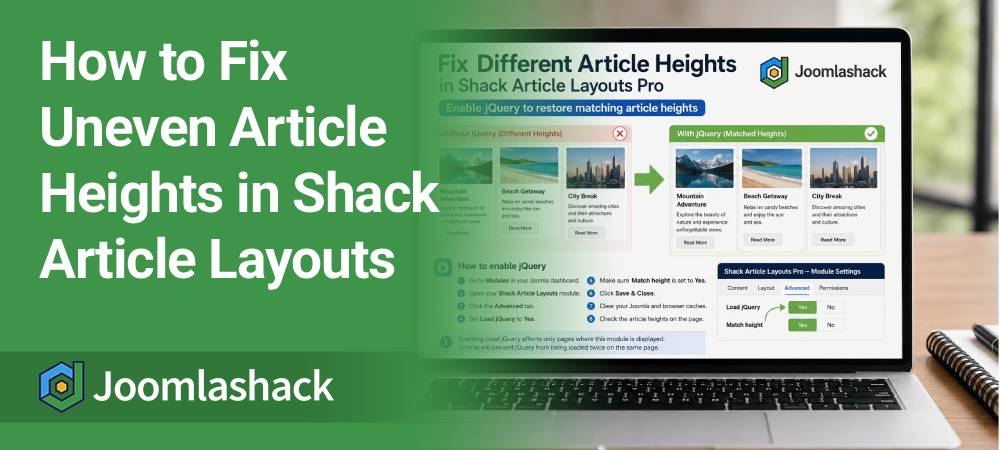
One of our Shack Article Layouts Pro customers recently found that the articles in a multi-column layout had different heights, even though the Match height parameter was enabled.
This feature normally gives every article block in the same row an equal height. However, it requires the jQuery library to work.
In this tutorial, we will show you how to enable jQuery and restore the matching article heights.
Read more: How to Fix Uneven Article Heights in Shack Article Layouts
Create a Cleaner OSMap HTML Sitemap by Hiding Menu Titles
- Written by Alex Kiash Alex Kiash
- Published: 23 July 2026 23 July 2026
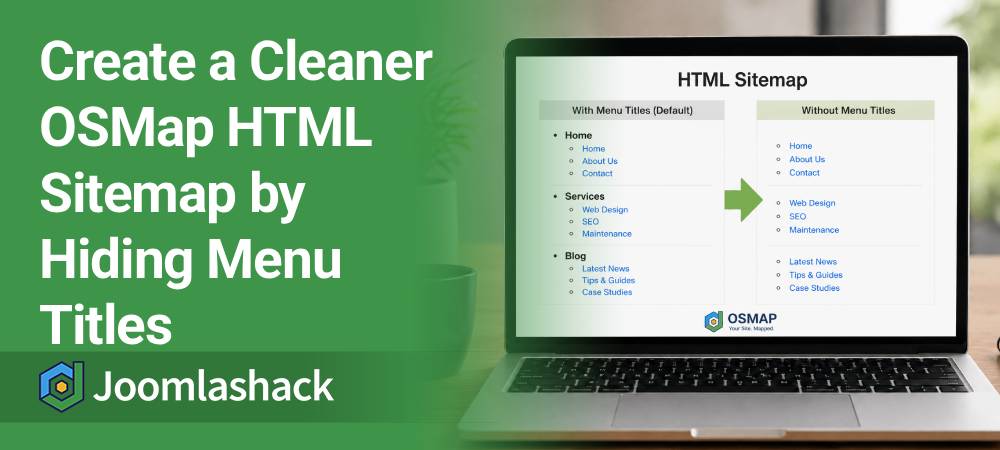
One of our customers asked how to hide the menu titles from their OSMap HTML sitemap.
By default, the HTML sitemap groups links under the title of each Joomla menu. Some site owners like this because it organizes the links. Others prefer a cleaner sitemap without the menu headings.
Fortunately, OSMap makes this easy. You can hide the menu titles while keeping every sitemap link visible.
In this tutorial, we'll show you how to do it in just a few minutes.
Read more: Create a Cleaner OSMap HTML Sitemap by Hiding Menu Titles
How to Create a Google News Sitemap for Joomla Sites
- Written by Steve Burge Steve Burge
- Published: 13 July 2026 13 July 2026

Google News can be an excellent source of traffic for news websites.
To help Google discover your latest articles, you can submit a Google News sitemap. This is a specially formatted XML sitemap that includes news-specific tags and only lists articles published during the last two days.
A Google News sitemap does not guarantee that your articles will appear in Google News. Instead, it helps Google discover your latest news content more quickly.
In this guide, we'll show you how to create a Google News sitemap for your Joomla site using OSMap.
Read more: How to Create a Google News Sitemap for Joomla Sites
Joomla Legal File Types and Maximum Upload Size
- Written by Steve Burge Steve Burge
- Published: 03 July 2026 03 July 2026
By default, Joomla allows uploads only for specific file types and limits the maximum file size that can be uploaded.
For example, a standard Joomla installation allows the following file extensions:
bmp,csv,doc,gif,ico,jpg,jpeg,odg,odp,ods,odt,pdf,png,ppt,swf,txt,xcf,xls,BMP,CSV,DOC,GIF,ICO,JPG,JPEG,ODG,ODP,ODS,ODT,PDF,PNG,PPT,SWF,TXT,XCF,XLSHow to Change the Default Language in Joomla
- Written by Valentín García Valentín García
- Published: 01 July 2026 01 July 2026

When you install Joomla, you install the default English (UK) language for your website.
Joomla will use that language for both the frontend (public website) and the administrator (backend).
In this tutorial, you'll learn how to install another language pack and make it the default language for your Joomla site.